90
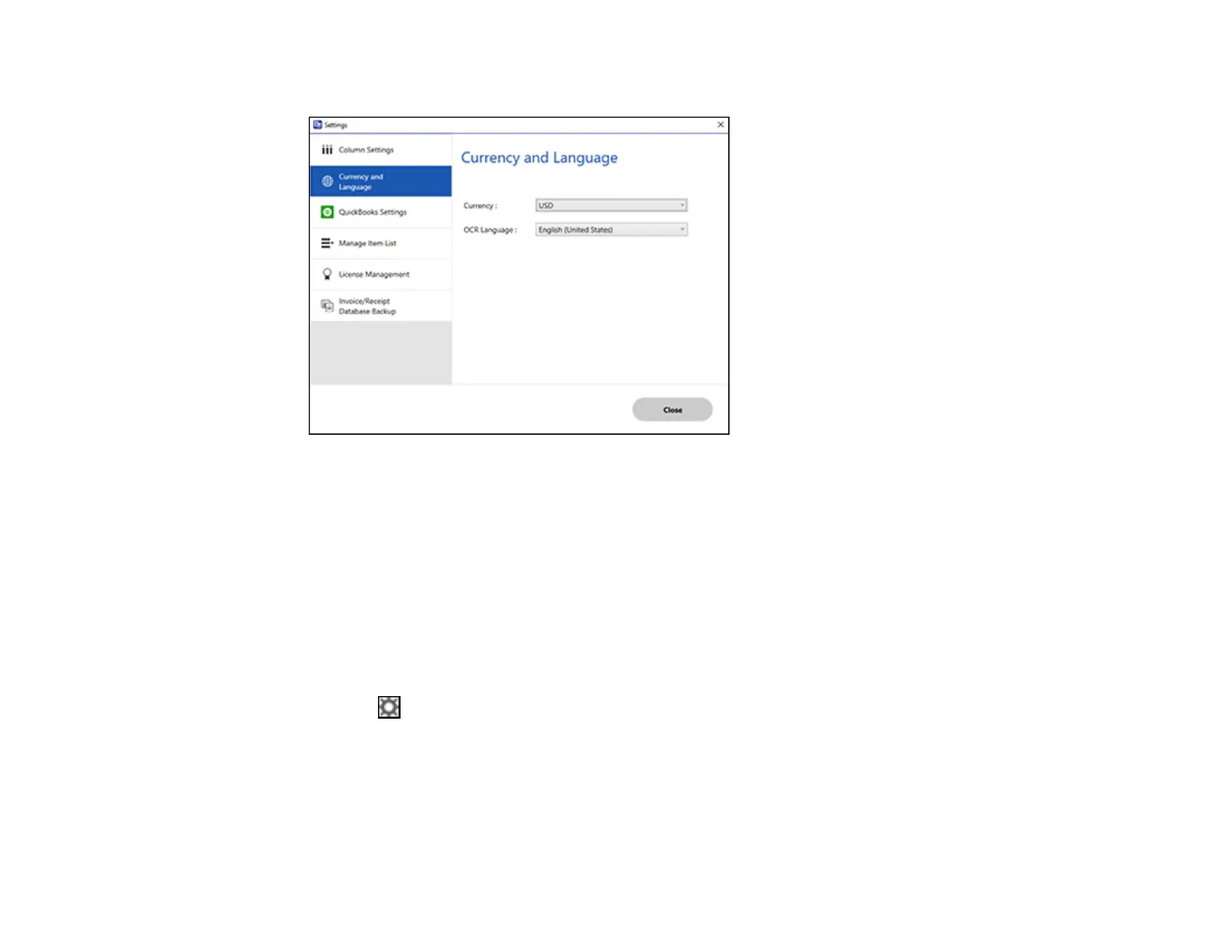
You see a screen like this:
3. Select a currency type and OCR language.
4. Click Close.
Parent topic: Selecting Invoice/Receipt Manager Settings
Related tasks
Scanning Invoices and Receipts and Using Invoice/Receipt Manager
Importing Categories from QuickBooks or Quicken
You can import categories from QuickBooks Online, QuickBooks Desktop, or Quicken to use in
Invoice/Receipt Manager.
1. Click the Settings button in Invoice/Receipt Manager.


 To Next Page