Cleaning the Printer | 21
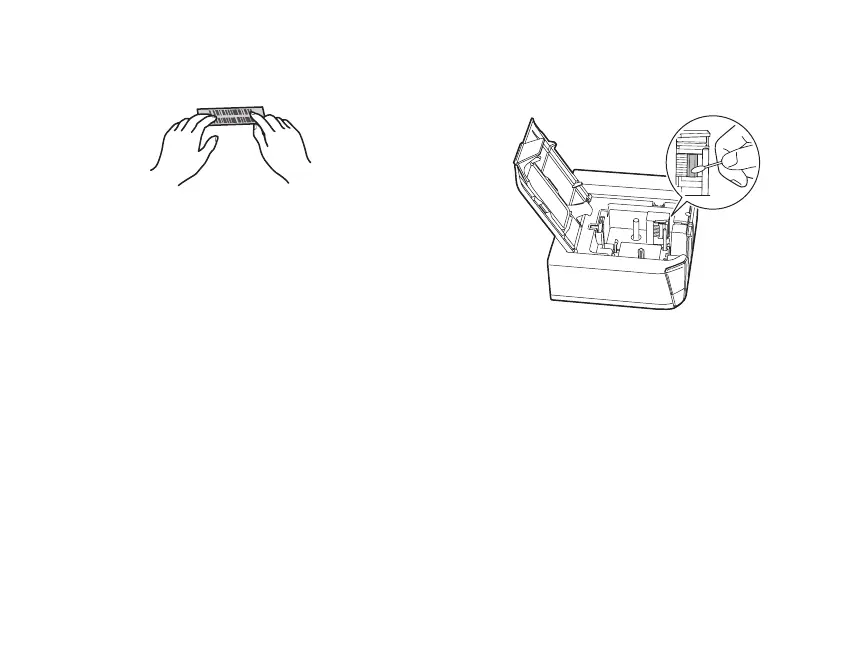
2. Place the label on the desired surface
and press it down firmly.
Cleaning the Printer
Caution: Always turn the printer off before
cleaning.
Printer
Wipe the printer with a soft, dry cloth. Never
use solvents or chemicals such as benzene,
paint thinner, or alcohol.
Print head
If streaks or smears appear on printouts, use
a cotton swab or similar materials to wipe
the dirt off of the print head.
1. Open the tape cover.
2. Clean the print head.
3. Close the tape cover.
Solving Problems
If you have a problem with your LabelWorks
printer, check the LabelWorks software for
error messages. See the online User’s Guide
for additional troubleshooting suggestions.


 To Next Page
 Loading...