Whentheprintingbec0xnestoofaint,youneedtowplacxthe
ribbcmcwhidge.
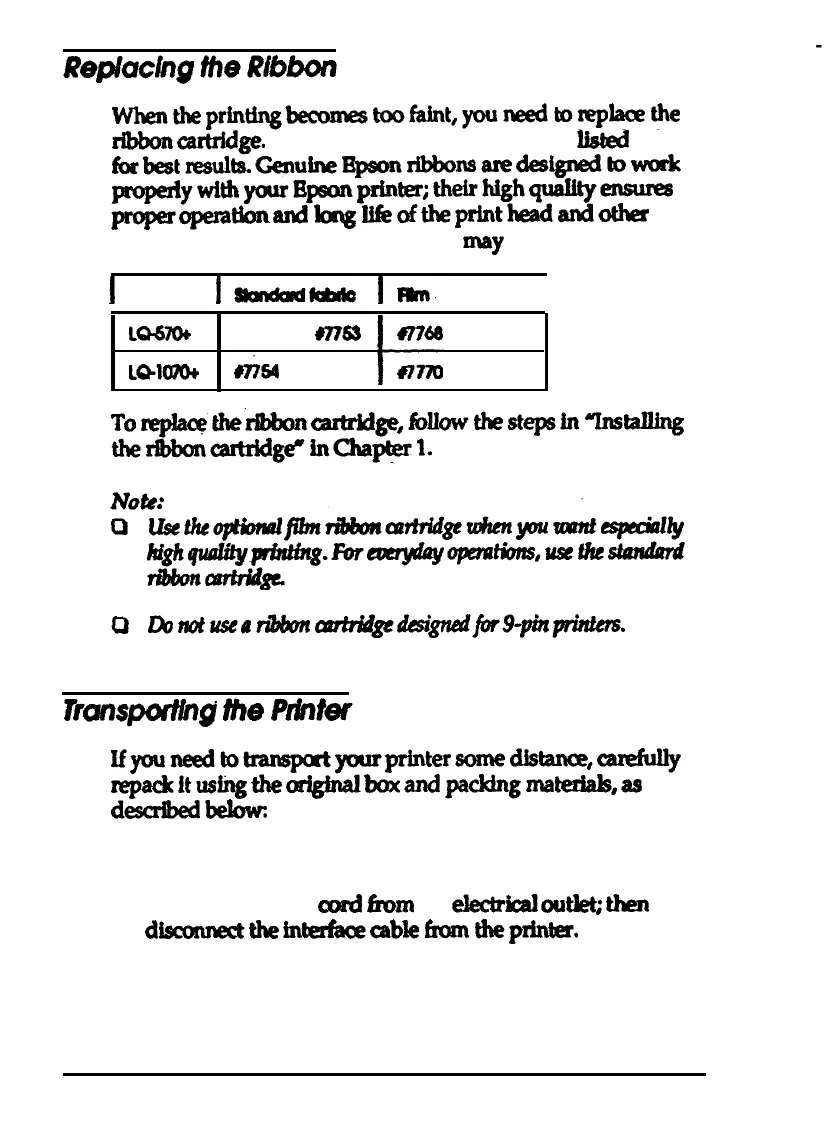
Use the Epson rib&n cartridges listed below
forbestresultaGenuine~rlbbonsaredesignedbwork
propesiywithyourBp#mprWer;theirhighqualQ-
properopemdonandlangIlfeoftheprintheadandother
printer parts. Using any other ribbon may damage your printer.
I
I-kMcr
lmt.
I
LQ67ob
ma
LQlomt
64
0
Lbmtuseadbbnuwbi&edes&nedjbr9-pinprinttm.
Ifyouneedtotransptyourprintersomedistana5,caddly
repackitus~theof#nalboxandpckingmatedalp,as
dexribedbekwc
1. Turn off the printer.
2.
Unplug the power
cord
hm
the
electdd
outkt;
then
dkonnectthe~cablefromtheprinter.
3. Remove the paper guide.
Maintenance and Transportation 5-3



 To Next Page