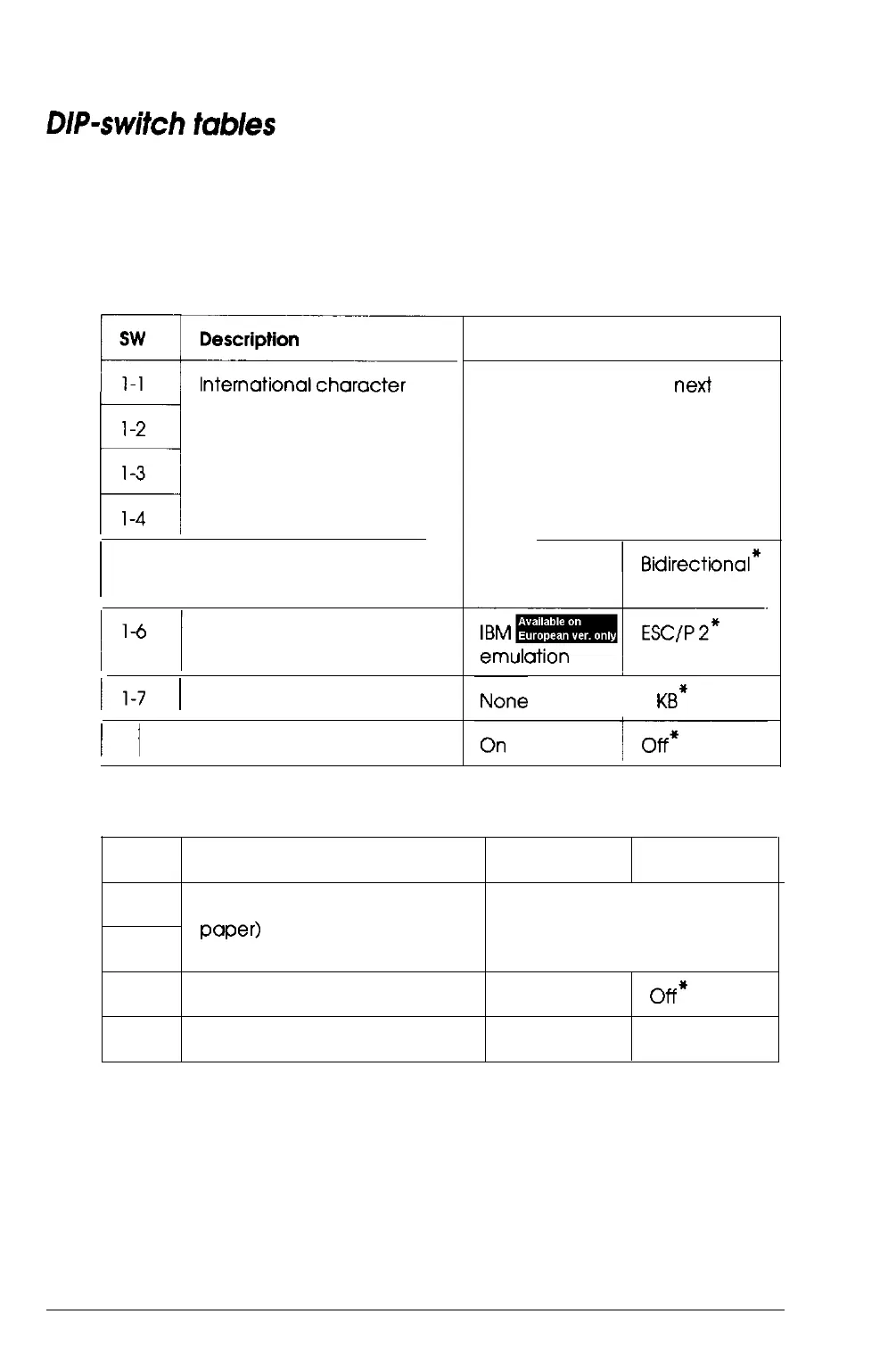
The tables below list the functions of the DIP switches. You can
see the current DIP-switch settings at any time by running the
self test as described in Chapter 1.
DIP switch 1
I
I
sets/character tables
1-2
l-3
M
l-4
1-5
I
/
Print direction
Printer mode**
/l-7
I
Input buffer
1
l-8
/
1 -inch skip-over-perforation
On
Off
See the tables on the
next
page.
Unidirectional
8 KB*
** SW l-6 has no function on printers other than the European version.
DIP switch 2
SW
2-l
2-2
Description
Page length (for continuous
paper)
On
Off
See the Page length table
2-3
Tear off
2-4
Auto line feed
On
off*
On
off*
*
The asterisks indicate the default or factory settings. The defaults for DIP
switches
l-l,
1-2, 1-3, 1-4, 2-1, and 2-2 vary according to the country.
Using the Printer 3-7



 To Next Page