5.
To stop the self test, press the PAUSE button (you can resume
the self test by pressing the PAUSE button again).
6.
Press the LOAD/EJECT button to eject the paper from the
printer and then turn the printer off.
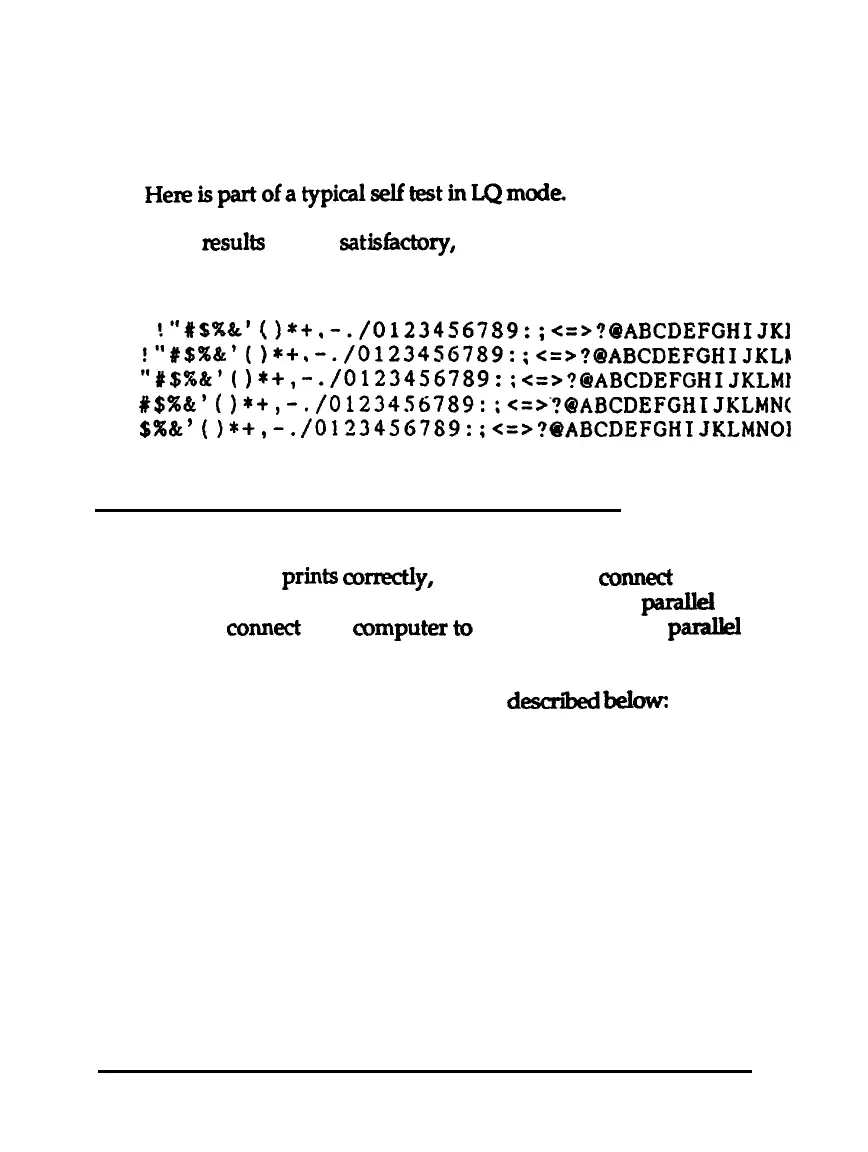
If test results are not
satisfadtxy,
see Chapter 6.
Roman
“‘#$%&‘()*i.-./01234567!39:;<=>?@ABCDEFGHIJKl
‘“#$%&‘o*+
;‘t$%&‘(
I*+,
,-./0123456789:
;<=>?@ABCDEFGHIJKLb
-./0123456789::
<=>?OABCDEFGHIJKLMl
#$%&‘()*+,-./0123456789:;<=>?BABCDEFGHIJKLMN(
$%&‘(I*+,-.
/0123456789:
;<=>?BABCDEFGHIJKLMNOl
Connecting the Printer to Your Computer
If the self test prints
co&y,
you are ready to
conned
your
printer to the computer. Use a shielded twisted-pair
parakl
cable to
connect
your
amputer
to the print&s built-in
parakl
interface.
Connect the parallel interface cable as
dexribed
belowz
1-12
Setting Up the Printer



 To Next Page