30 Setting Up the Projector
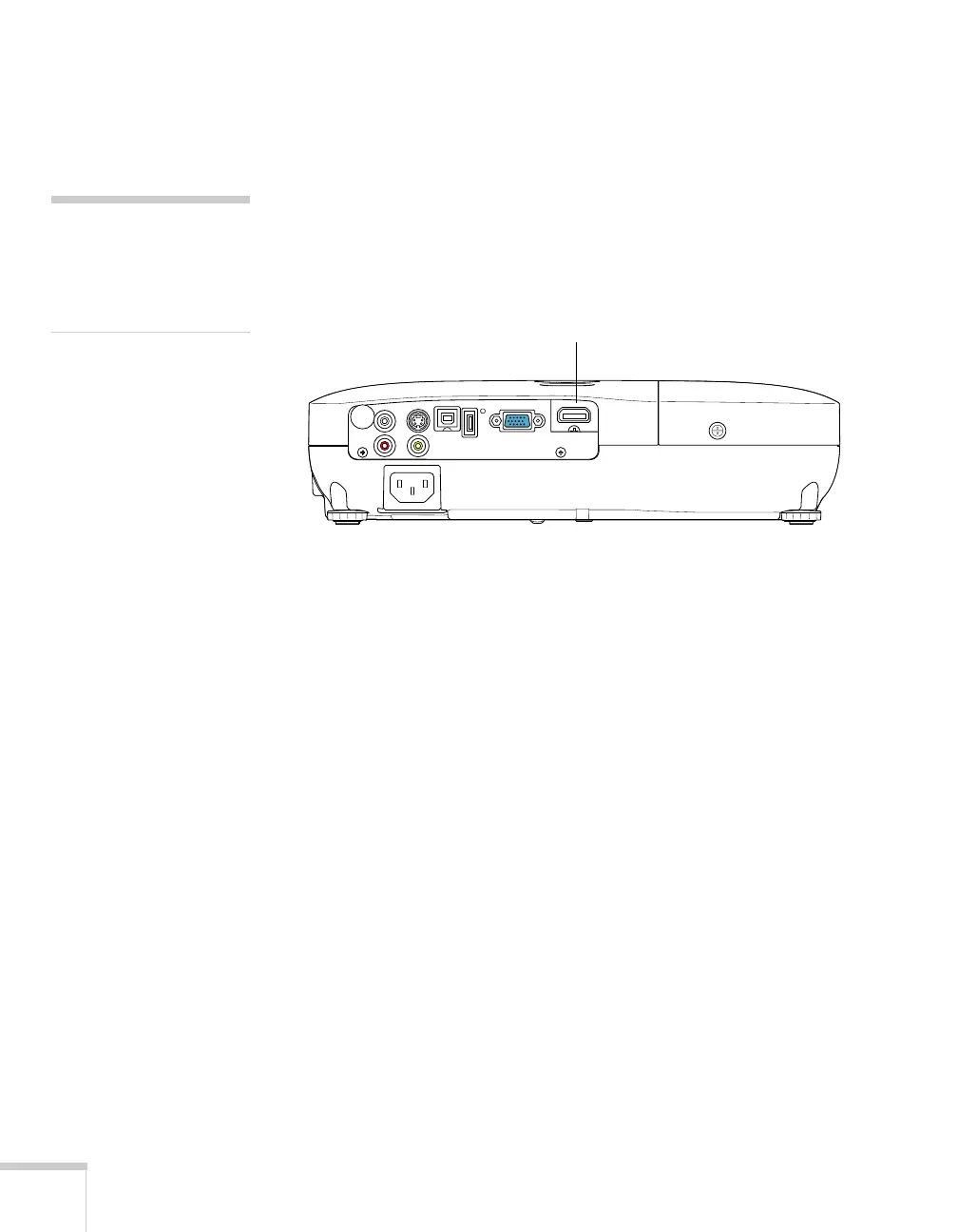
Connecting an HDMI Video Source
(EX51/PowerLite W8+ only)
For the best image and sound quality, connect your video equipment
to the HDMI (High-Definition Multimedia Interface) port, if
possible.
Connect an HDMI cable to the HDMI connector on your player and
the
HDMI connector on the projector.
When you’ve finished making connections, see page 38 for
instructions on turning on the projector and Chapter 2 for
instructions on displaying and adjusting the image.
note
If an HDMI cable was not
rovided with your video
device, you can purchase one
rom an electronics dealer.
HDMI port



 To Next Page