68 Fine-Tuning the Projector
■ Volume
Raises or lowers the volume of the projector’s speaker.
■ User Button
Lets you create a shortcut to one of the following menu items:
Power Consumption, Info, Progressive, Resolution. When
you press the
User button on the remote control, the assigned
menu item is displayed.
Customizing Power and Operation
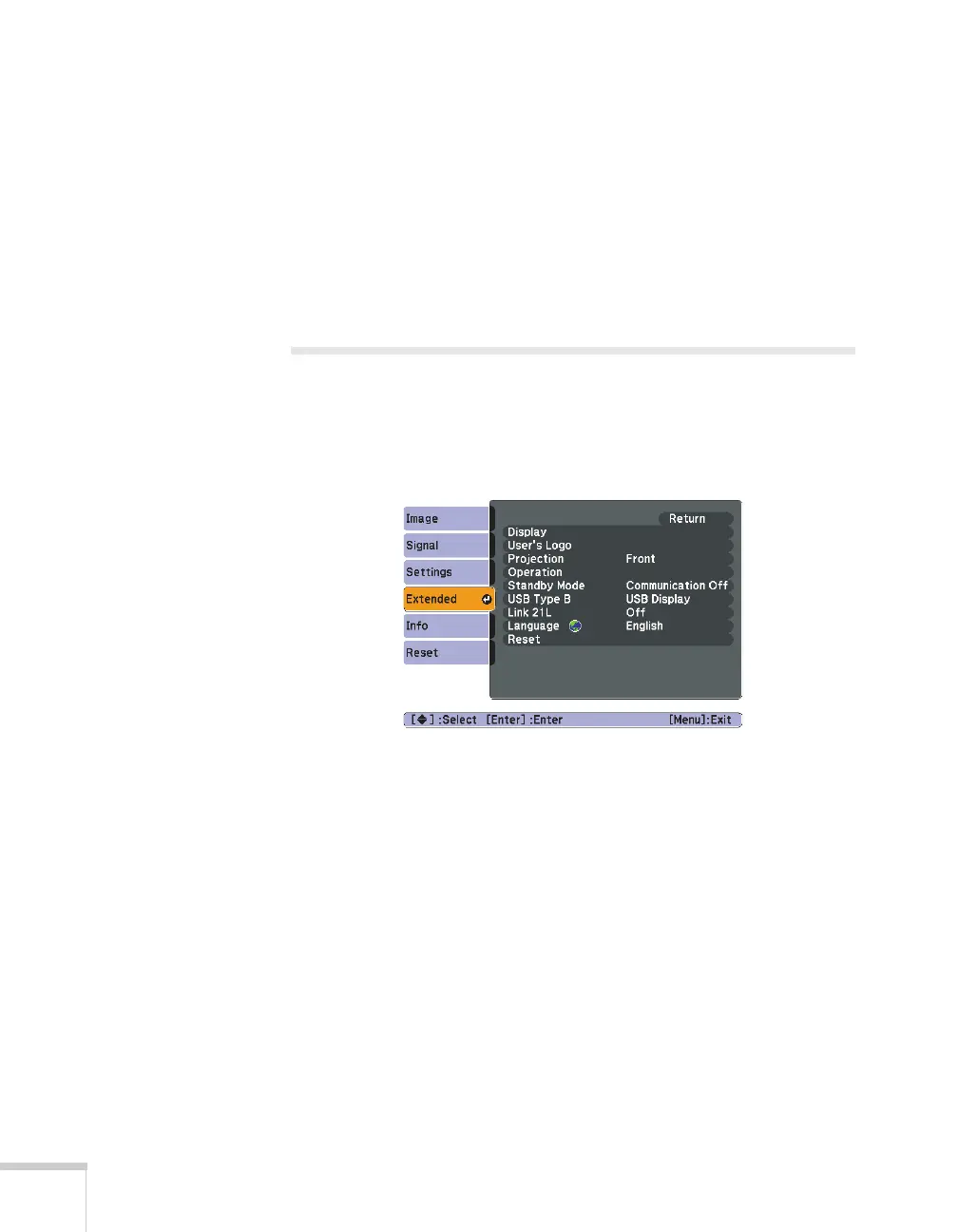
You can use the Extended menu to customize the way the projector
displays images, enable Direct Power On, turn sleep mode on or off,
and customize other projector operations.
■ Display
Messages:
Lets you turn screen messages on or off.
Display Background: Sets the screen background to Black,
Blue, or Logo when no image signal is available.
Startup Screen: Enables or disables display of the startup (User’s
Logo) screen when the projector is turned on.
A/V Mute: Sets the screen background to Black, Blue, or Logo
when the
A/V Mute button is pressed.
■ User’s Logo
Create a custom startup screen, as described on page 73.



 To Next Page