Setting Up the Projector 35
When you’ve finished making connections, see page 38 for
instructions on turning on the projector and Chapter 2 for
instructions on displaying and adjusting the image.
Playing Sound Through the Projector
You can play sound through the projector’s speaker system.
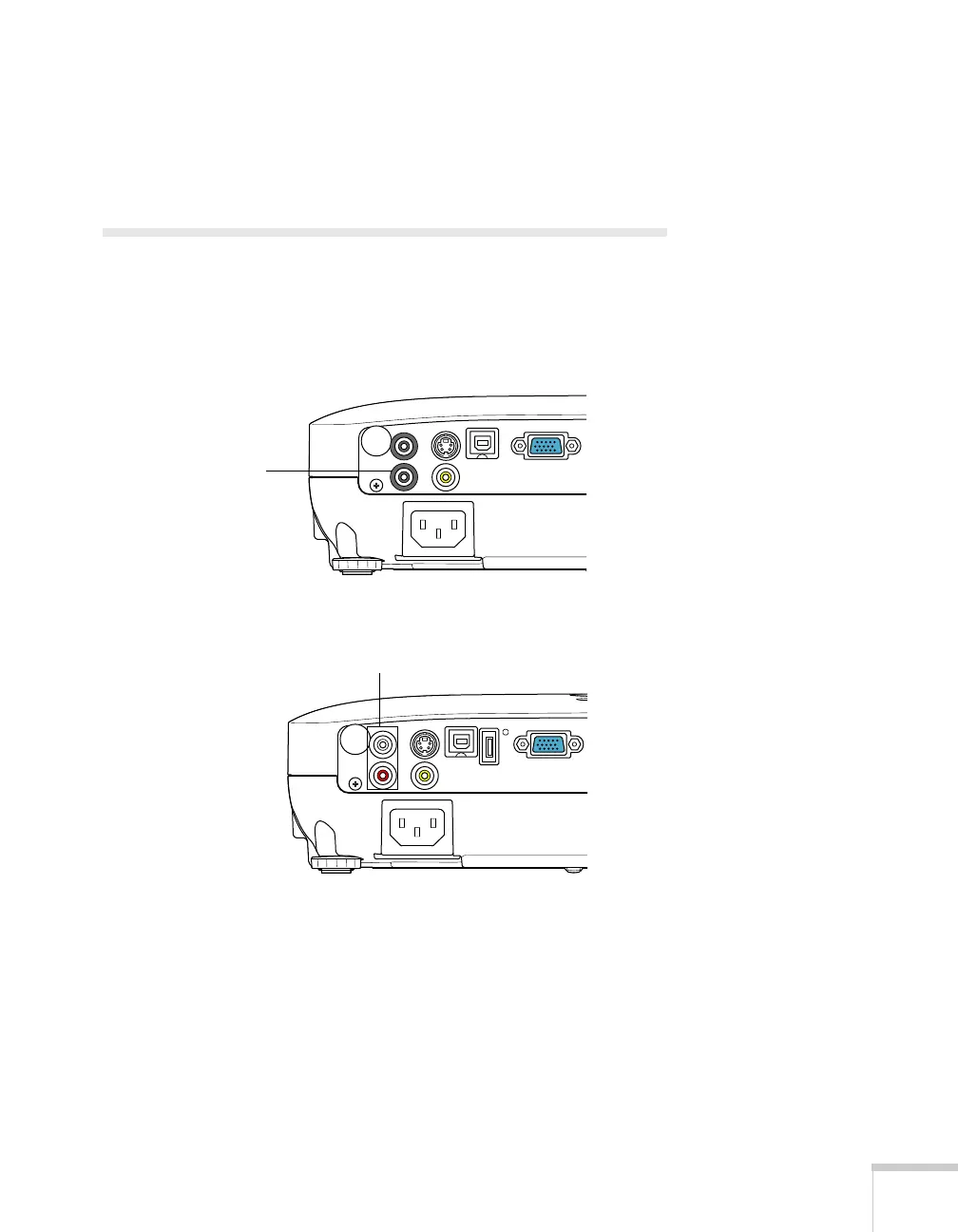
1. Locate the appropriate cable and connect it to the
Audio jacks on
the projector.
2. Connect the other end of the cable to the audio output
connector(s) on your computer or video equipment.
PowerLite S8+
Audio jack
EX51/PowerLite W8+
Audio jacks



 To Next Page