Displaying and Adjusting the Image 47
Focusing and Zooming the Image
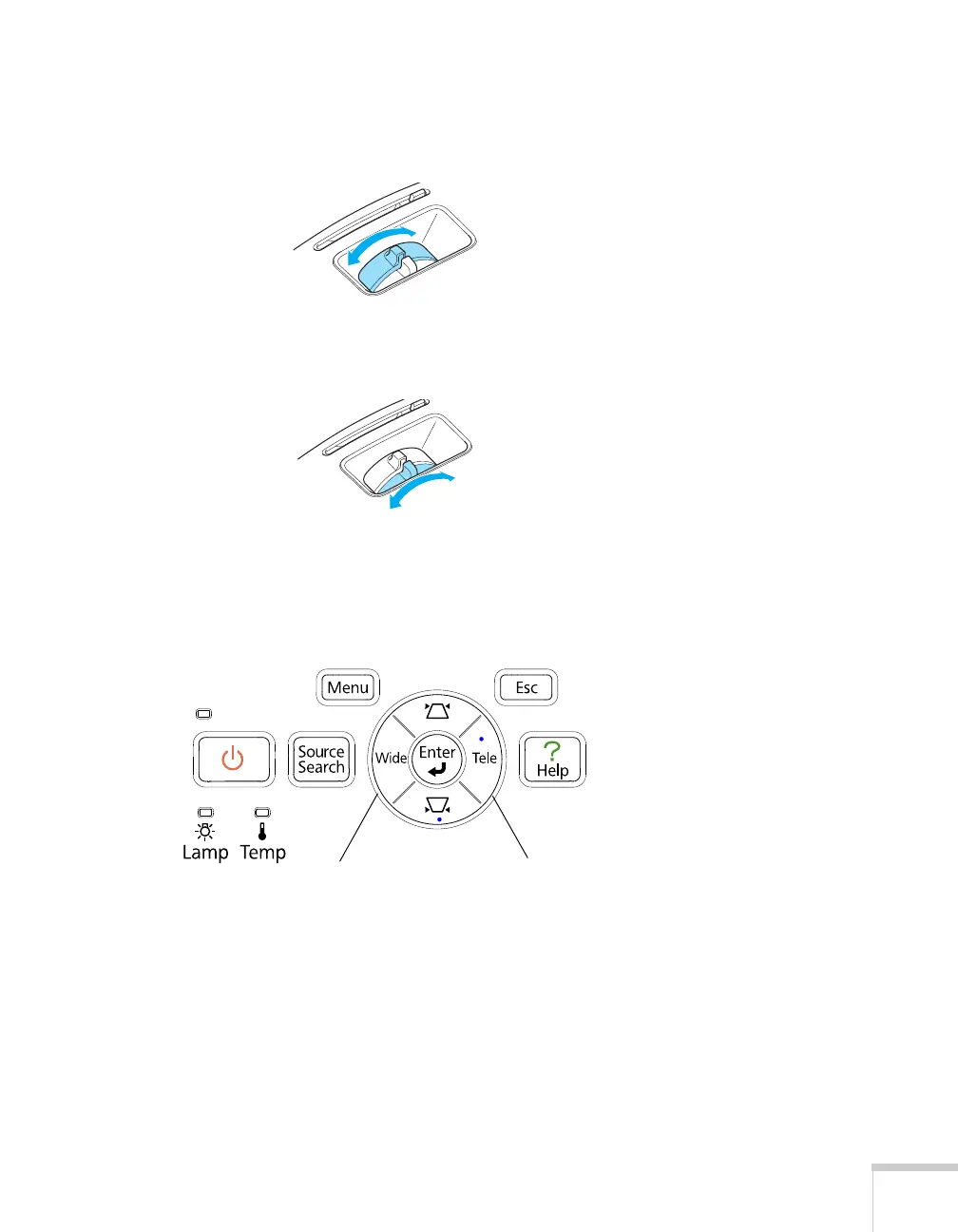
Turn the focus ring on the projector to sharpen the image.
EX51/PowerLite W8+: to enlarge or reduce the image, turn the zoom
ring.
PowerLite S8+: to enlarge or reduce the image, press the
Wide
(enlarge) or
Tele (reduce) button on the projector’s control panel.
You can also use the
Zoom setting in the projector’s Settings menu;
see page 67 for instructions.
If the image still isn’t large enough, you may need to move the
projector farther away from the screen.
You can also use the
E-Zoom buttons on the remote control to zoom
in on a portion of the image. See page 53 for instructions.
Wide button
Tele button



 To Next Page