46 Displaying and Adjusting the Image
The EX51 and PowerLite W8+ projectors include an
Auto Keystone
function that detects and corrects vertical keystone distortion. It takes
about one second after the projector starts for the image to be
corrected.
If your image is still distorted, or you are using the PowerLite S8+
projector, do one of the following:
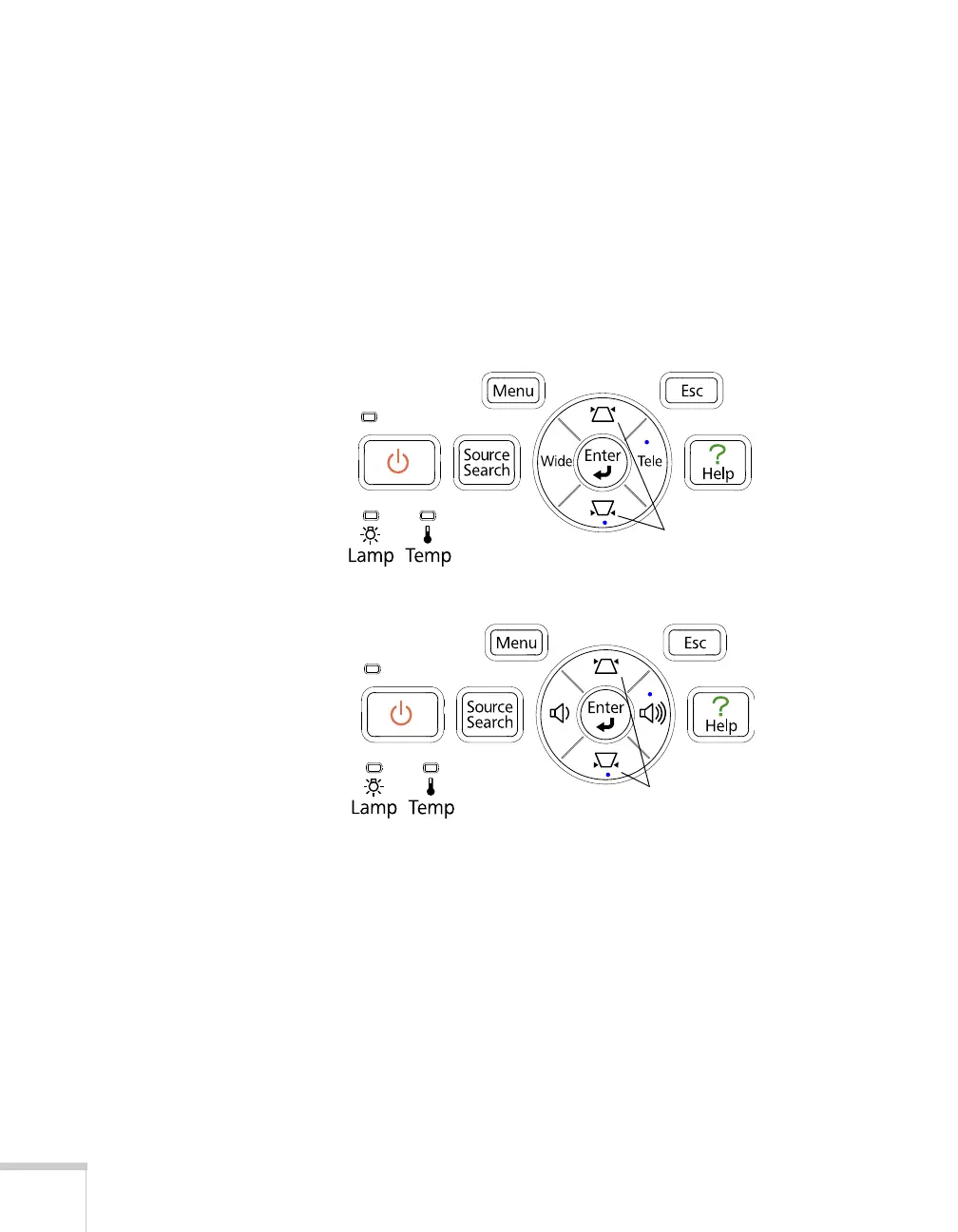
■ Press the appropriate keystone correction button on the
projector’s control panel until the shape is evenly rectangular.
■ Select the Keystone setting in the projector’s Settings menu (see
page 67). Then use the arrow buttons on the remote control to
adjust the shape of the image.
Keystone correction
buttons
PowerLite S8+
EX51/PowerLite W8+
Keystone correction
buttons



 To Next Page