Setting Up the Projector 33
Connecting a Component Video Source
If your video equipment has component video connectors (three
connectors labeled either Y/Cb/Cr or Y/Pb/Pr), you can purchase a
component-to-VGA video cable from an Epson authorized reseller
(see page 16) or an electronics dealer.
1. Connect the component end of the cable (3 male RCA) to the
Y/Cb/Cr (or Y/Pb/Pr) connectors on your player.
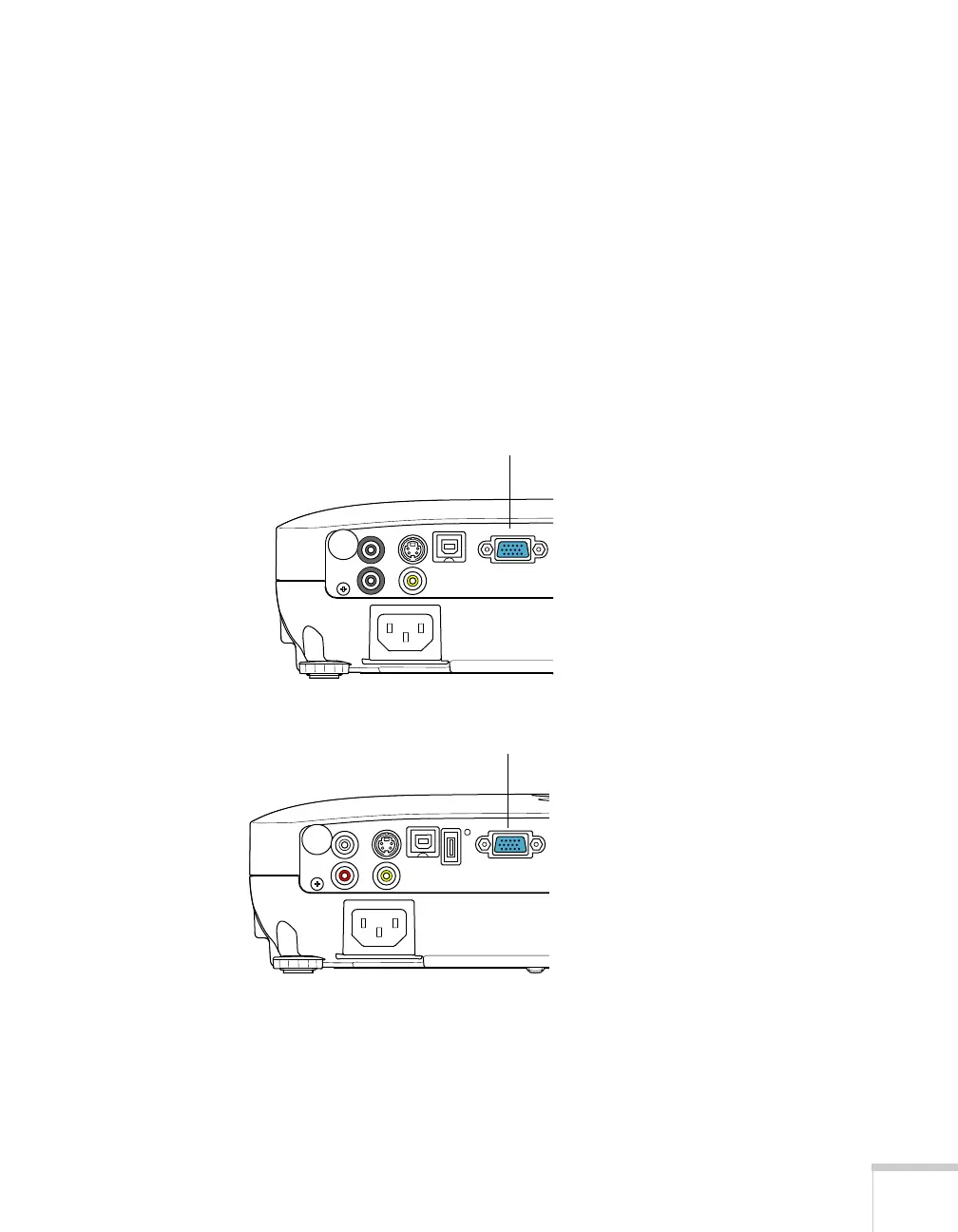
2. Connect the other end of the cable (HD15 male) to the
Computer (Component Video) port on your projector using an
optional component-to-VGA video cable or adapter.
3. You may need to change the
Input Signal setting in the
projector’s Signal menu to
Auto (see page 66).
4. If you want to play sound through the projector, see page 35 for
instructions on connecting an audio cable.
Computer (Component
Video) port
PowerLite S8+
EX51/
PowerLite W8+
Computer (Component
Video) port



 To Next Page