36 Setting Up the Projector
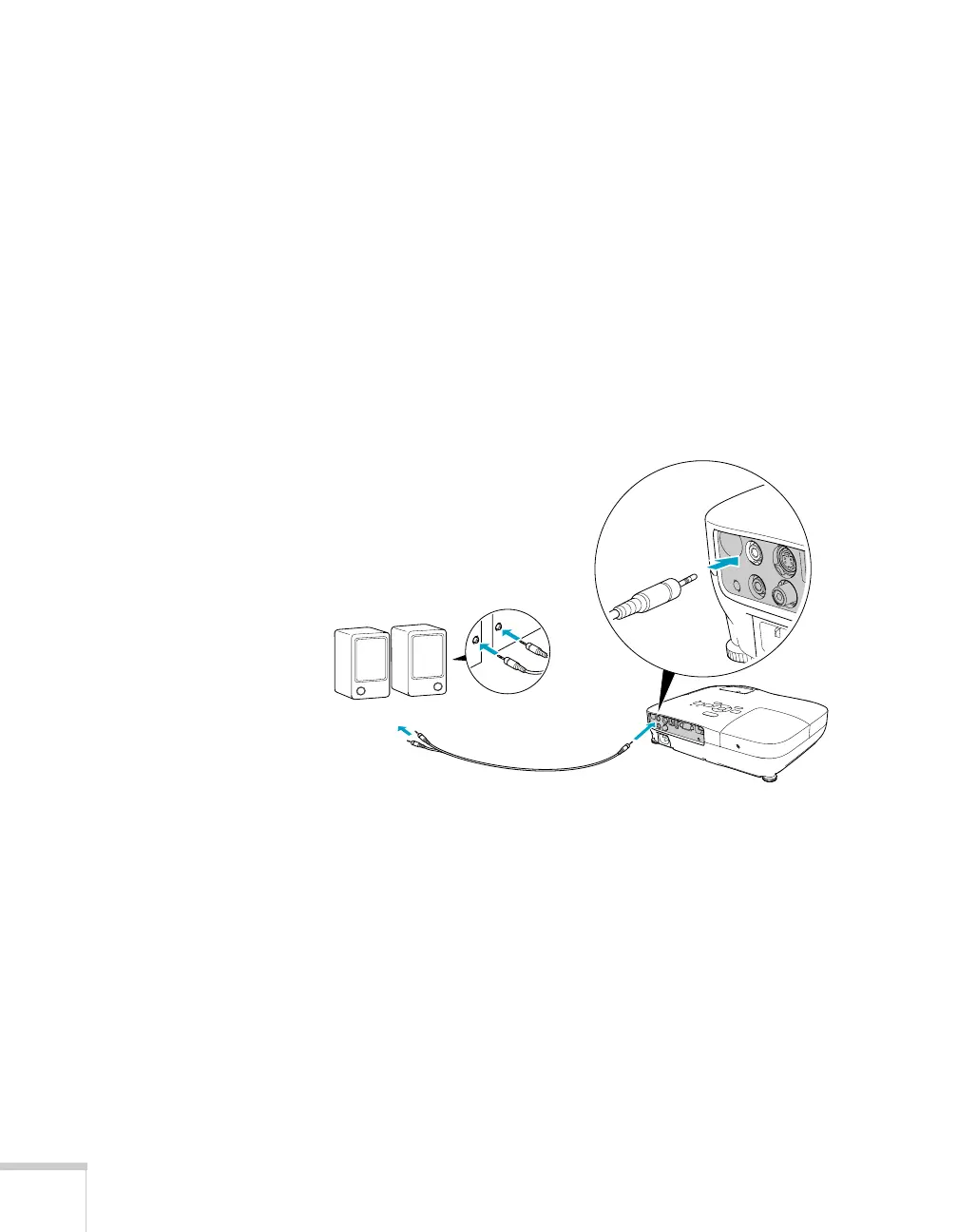
Connecting External Speakers (PowerLite S8+
Only)
You can output sound from the projector to external speakers with a
built-in amplifier.
1. Locate the appropriate cable to connect your speakers.
Depending on your speakers, you may be able to use a standard
audio cable with a stereo mini-jack connector on one end and pin
jacks on the other end. For some speakers, you may need a special
cable or adapter.
2. Connect the stereo mini-jack end of the audio cable to the
Audio
Out
port on the projector.
3. Connect the other end of the cable to your speakers.
The projector’s internal speaker system is disabled while sound is
output to external speakers.
Audio cable



 To Next Page