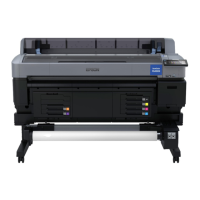
G AC inlet
Connect the supplied power cable here.
H LAN port
Connects the LAN cable.
I Data light
The network connection status and data reception are indicated by a lit or flashing light.
On : Connected.
Flashing : Receiving data.
J Status light
The color indicates the network transmission speed.
Red : 100Base-T
Green : 1000Base-T
K USB port
Connect the USB cable here.
L Control panel
U “Control panel” on page 15
M Alert lamp
This lamp lights or flashes when an error occurs.
Lights or
flashes
: An error has occurred. How the lamp lights or flashes varies with the type of error. The control panel
displays a description of the error.
Off : No error.
N Roll rest
When loading roll paper, place it on this rest and attach the roll paper adapters.
U “Loading Roll Paper” on page 25
O Adapter guides
Guises for attaching roll paper. Move the roll along these guides to attach it to the adapter holder.
U “Loading Roll Paper” on page 25
P Roll lock lever
A lever that locks roll paper in place after the roll is attached to the adapter holder.
Q Adapter holder
The roll paper adapter is placed in this holder after the roll paper is attached.
R Paper slot
Paper slot used when printing with roll paper.
S Print head
Fires ink via high density nozzles while moving left and right to print.
SC-F6200 Series/SC-F6000 Series User's Guide
Introduction
12


 To Next Page
 Loading...