Slider
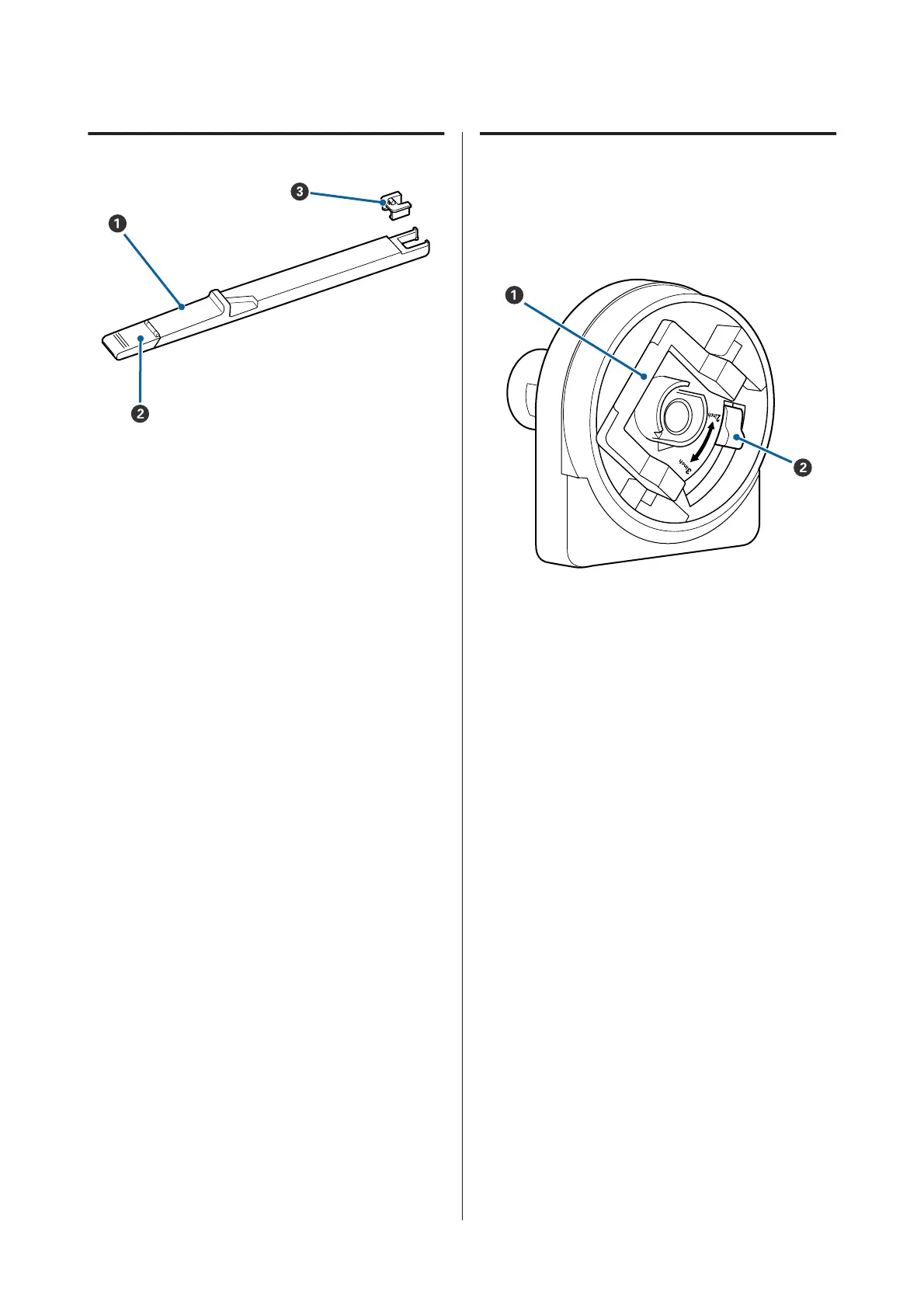
A Slider
Install the chip unit that comes with the ink pack
before refilling ink.
U “Replacing and Refilling Consumables” on
page 59
B Ink inlet cover
Open this cover to refill the ink in the ink tank.
C Chip unit
A unit containing an IC chip.
Comes with ink packs.
Roll paper adapter
Use the supplied roll paper adapter when loading roll
paper onto the printer.
U “Loading Roll Paper” on page 25
A Adapter lock lever
Lift to unlock, lower to lock. Unlock when attaching
roll paper to the adapter, lock once the roll is
attached.
B Size lever
Position according to the size of the roll core.
SC-F6200 Series/SC-F6000 Series User's Guide
Introduction
14


 To Next Page
 Loading...