1–14 Setting Up the Printer
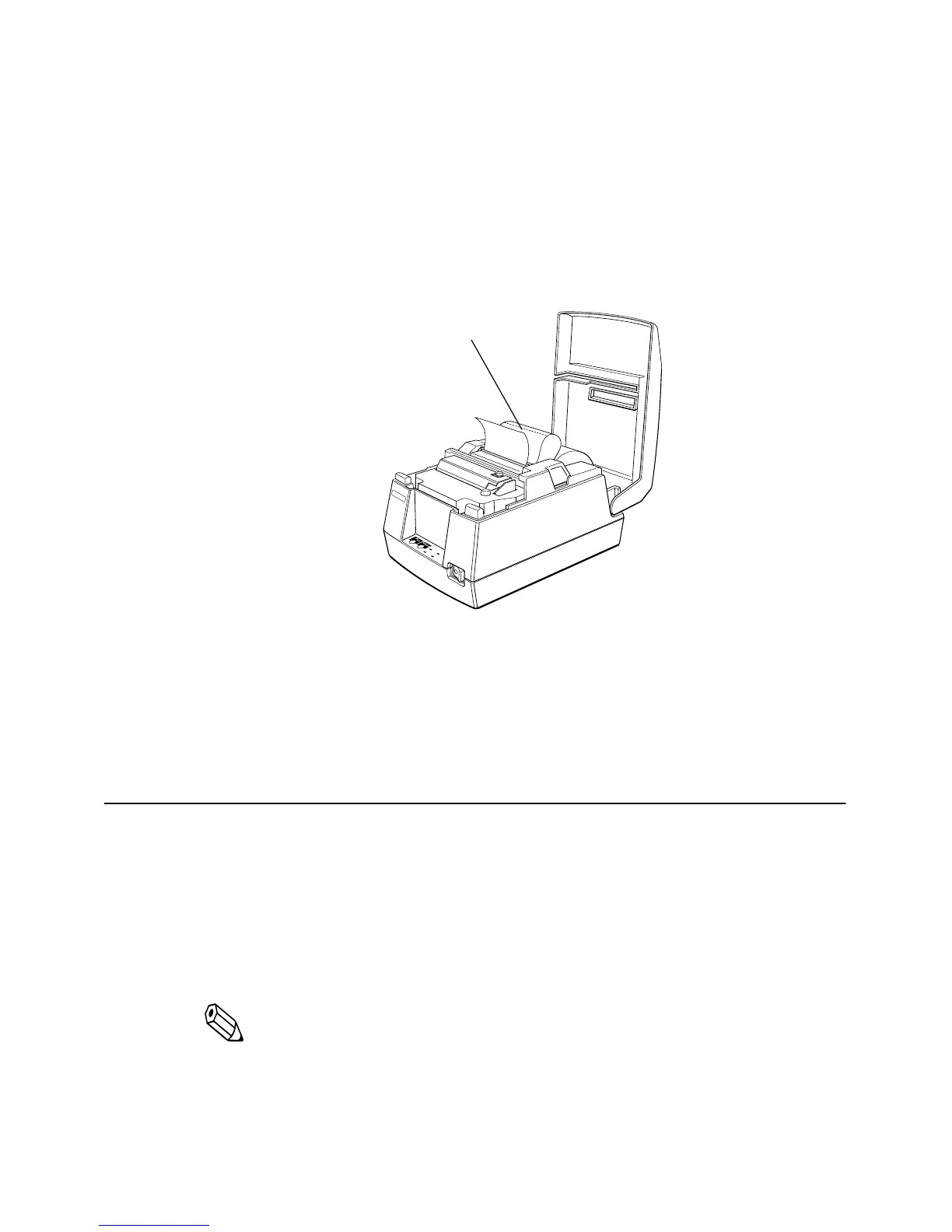
To remove the paper roll, follow the steps below.
1. Open the printer cover.
2. Pull up the paper and cut the paper at the dotted line shown in
the illustration below.
3. Remove the paper roll from the printer.
4. Press the FEED button to remove the remaining paper.
Running the Self Test
Any time that you want to check the performance of your printer,
you can run the self test described below. This shows whether your
printer is working correctly. It is independent of any other
equipment or software.
Note:
Be sure to install the ribbon cassette and the paper roll before
you run the self test.
1. To perform the self test, hold down the FEED button while you
turn on the printer with the power switch.
RECEIPT
OUT
VALIDATION
POWERERROR
FEED
RELEASE
EPSON
Cut here














 To Next Page