Using the Printer 2-1
Chapter 2
Using the Printer
Operating the Control Panel
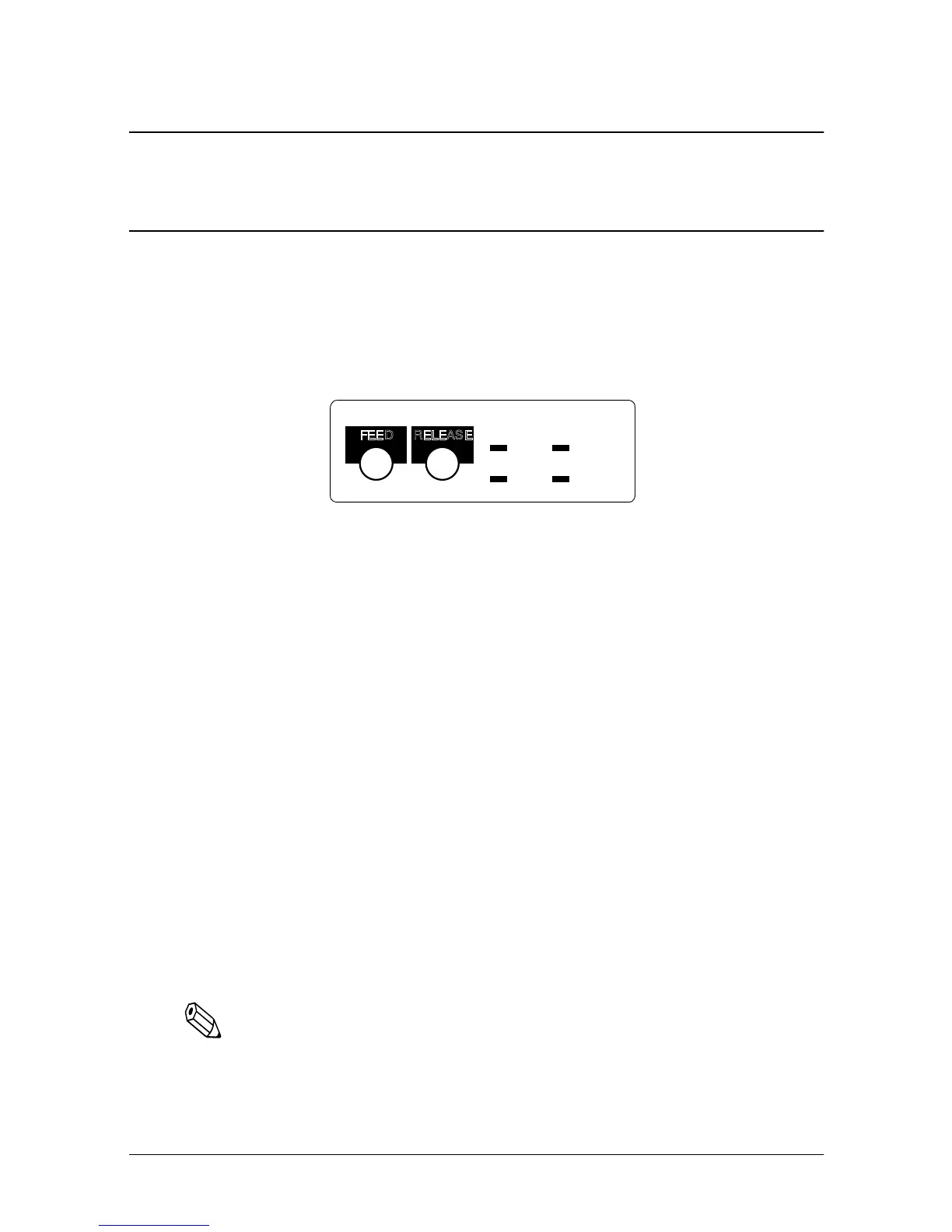
You can feed or release paper with the buttons on the control panel.
The indicator lights help you monitor the printer’s status.
Switch
The power switch on the front of the printer turns the printer on
and off.
Buttons
FEED
Press the FEED button once to advance the paper roll one line. You
can also hold down the FEED button to feed the paper
continuously.
RELEASE
Press the RELEASE button to release the validation paper.
Notes:
These buttons can be disabled by the ESC c 5 command, but they
work whenever the printer cover is open, even if they have been
disabled by the ESC c 5 command.
RECEIPT
OUT
VALIDATION
POWERERROR
FEED
RELEASE














 To Next Page