24
2. Select Settings.
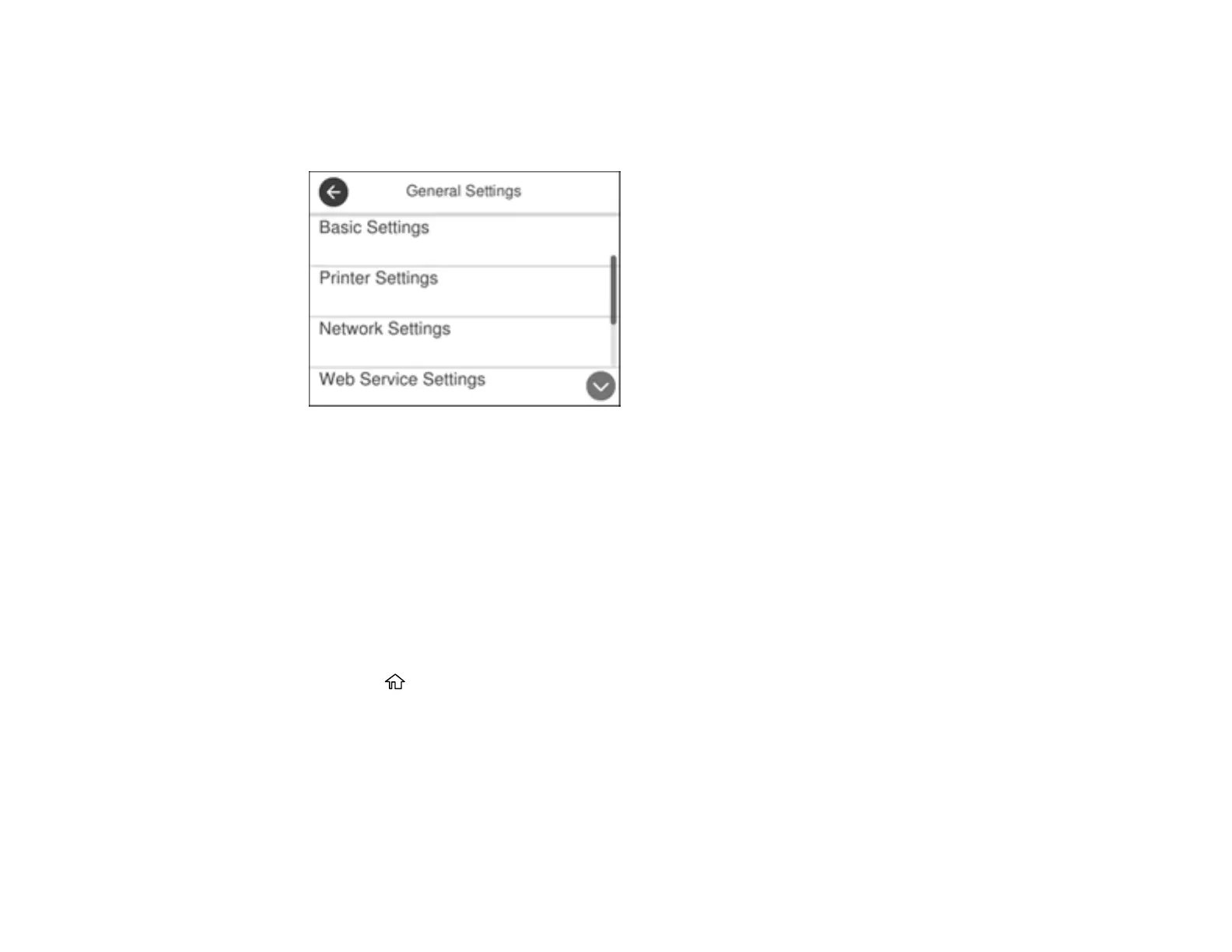
3. Select General Settings.
You see a screen like this:
4. Select Basic Settings.
5. Select LCD Brightness.
6. Press the – or + icons to decrease or increase the brightness.
7. Select OK to exit.
Parent topic: Using the Control Panel
Turning Off the Operation Time Out Setting
The Operation Time Out setting causes the LCD screen to return to the Home screen after a few minutes
of inactivity. This feature is enabled by default, but you can turn it off.
1. Press the home button, if necessary.
2. Select Settings.
3. Select General Settings.



 To Next Page
 Loading...