Note:
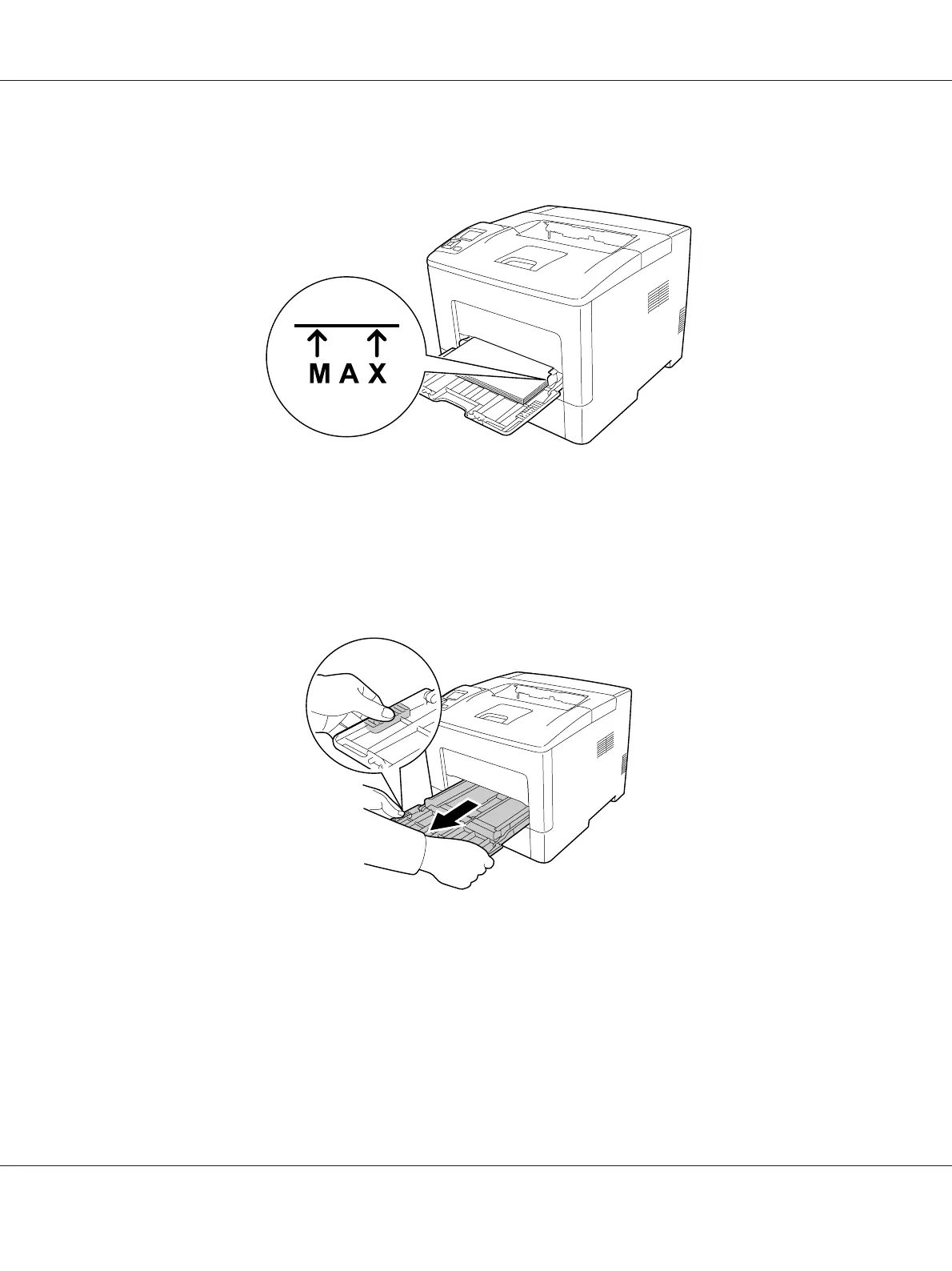
❏ Make sure that you do not load paper beyond the limit mark.
❏ After loading paper, set the MP Type setting on the control panel to match the type of paper
loaded. For details, see “Tray Menu” on page 65.
When loading A5 or smaller paper on the MP tray
1. Pull out the MP tray.
AL-M300/AL-M400 Series User's Guide
Printing Tasks 30












 To Next Page