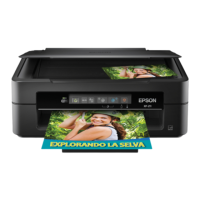
+ Press and buttons simultaneously to run software on a USB-connected computer
and scan as a PDF le.
+ or Press
y
and the or buttons simultaneously to make 20 copies.
+ Hold down the and buttons simultaneously for three seconds to start PIN Code
Setup (WPS). See the Network Guide for more details.
+ Turn the printer on while holding down the button to restore the default network
settings. When the network settings are restored, the printer turns on and the network status
lights ash orange and green.
+
Turn the printer on while holding down the
y
button to print the nozzle check pattern.
Related Information
& “Checking the Error Indicators on the Printer” on page 82
User's Guide
Printer Basics
15


 To Next Page
 Loading...