EQD
®
13 EQ2288F
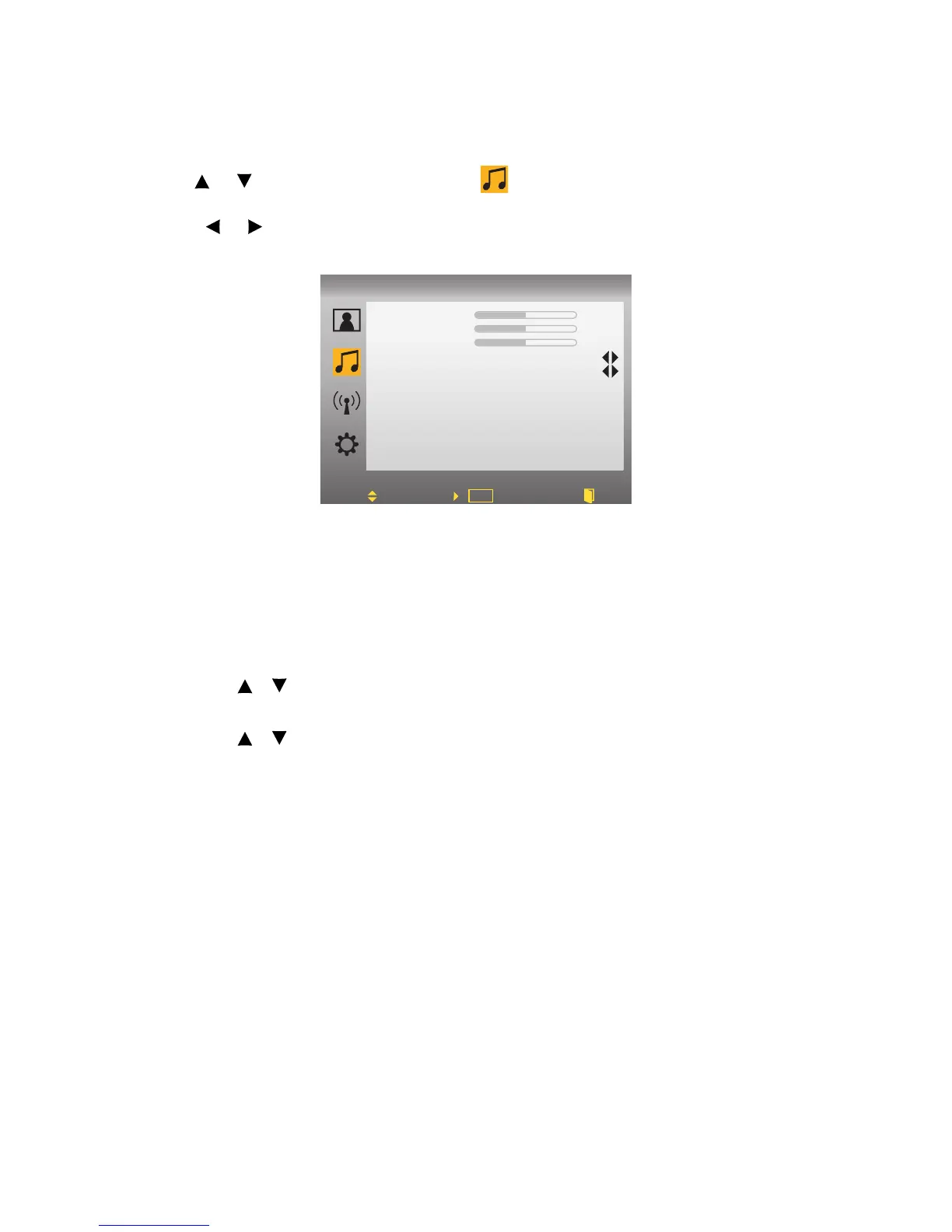
AUDIO:
1.Press MENU to display OSD Menu.
2.Use or to move the cursor bar to .
3.Use ENTER to enter the submenu.
4.Press or to adjust the condition.
• Bass: To adjust the bass.
• Treble: To adjust the treble.
• Balance: To adjust the left and right audio balance.
• BTSC Mode: To switch the sound output for TV programs between Stereo,
Mono, and SAP.
Audio Only
Step 1:Press the MENU key to enable the OSD menu.
Step 2:Use / key to move the highlight bar to the audio sub-menu.
Step 3:Enter the audio page.
Step 4:Use / key to select the “Audio Only” function, and enter this func-
tion
• Action: The video and the panel backlight will be turned off and only
audio can be output through build-in speakers. When user press “VOL+”,
“VOL-” or “Mute”, the volume control bar and mute are displaed and
the volume and mute can be adjusted. This function must be disabled, if
user presses any other keys (non-volume and non-mute control key). The
backlight is also turned on, and you can see the current program. The
setting of “Audio Only” must be changed to “Off” state.



 To Next Page