EQD
®
16 EQ2288F
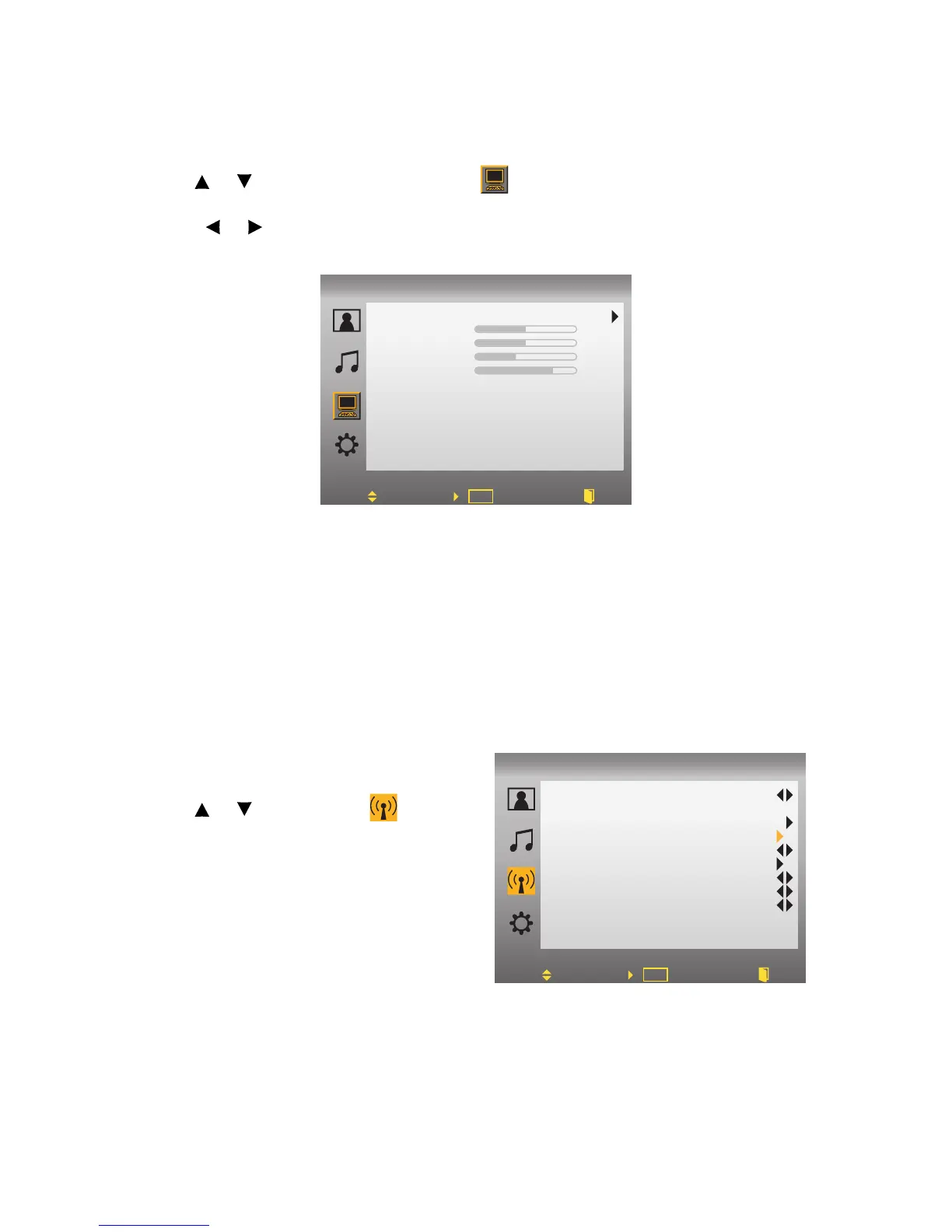
PC MODE:
1.While in PC source, press MENU to display OSD Menu.
2.Use or to move the cursor bar to .
3.Use ENTER to enter the submenu.
4.Press or to adjust the condition.
Auto Adjust: Auto adjust picture’s horizontal position, vertical position, fine tune
and
H-Size.
• H. Position: To adjust the horizontal position of the graphic.
• V. Position: To adjust the vertical position of the graphic.
• H Size: To adjust the delay time between horizontal synchronous signal
and video.
• Phase: To remove any horizontal distortion and clear or sharpen the dis-
play characters.
Storing Channels into Memory
1.Press the MENU button to display the
OSD main menu.
2.Use or to select the menu
and press Enter to enter the submenu.
Auto Adjust
H. Position
V. Position
H Size
Phase
PC
Move Enter Exit
PC
OK
52
50
38
47
Channel No.
Channel Skip
System
Auto Search
DTV CC
DTV VCHIP2.0
Def AudioLang
DayLight Saving
Time Zone
11-1
CATV
Off
English
Auto
Alaska
Move Back
DTV
OK
Set
Tune



 To Next Page