EQD
®
15 EQ2288F
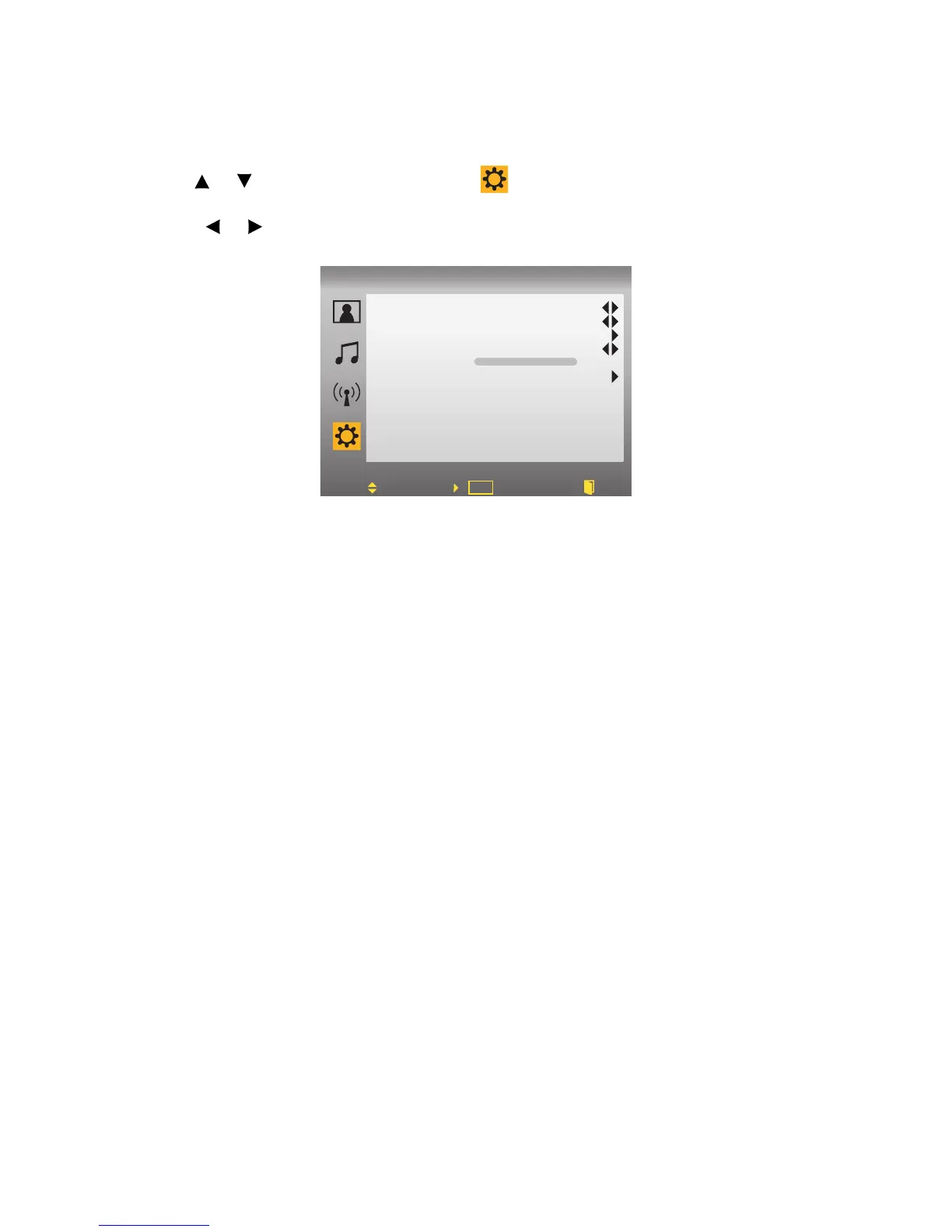
SETUP:
1.Press MENU to display OSD Menu.
2.Use or to move the cursor bar to .
3.Use ENTER to enter the submenu.
4.Press or to adjust the condition.
• Language: Changes the OSD display language. The following options
are
available: English, Spanish, French.
• Sleep Time: Enables you to set a time that will elapse before the TV turns
off. Options are: OFF, 5, 15, 30, 60, 90,120 minutes.
• Parental Control: Access the Parental Control menu. See “Storing Chan-
nels into Memory” on page 16 for more details.
• Closed Caption: Selects the Active Closed Caption Mode to OFF, CC1,
CC2, CC3, CC4, TT1, TT2, TT3, TT4.
• OSD Timer: To set timer to turn off OSD.
• Reset: Reset to factory default.



 To Next Page