EQD
®
19 EQ2288F
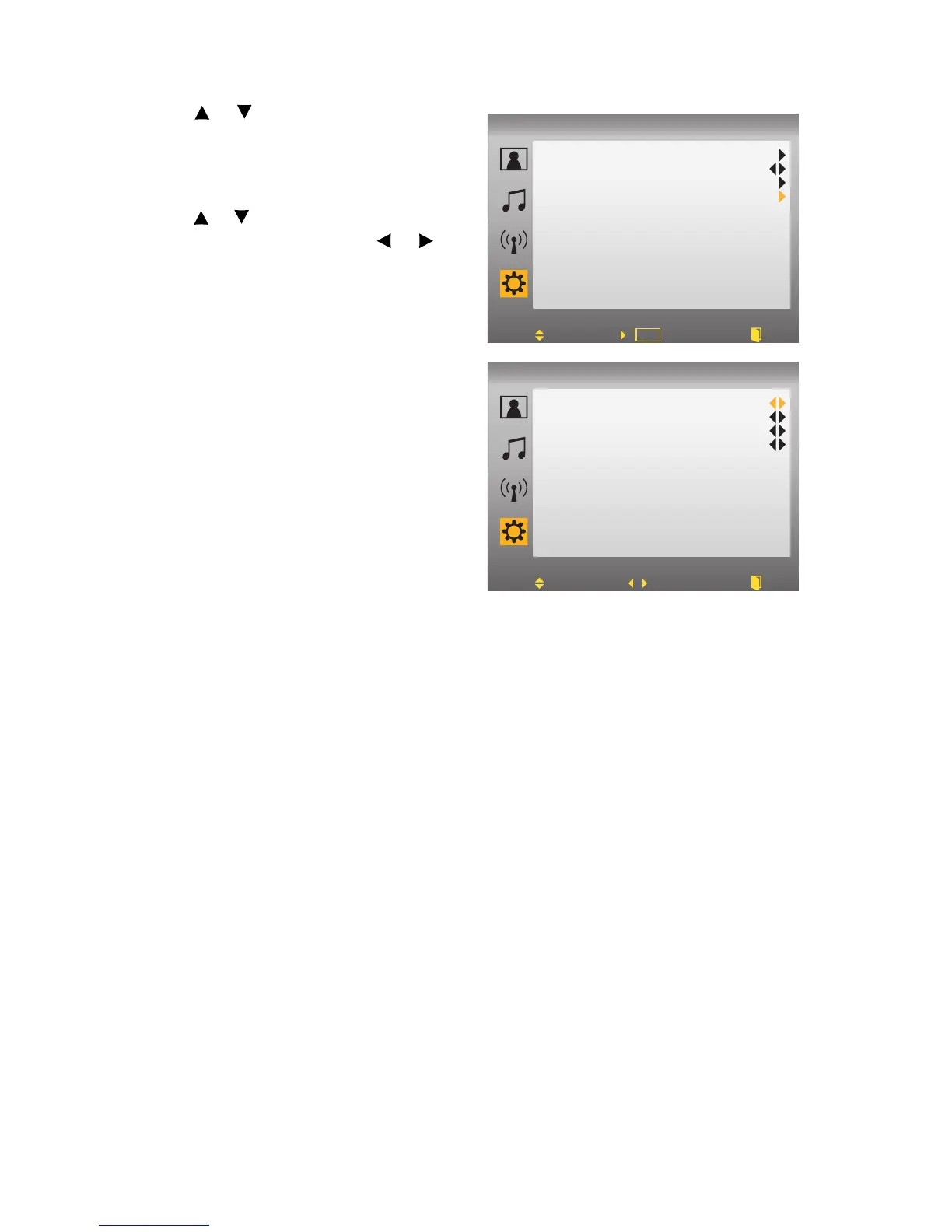
3.Use or to select “Parental Con-
trol” from the submenu.
4.Input your password.
5.Select “Movie” to enter the Movie
rating screen.
6.Use or to move the cursor bar to
different ratings and use or to
adjust the conditions. The following
ratings are available:
MPAA:
• G (general audience)
• PG (parental guidance sug-
gested)
• PG-13 (recommended for chil-
dren 14 years of age or older)
• R (mature audience)
• NC-17 (no one under 17 years of
age)
• X (adult audience only)
MPAA NR:
•Not rated
CA English:
• C (children)
• C8+ (children eight years and older)
• G (general programming, suitable for all audiences)
• PG (parental guidance)
• 14+ (viewers and older)
• 18+ (adult programming)
•E (exempt)
CA French:
• G (general)
• 8+ (children eight years and older)
• 13+ (not appropriate for children of less than 13 years)
• 16+ (not appropriate for children of less than 16 years)
• 18+ (reserved to adults)
• E (exempt).
Change Password
V-chip
USA TV
Movie
OFF
Parental Control
Move Set Back
TV
OK
MPAA
MPAA NR
CA English
CA French
NC17
Unlock
18+
18+
Parental Control
Move Back
TV
Adjust



 To Next Page