ELite 3, User Manual
Page 63/72
NOTE
:
User Admin cannot be deleted. Admin password cannot be changed.
Admin password: 0000
User Type BASIC has limited access to the menu tree:
Measure New Options
Re-run
Blank
Print
Discard
Database Detail / Table view
Edit record
Print
Filter
Trends
Manage
Maintenance Cleaning Cleaning
Hard cleaning
Drain chamber
Calibration Factors
Measure
History
Pre-diluted Factors
History
Quality control (forbidden)
Diagnostics Device information
Self test
Service
Reagent status
(Settings forbidden)
Exit Logout Add new user
Shut down Remove User
Preparing for shipment Auto login set
User Management Edit / View user
Exit
User Management
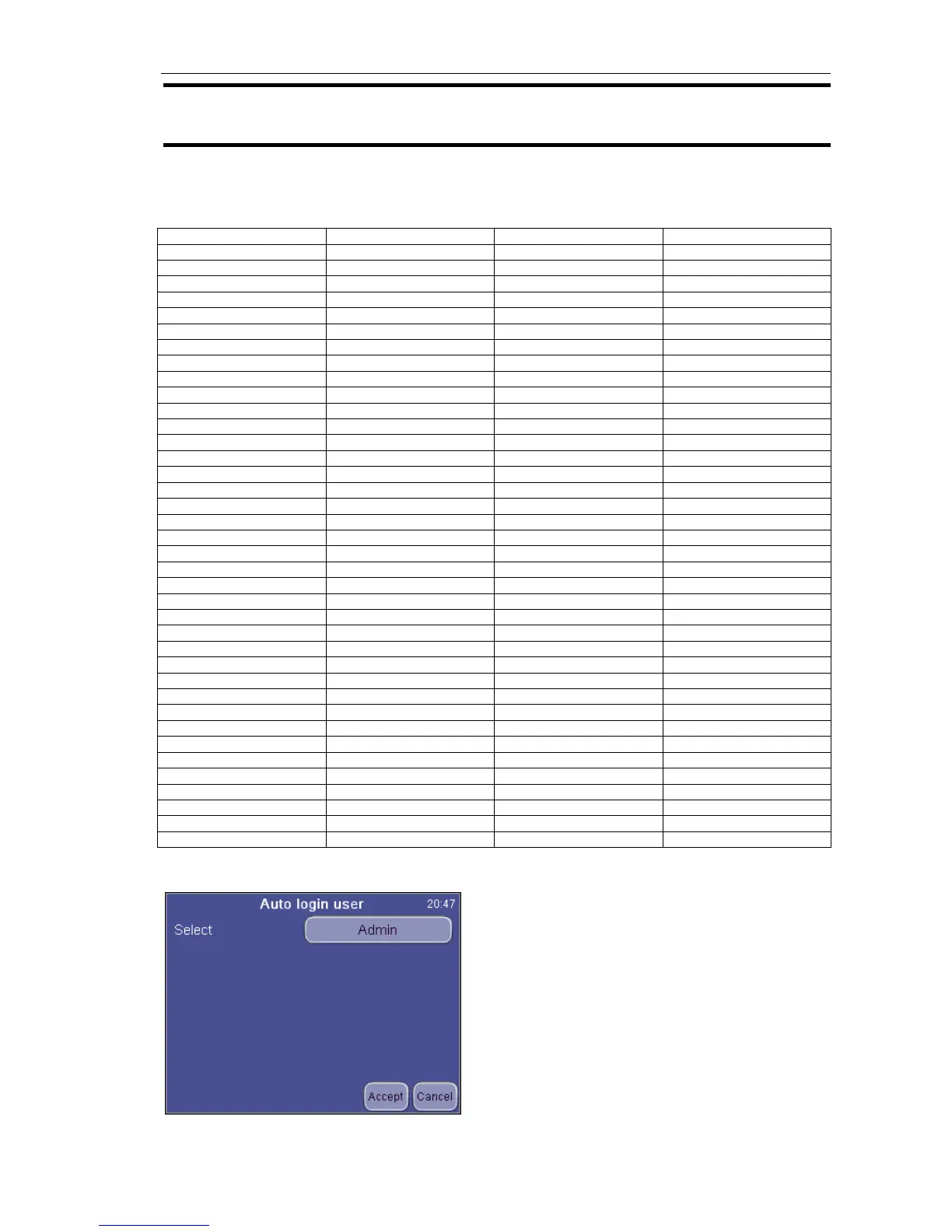
Auto Login Set
Auto Login Set will allow login-free starting of
the analyzer.
Select the user to be logged in automatically.
With Auto Login Off selected, the instrument
will prompt for a user and a password upon
startup.


 To Next Page