Operation Manual
Ergometer
Type er800S
Chapter 5: Configuration
er800S Operation Manual 22 Version: 05/02
Art-Nr: 475.051
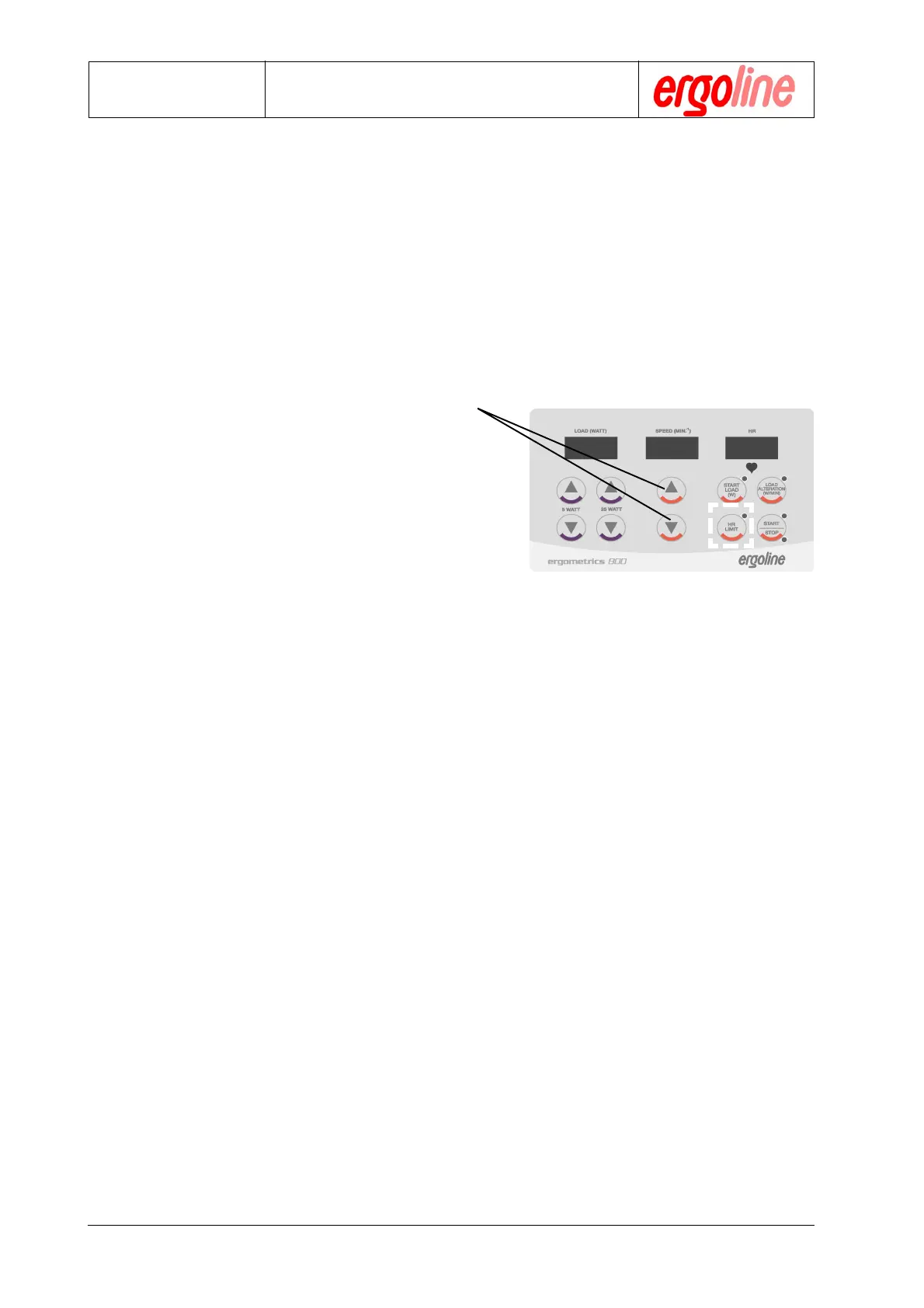
Press the „HR“ key. The currently set value will
appear in the rightmost display and the LED in
the key will blink. This value can be altered by
using the „Up / Down “ keys for as long as the
LED continues to blink.
5.3.c Setting the Pulse Limit
Note: Setting a pulse limit only makes sense when a heart rate is put into the
system. This can be done with a pulse monitor, an ear/finger clip or an
ECG HF-trigger. The unit then automatically switches to pulse-
steady-state mode. The pulse limit is not an alarm parameter.


 To Next Page
 Loading...