Outgoing Calls
BusinessPhone – Analog Telephone16
Wait for dial tone
Note: This function is not supported for other analog
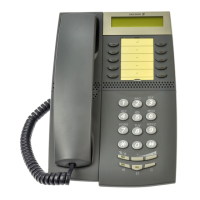
telephones, only for the Dialog 4106 Basic and
Dialog 4147 Medium phone.
Sometimes it is required to wait for a new dial tone after dialling the
prefix digit when making an external call. In such situations, you
must store the pause for a new dial tone into the number:
© Press.
Manual dial pause control:
You can control the length of a dial pause manually if you store the
pause after the fifth digit or later. This function is very useful, if you
are connected to a PBX that requires a new dial tone for extension
numbers.
Example:
You want to talk to Steven. Steven’s company has the number
12345678, and his extension is 1234, so the complete number is
12345678-1234. To wait for a new dial tone, you have to store a
pause before the extension number.
© Press.
The phone number is dialled without the extension, in this example
12345678.
© Press when the new dial tone is received.
Now the extension number is dialed.








 To Next Page