Installation
BusinessPhone – Analog Telephone68
Installation
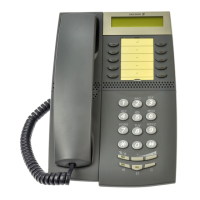
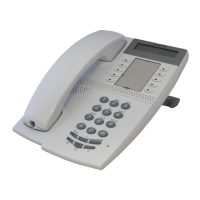
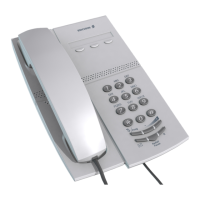
Note: This chapter is only for the Dialog 4106 Basic and
Dialog 4147 Medium phone.
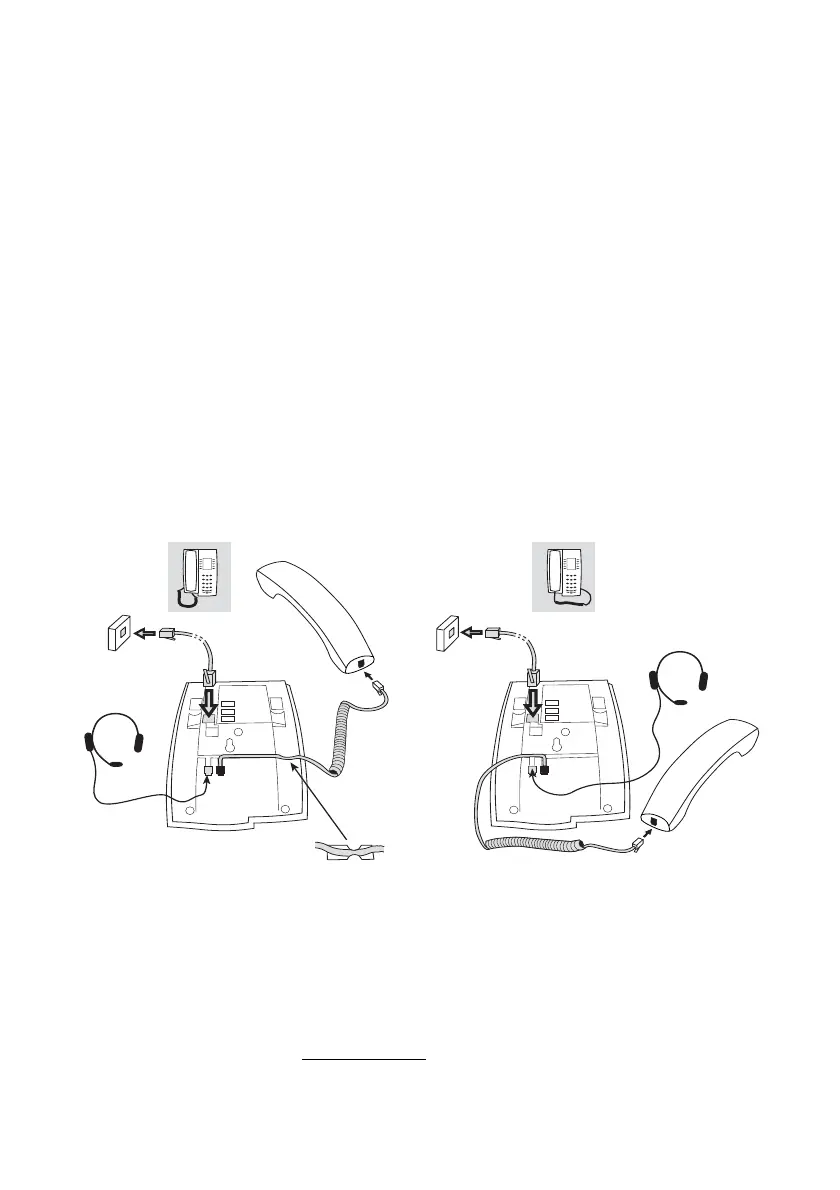
Install cables
You can put the cable to the handset in the notch underneath the
telephone. The cable to the exchange has to be plugged in “LINE”
and the handset cable has to be plugged in “HANDSET”.
Note: The headset is for use with the Dialog 4147 Medium
phone only.
Change cables
To remove a cable, use a screwdriver to unlock the stop.
Handset cable to the left Handset cable to the right








 To Next Page