Installation
BusinessPhone – Analog Telephone70
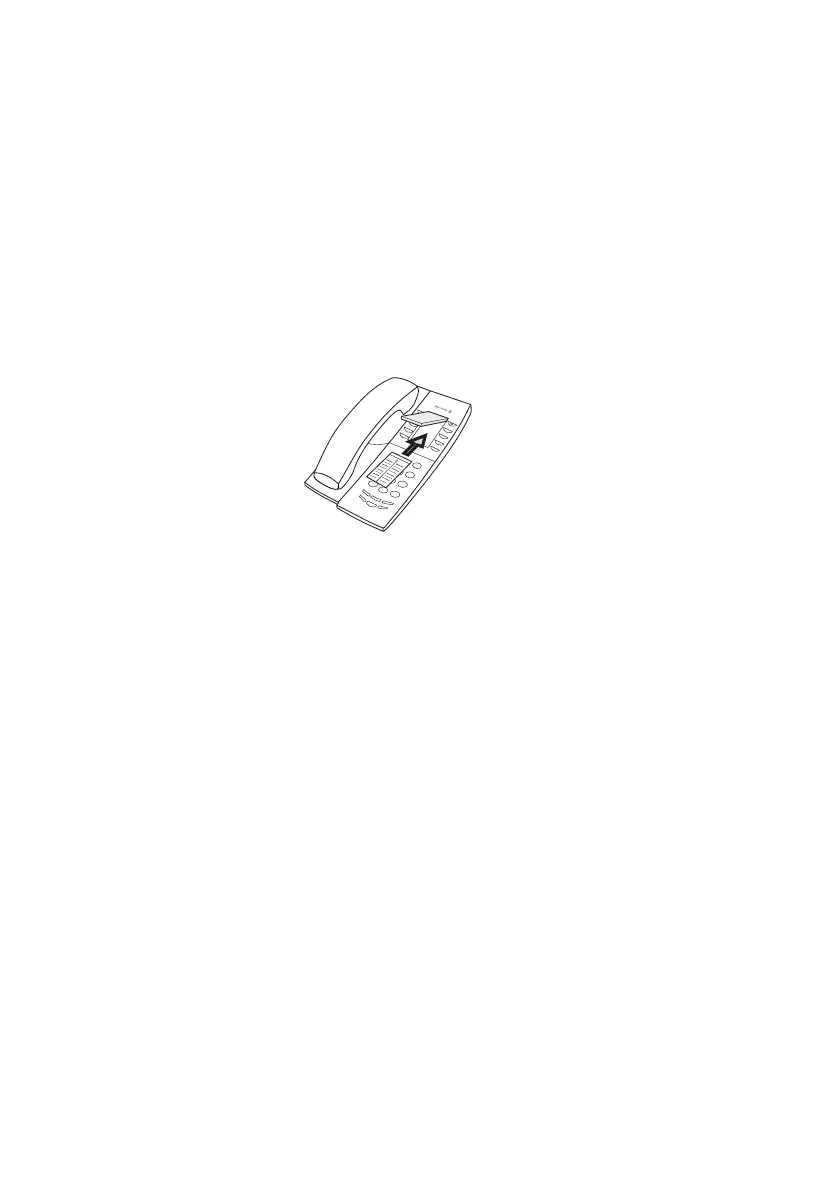
Install card
Note: This section only applies to the Dialog 4147 Medium
phone.
Use the Designation Card Manager to make and print your own
designation cards. The Designation Card Manager is included on
the Telephone Toolbox CD for BusinessPhone Communication
Platform. For more information, please contact your Ericsson
Enterprise certified sales partner.








 To Next Page