61BusinessPhone – Analog Telephone
Settings
Programming the ringing character and volume for the
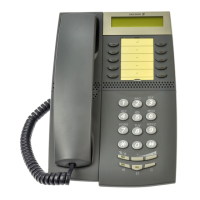
Dialog 4147 Medium
The ringing signal character can be adjusted with five different
characters and three different volume levels.
Program ringing character:
u Lift the handset.
Wait for the dial tone.
î Program Press.
7 Press.
z Enter Digit from the table below.
You can hear the chosen character.
Note: Default setting is digit 0.
î Program Press.
The selected ringing character is stored.
d Replace the handset to finish the procedure.
Digit (character)
Ringing character
- Repetition rate
01 time
12 times
24 times
36 times
410 times








 To Next Page