Mailbox System
BusinessPhone – Premium Telephone32
Retrieve messages internally
When you lift the handset and receive a special dial tone, either a
diversion is activated or a message is waiting. Your incoming
messages can also be indicated by a rapidly flashing message
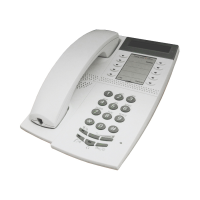
waiting LED (Dialog 3185 MW only).
u*59# Lift the handset and dial
See section “Check and store received messages” on page 28.
Retrieve messages - externally
To retrieve your messages from an external position:
z Dial your company’s telephone number
z Dial the number to the mailbox system
During the procedure you will be asked for your extension number
and your password.
The following mailbox functions can also be used from an external
position:
• Change password
• Check and store received messages
• Forward a voice message
• Send message
• Outcall (External) notification
• Personal greeting










 To Next Page