47BusinessPhone – Premium Telephone
Date and Time
Date and Time
Your telephone has a built in 24-hour clock, which is displayed
when the handset is on-hook (idle phone). To change the date
and time:
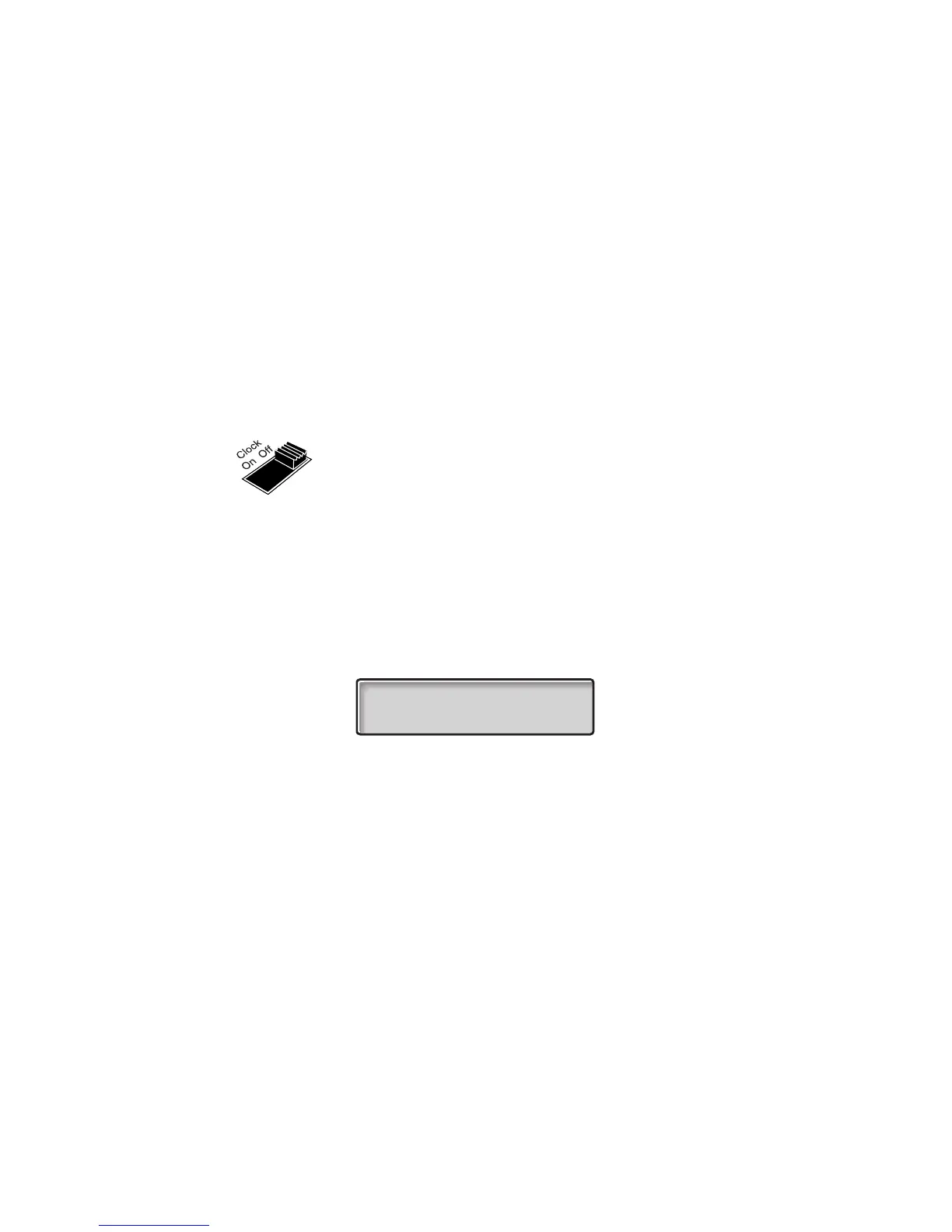
Slide the clock switch to “ON”
u Lift the handset
P Press and hold
The default date and time is displayed. The indication for “month” is
flashing.
z+ Enter month (two digits) and press
The indication for “day” is flashing.
z+ Enter day (two digits) and press
The indication for “hour” is flashing.
z+ Enter hour (two digits) and press
The indication for “minute” is flashing.
zP Enter minute (two digits) and press to activate
The colon between hour and minute is flashing to indicate that the
clock is running.
Note: If a telephone connected in parallel with the Premium
telephone is used for more than 1 1/2 hours, the clock will
stop and must be set again.
01-01 12:00










 To Next Page