3. WEIGHING PARAMETERS AND ADJUSTMENT
In order to setup weighing properties, follow these steps:
• Switch off the device and disconnect the power cable.
• Dismount the front panel and put the adjustment switch in UNLOCKED position.
• Mount the front panel and switch on the device.
• Perform weighing setup.
• When the weighing setup is done, switch off the device and disconnect the power cable.
• Dismount the front panel and put the adjustment switch in LOCKED position.
• Mount the front panel and switch on the device.
Note: Device is shipped with the switch in UNLOCKED position.
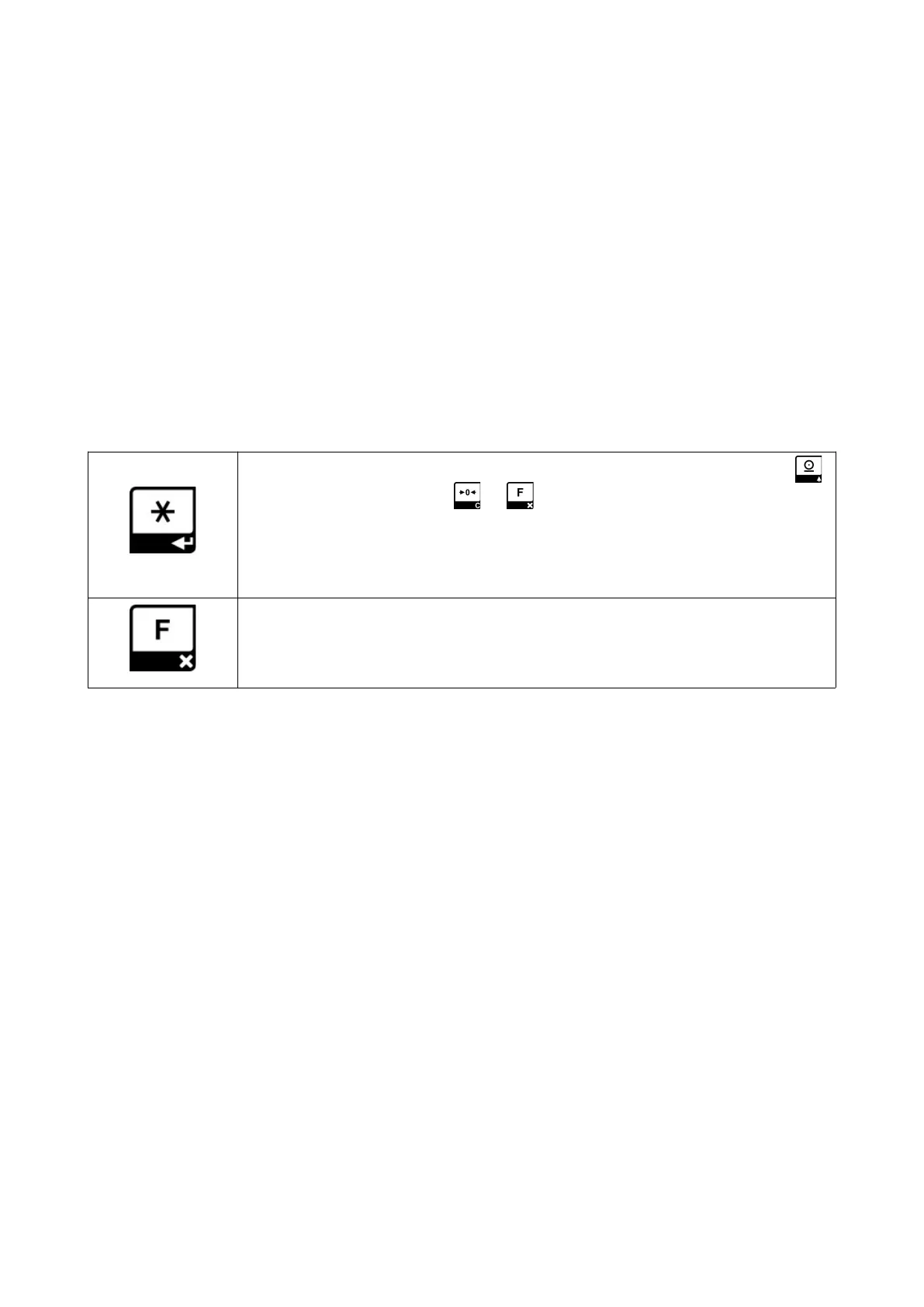
While the device is powered with UNLOCKED adjustment switch, functions of the keys are as following:
Press this key to enter menu. When pressed, first menu item is displayed. Press
key to display next item, press or to exit menu.
pAr Weighing parameters
AdJuSt Calibration
When this key is pressed, the weight value is displayed in increased resolution
(increment/10). In this position, the weight unit sign (kg) goes out. When the
calibration switch is in the off position, it automatically returns to the normal display
after 5 seconds.
8


 To Next Page