EasyManua.ls Logo

ESAB HandyPlasma 45i - User Manual

ESAB HandyPlasma 45i
38 pages
Print Icon
To Next Page IconTo Next Page
Loading...
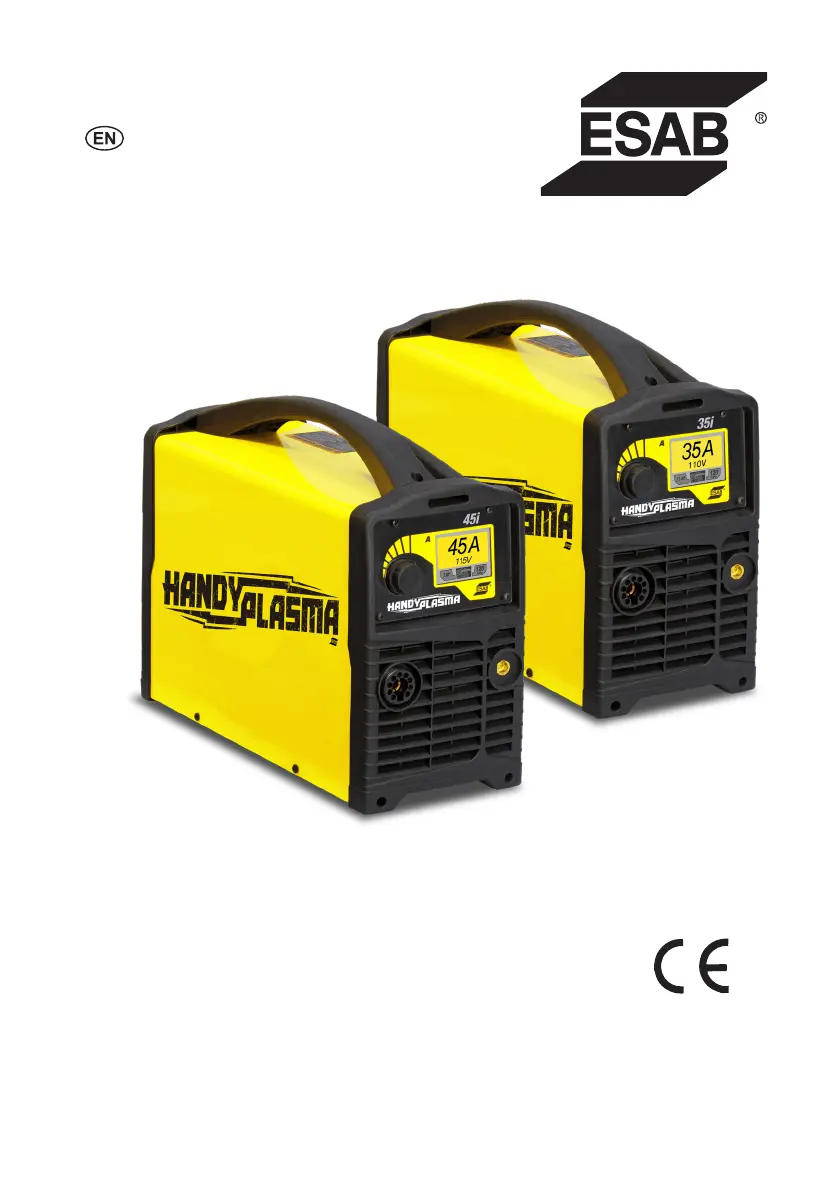
HandyPlasma 35i
HandyPlasma 45i
OPERATING MANUAL
05/2020 - Revision: AA Manual No.: 0-5584
HandyPlasma 35i
HandyPlasma 45i
0559160135
0559160145

Questions and Answers

  • S
    Stephen SheltonAug 10, 2025
    How to properly connect the torch to the power supply of my ESAB HandyPlasma 45i Cutter?
    • K
      Kimberly KelleyAug 10, 2025
      If the torch is not properly connected to the power supply of your ESAB Cutter, reinstall the torch. Check if the burner is completely installed in the burner female adapter and turn the burner plastic nut clockwise to fix it in position.
  • T
    Timothy KnappAug 17, 2025
    What to do if the ESAB Cutter power supply work cycle has been exceeded?
    • S
      shane39Aug 18, 2025
      If your ESAB Cutter's power supply work cycle has been exceeded, it might be due to blocked airflow. Ensure that you leave the power supply on to let it cool down, and wait until the Overheating Error Screen closes before starting to cut. Also, maintain the ventilation gap and check if the fan operates when the main switch is ON.
  • T
    Timothy ScottAug 25, 2025
    Why is the main supply voltage for my ESAB HandyPlasma 45i Cutter not within the interval?
    • D
      Dr. Jeremy JonesAug 25, 2025
      If the main supply voltage for your ESAB Cutter is not within the correct range, it might be due to a power supply component failure. Check if the input voltage is within the range of 204~276 V.
  • R
    Renee RiveraSep 1, 2025
    What to do if the input air pressure is too low or too high in my ESAB HandyPlasma 45i Cutter?
    • M
      Michael MillerSep 1, 2025
      If the input air pressure for your ESAB Cutter is too low or too high, it might be because the gas line contains impurities. Adjust the input air pressure to 6 bar~8 bar. Also, disconnect the gas hose from the rear of the power supply or feeder and blow out any impurities. Check for gas leakage between the gas valve and the gas input or cylinder output.

Summary

Safety

Installation

General Installation Requirements

States that installation must be performed by trained and qualified professionals.

Power Grid Requirements

Specifies voltage and connection requirements for the power grid.

Power Supply Cables

Explains the connection and use of power supply cables for the equipment.

Air Connections

Details how to connect the compressed air supply to the equipment.

Torch and Lead Connections

Explains how to properly connect the ground lead and the plasma torch.

Operation

Control Panel

Describes the components and layout of the equipment's control panel.

Operation Sequence

Provides a sequential guide for setting up and operating the plasma cutting equipment.

Cut Quality

Discusses factors affecting cut quality and characteristics of a good cut.

Common Faults

Maintenance

Plasma Torch

Torch Maintenance

Details procedures for cleaning and maintaining the plasma torch and its consumables.

Troubleshooting Guide

ESAB HandyPlasma 45i Specifications

General IconGeneral
Input Voltage230 V
Input Current16 A
Input Frequency50/60 Hz
Output Current Range20 - 45 A
Cutting Capacity (Mild Steel)12 mm
Cutting Capacity (Aluminum)10 mm
Max Cutting Thickness16 mm
Severance Cut16 mm
Air Pressure5.5 bar (80 psi)
Protection ClassIP23
Duty Cycle (at 40°C)60 %

Related product manuals