EasyManua.ls Logo

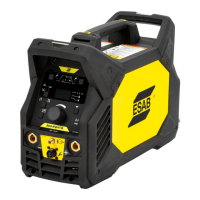
ESAB Renegade VOLT ES 200i - User Manual

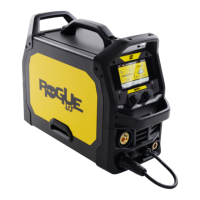
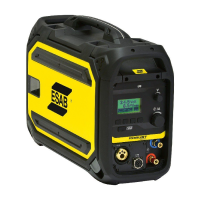
ESAB Renegade VOLT ES 200i
62 pages
Print Icon
To Next Page IconTo Next Page
Loading...
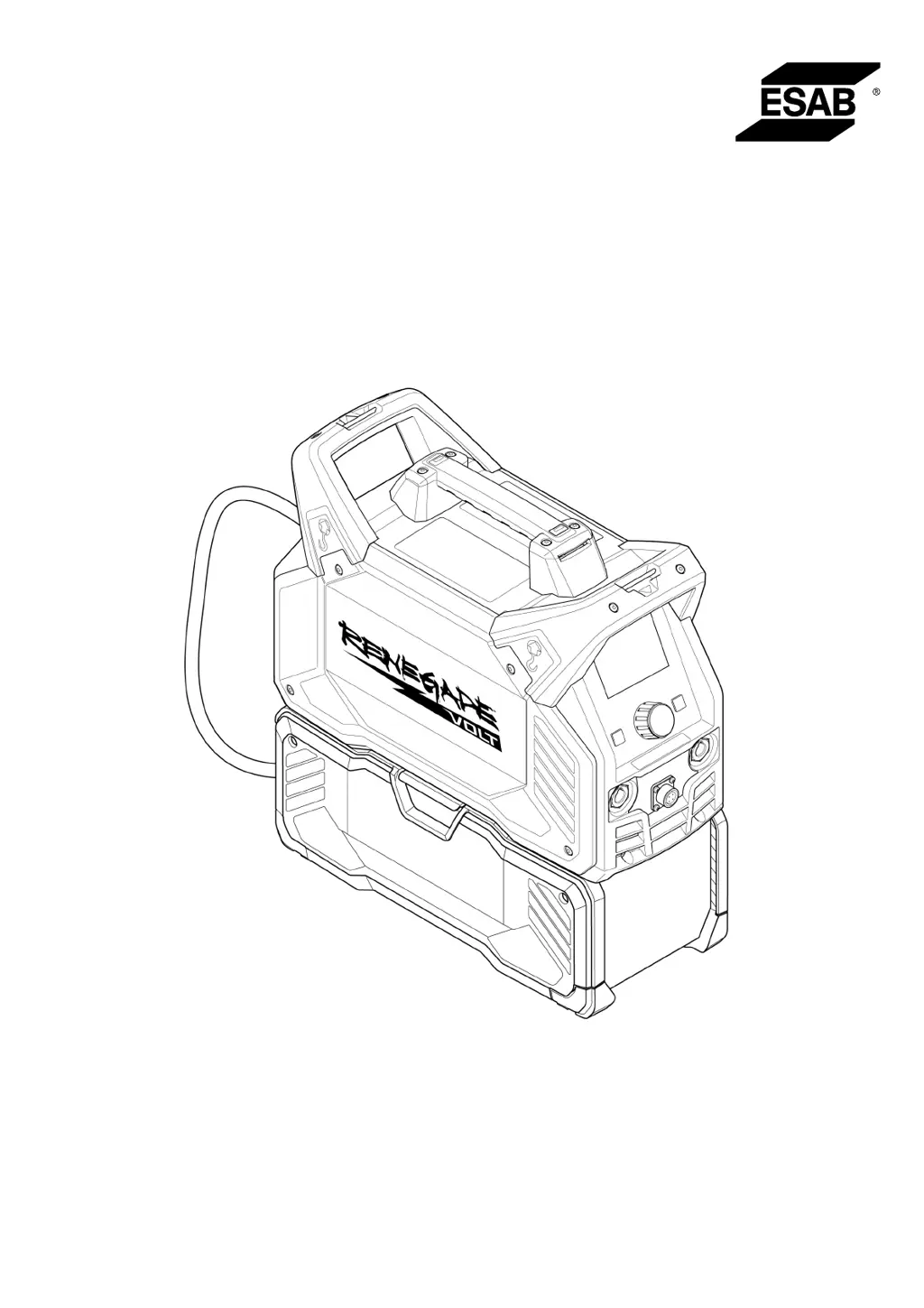
Renegade VOLT ES 200i
Instruction manual
0447 814 001 GB 20231120
Valid for: HA329YY- & OP339YY-XXXXXX

Questions and Answers

  • K
    Kristen GrahamAug 7, 2025
    How to troubleshoot MMA/SMAW/Stick welding problems with my ESAB Renegade VOLT ES 200i Welding System?
    • W
      williamsanchezAug 7, 2025
      To troubleshoot MMA/SMAW/Stick welding issues with your ESAB Welding System: * Ensure the welding process is set to MMA/SMAW/Stick. * Verify that the welding and return cables are correctly connected to the power source. * Confirm the return clamp has good contact with the workpiece. * Check that the correct electrodes and polarity are being used. Refer to the electrode packaging for polarity. * Ensure the correct welding current (A) is set. * Adjust arc force and hot start.
  • L
    linda18Aug 13, 2025
    What to do if my ESAB Renegade VOLT ES 200i Welding System has no arc?
    • K
      Kathleen MooreAug 13, 2025
      If your ESAB Welding System isn't producing an arc: * Ensure the electrical power supply switch is turned on. * Check that the display is on, verifying the power source has power. * Confirm the setting panel displays correct values. * Verify welding and return cables are correctly connected. * Inspect the electrical power supply fuses.
  • J
    Joseph KingAug 19, 2025
    How to solve TIG/GTAW welding problems on my ESAB Renegade VOLT ES 200i Welding System?
    • K
      Kayla WhiteheadAug 19, 2025
      To address TIG/GTAW welding problems on your ESAB Welding System: * Ensure the welding process is set for Live TIG/GTAW as necessary. * Verify that the TIG/GTAW torch and return cables are correctly connected to the power source. * Confirm that the return clamp has good contact with the workpiece. * Ensure the TIG/GTAW torch lead is connected to the negative welding terminal. * Make sure that the correct shielding gas, gas flow, welding current, filler rod placement, electrode diameter, and welding mode on the power source are used.
  • C
    caitlin19Aug 25, 2025
    Why does the thermal protection trip frequently on my ESAB Renegade VOLT ES 200i?
    • C
      Courtney SmithAug 26, 2025
      If the thermal protection on your ESAB Welding System trips frequently: * Ensure you have not exceeded the recommended duty cycle for the weld current. * Make sure the air inlets and outlets are not clogged. * Clean inside the power source according to routine maintenance.
  • H
    Hannah TaylorAug 31, 2025
    What to do if welding current is interrupted during welding with my ESAB Renegade VOLT ES 200i Welding System?
    • J
      Joseph ManningAug 31, 2025
      If the welding current is interrupted during welding with your ESAB Welding System, check whether the over temperature TFT display (thermal protection) on the setting panel is on. If the problem persist, troubleshoot as you would for a 'No Arc' fault.

Summary

Safety

Meaning of Symbols

Defines warning symbols and hazard classifications used in the manual.

User Responsibility

Outlines user obligations and essential safety measures for equipment operation.

Precautions for Operations

Covers general safety precautions and hazard avoidance during welding operations.

Safety Instructions for Battery Packs

Provides comprehensive safety instructions for handling, charging, and transporting battery packs.

Safety Instructions for Battery Chargers

Lists critical safety warnings and precautions for operating and maintaining battery chargers.

Introduction

Equipment

Lists the components included with the Renegade VOLT ES 200i welding power source.

Batteries and Chargers

Details recommended DeWALT battery packs and charger compatibility, including charging times.

Technical Data

Mains Mode Specifications

Provides detailed electrical and performance data for operation using mains power.

Battery Mode Specifications

Presents technical data for the unit when powered by DeWALT batteries.

AMP+ Hybrid Mode Specifications

Details technical data for the combined mains and battery power mode.

ECO Design Information

States compliance with eco-design directives and lists idle power and efficiency ratings.

Installation

Location

Specifies safe positioning and securing guidelines for the welding power source.

Connecting Battery Box

Step-by-step instructions for physically connecting the battery box to the power source.

Installing and Removing Battery Pack

Guides on correctly inserting and removing DeWALT battery packs from the unit.

Shoulder Strap and Lifting Instructions

Instructions for attaching the shoulder strap and safe lifting procedures for the equipment.

Mains Supply

Details requirements for connecting the unit to a suitable mains power supply.

Operation

Connections

Explains how to connect the power source, battery box, and cables.

Connecting Welding and Return Cables

Covers connecting welding and return cables for different welding processes.

Welding Processes

Introduces MMA/SMAW/Stick and TIG/GTAW welding methods.

Powering ON;OFF Modes

Instructions for turning the unit ON and OFF for Mains, Battery, and AMP+ Hybrid modes.

Fan Control and Thermal Protection

Describes the fan control functionality and thermal protection mechanism of the unit.

User Interface

How to Navigate

Explains how to use the display, buttons, and controls for unit interaction.

Menu Screen Overview

Details the structure and options within the main menu for welding process selection and configuration.

Settings

Covers adjusting language, display brightness, AMP+ mode, and breaker size settings.

Sleep Mode and Battery Status

Describes sleep mode configuration and viewing battery status and capacity.

Jobs and Arc Parameters

Explains saving/recalling jobs, setting hot start, and adjusting arc force.

Welding and Home Screens

Describes the information shown on the welding screen and home screen for different modes.

Maintenance

Routine Maintenance

Outlines regular checks and cleaning tasks for the power source and battery box.

Cleaning Procedures

Provides detailed steps for cleaning the power source and battery box components.

Troubleshooting

Common Faults and Actions

Lists typical welding problems and recommended steps to resolve them.

Error Codes

Error Code Descriptions

Explains various error codes displayed by the unit and the corresponding user actions.

Ordering Spare Parts

How to Order Parts

Provides guidance on ordering spare and wear parts through ESAB dealers and online.

Appendix

Wiring Diagram

Presents the electrical wiring diagram for the power source and its main boards.

Accessories

Lists optional accessories available for the Renegade VOLT ES 200i.

ESAB Renegade VOLT ES 200i Specifications

General IconGeneral
BrandESAB
ModelRenegade VOLT ES 200i
CategoryWelding System
LanguageEnglish

Related product manuals