EasyManua.ls Logo

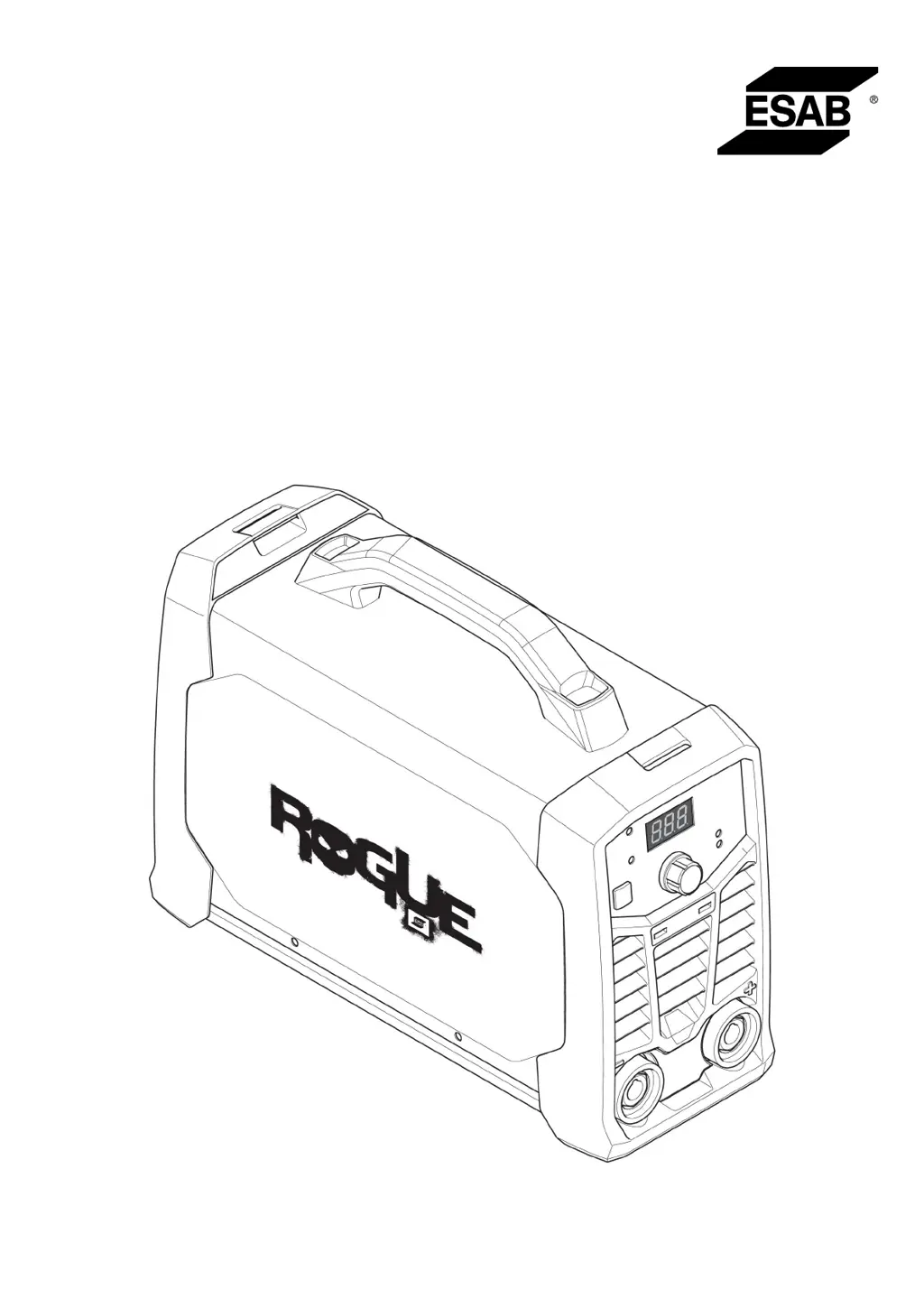
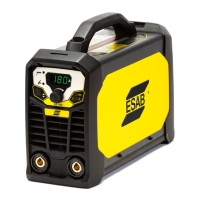
ESAB Rogue ES 150i - User Manual

ESAB Rogue ES 150i
26 pages
Print Icon
To Next Page IconTo Next Page
Loading...
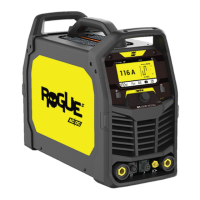
Rogue
Instruction manual
0463 732 001 GB 20200323
Valid for: A01-xxx-xxxx
ES 150i, ES 180i

Other manuals for ESAB Rogue ES 150i

Questions and Answers

  • Z
    zhicksAug 9, 2025
    What to do if my ESAB Welding System has no arc?
    • T
      Tiffany BrooksAug 9, 2025
      If your ESAB Welding System has no arc, verify that the electrical power supply switch is turned on and the display is on, confirming the power source is active. Ensure the setting panel displays correct values and that the welding and return cables are correctly connected. Finally, check the electrical power supply fuses.
  • M
    Michael FordAug 14, 2025
    Why is my ESAB Rogue ES 150i Welding System's welding current interrupted during welding?
    • C
      Christopher PittsAug 14, 2025
      If the welding current is interrupted during welding with your ESAB Welding System, check if the Over Temperature LED (Thermal Protection) on the setting panel is illuminated. Also, troubleshoot for a 'No Arc' condition.
  • D
    Dennis BurnsAug 21, 2025
    How to troubleshoot MMA welding problems with ESAB Welding System?
    • K
      Kara WalkerAug 22, 2025
      To troubleshoot MMA welding problems with your ESAB Welding System: * Ensure the welding process is set for MMA. * Verify that the welding and return cables are correctly connected to the power source. * Confirm the return clamp has good contact with the workpiece. * Check that the correct electrodes and polarity are being used (refer to electrode packaging for polarity). * Ensure the correct Welding current (A) is set. * Adjust Arc Force and Hot start.
  • S
    susan44Aug 27, 2025
    How to troubleshoot TIG welding problems with ESAB Rogue ES 150i?
    • J
      Jeremy DownsAug 27, 2025
      To troubleshoot TIG welding problems with your ESAB Welding System: * Check the welding process is set for Live TIG as necessary. * Verify that the TIG torch and return cables are correctly connected to the power source. * Ensure the return clamp has good contact with the workpiece. * Make sure that the TIG torch lead is connected to the negative welding terminal. * Ensure the correct shielding gas, gas flow, welding current, filler rod placement, electrode diameter and welding mode on power source is used. * Make sure that the gas valve on the TIG torch is ON.
  • N
    Nathan MoonSep 2, 2025
    What to do if the thermal protection trips frequently on my ESAB Rogue ES 150i Welding System?
    • G
      Gregory CooperSep 2, 2025
      If the thermal protection trips frequently on your ESAB Welding System, ensure that the recommended duty cycle for the weld current has not been exceeded. Also, make sure that the air inlets or outlets are not clogged and clean the inside of the machine using routine maintenance methods.

Summary

SAFETY

General Safety Precautions

Details user responsibilities, workplace suitability, and personnel training requirements.

TECHNICAL DATA

Product Specifications

Presents detailed technical specifications for ES 150i and ES 180i welding power sources.

INSTALLATION

Mains Power Connection Details

Details supply voltage, cable area, fuse sizes, and extension cord guidelines.

OPERATION

Thermal Protection and Welding Functions

Describes thermal overload protection, MMA, TIG welding, Arc Force, and Hot Start features.

MAINTENANCE

Maintenance Safety and Cautions

Covers critical safety warnings, cautions, and notes before performing maintenance.

Detailed Cleaning Procedure

Provides step-by-step instructions for cleaning internal and external parts of the equipment.

TROUBLESHOOTING

MMA Welding Problem Solutions

Lists common problems and corrective actions for MMA welding.

ORDERING SPARE PARTS

ORDERING NUMBERS

ESAB Rogue ES 150i Specifications

General IconGeneral
BrandESAB
ModelRogue ES 150i
CategoryWelding System
LanguageEnglish

Related product manuals