EasyManua.ls Logo

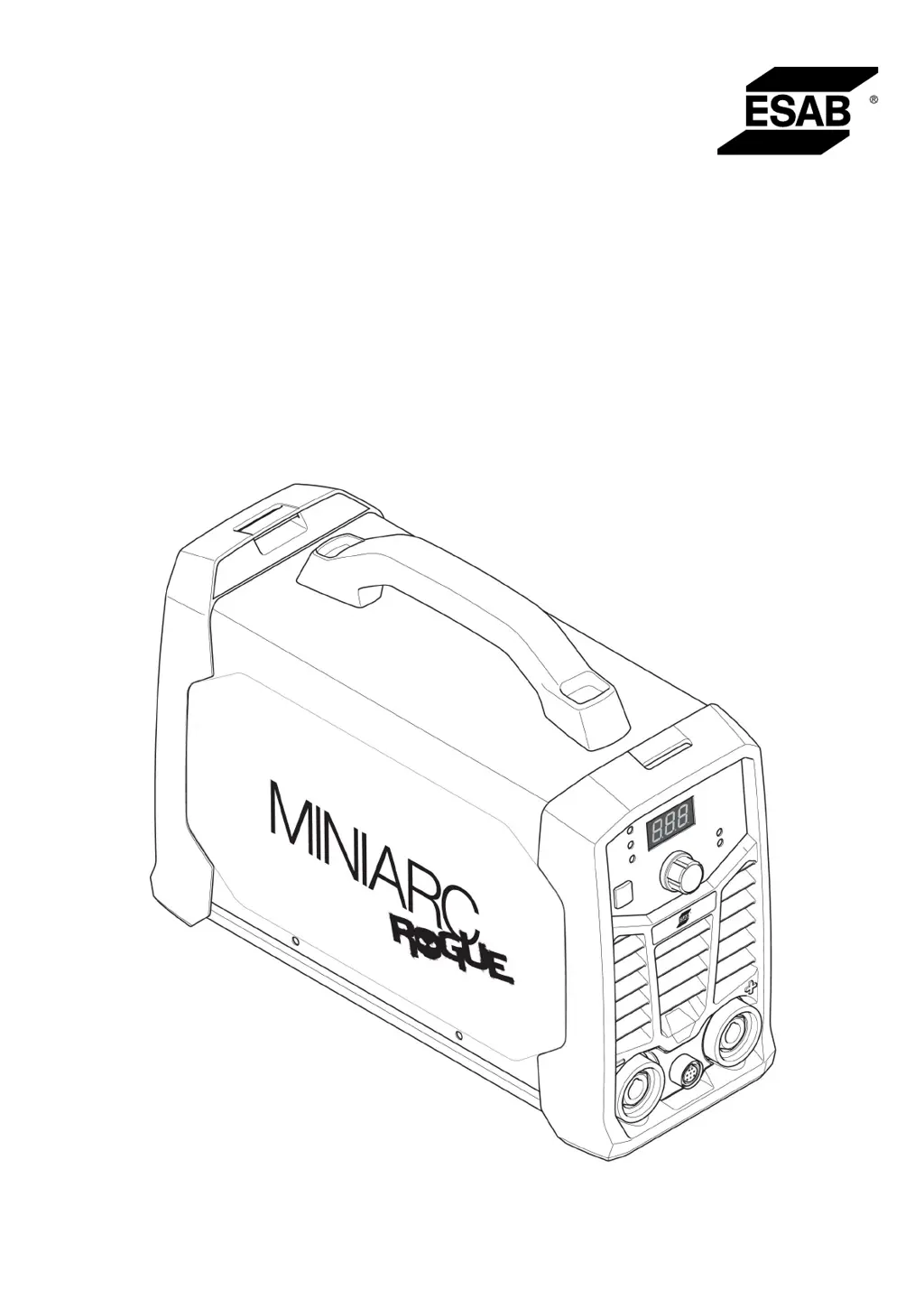
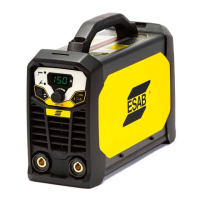
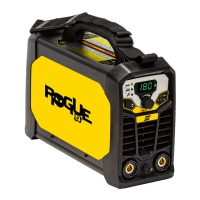
ESAB MiniArc Rogue ES 180i - User Manual

ESAB MiniArc Rogue ES 180i
28 pages
Print Icon
To Next Page IconTo Next Page
Loading...
Rogue
Instruction manual
0463 709 001 US 20200323
Valid for: A01-xxx-xxxx
MiniArcRogue ES 180i

Questions and Answers

  • A
    Anthony MatthewsAug 5, 2025
    How to troubleshoot Live TIG (GTAW) welding problems with an ESAB Welding System?
    • C
      Colleen JohnsonAug 5, 2025
      To address issues with Live TIG (GTAW) welding on your ESAB Welding System: * Ensure the welding process is correctly set for Live TIG. * Verify that the TIG torch and return cables are properly connected to the power source. * Confirm the return clamp has a secure connection to the workpiece. * Check that the TIG torch lead is connected to the negative welding terminal. * Ensure the correct shielding gas, gas flow, welding current, filler rod placement, electrode diameter, and welding mode are in use. * Confirm the gas valve on the TIG torch is in the ON position.
  • C
    Carlos WrightAug 12, 2025
    How to fix stick (SMAW) welding problems on an ESAB Welding System?
    • N
      Natalie HarrisAug 12, 2025
      To resolve stick (SMAW) welding issues with your ESAB Welding System: 1. Ensure the welding process is configured for Stick (SMAW). 2. Verify that the welding and return cables are correctly connected to the power source. 3. Ensure the return clamp has good contact with the workpiece. 4. Confirm that the correct electrodes and polarity are being used (check electrode packaging for polarity information). 5. Verify that the correct Welding current (A) is set. 6. Adjust Arc Force and Hot start settings.
  • M
    mtaylorAug 19, 2025
    Why does the thermal protection trip frequently on my ESAB Welding System?
    • M
      Maria JonesAug 19, 2025
      If your ESAB Welding System's thermal protection trips frequently, ensure that the recommended duty cycle for the weld current hasn't been exceeded. Also, check that the air inlets or outlets are not blocked. Clean the inside of the machine using routine maintenance methods.
  • W
    Wanda BrownAug 27, 2025
    What to do if there is no arc on ESAB Welding System?
    • M
      Melanie VelasquezAug 27, 2025
      To troubleshoot a 'No Arc' situation with your ESAB Welding System: * Ensure the electrical power supply switch is turned on. * Verify the display is on, confirming the power source has power. * Check that the setting panel displays the correct values. * Confirm the welding and return cables are correctly connected. * Check the electrical power supply fuses.

Summary

1 SAFETY

1.1 Meaning of Symbols

Explains symbols for danger, warning, and caution.

1.2 Safety Precautions

General safety precautions for operating welding equipment.

Electrical and Fire Safety

Covers electrical shock, fire, and explosion hazards and prevention.

EMF, Fumes, and Cylinder Handling

Addresses EMF, fumes/gases, and cylinder safety guidelines.

Moving Parts, Falling Equipment, and Maintenance Safety

Details risks of moving parts, falling equipment, and maintenance.

Additional Safety Information

Lists recommended publications for further information on welding safety practices.

1.3 User Responsibility

Defines user's responsibility for ensuring safety compliance and operator training.

1.4 California Proposition 65 Warning

Warns about chemicals in fumes known to cause cancer or birth defects in California.

2 INTRODUCTION

2.1 Equipment Overview

Lists the components included with the welding power source.

3 TECHNICAL DATA

Duty Cycle Definition

Explains the meaning of duty cycle as a percentage of operating time.

Enclosure Class (IP Rating)

Defines enclosure class (IP code) and its protection meaning.

Application Class

Explains the application class symbol 'S' for electrical hazard areas.

4 INSTALLATION

4.1 Location Requirements

Specifies requirements for positioning the power source for optimal cooling.

4.2 Lifting Instructions

Provides instructions and warnings for safely lifting the welding unit.

4.3 Main Power Supply Connection

Details main power supply connection, fuse, and cable requirements.

5 OPERATION

5.1 Overview

Introduces the operation chapter and refers to safety guidelines.

5.2 Connections and Controls

Identifies and explains the connections and control devices on the power source.

5.3 Connecting Cables

Describes how to connect welding and return cables to the power source.

5.4 Power On;Off Procedure

Explains the steps for turning the welding unit's power on and off.

5.5 Fan Control System

Details the fan-as-needed feature and its advantages.

5.6 Thermal Protection

Explains the automatic thermal protection and overheating indicator.

5.7 Stick and TIG Welding Functions

Describes Stick (SMAW) and TIG (GTAW) welding processes and related functions.

Voltage Reduction Device (VRD)

Explains the VRD function and its indicator for safety.

5.8 Setting Panel Description

Identifies and explains the components of the welding unit's setting panel.

5.9 Remote Control Operation

Describes how to connect and use the remote control for power source settings.

6 MAINTENANCE

6.1 Routine Maintenance Schedule

Outlines the schedule for routine maintenance tasks like cleaning and checks.

6.2 Cleaning Instructions

Provides detailed instructions for cleaning the welding equipment for optimal performance.

7 TROUBLESHOOTING

8 ORDERING SPARE PARTS

Diagram

Ordering Numbers

Accessories

ESAB MiniArc Rogue ES 180i Specifications

General IconGeneral
BrandESAB
ModelMiniArc Rogue ES 180i
CategoryWelding System
LanguageEnglish

Related product manuals