EasyManua.ls Logo

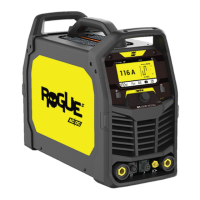
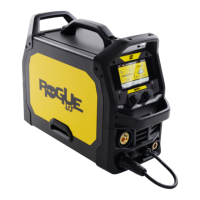
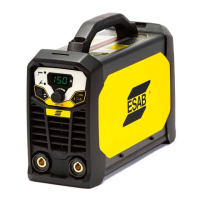
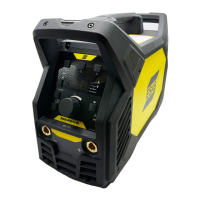
ESAB Rogue ES 130i PRO - User Manual

ESAB Rogue ES 130i PRO
30 pages
Print Icon
To Next Page IconTo Next Page
Loading...
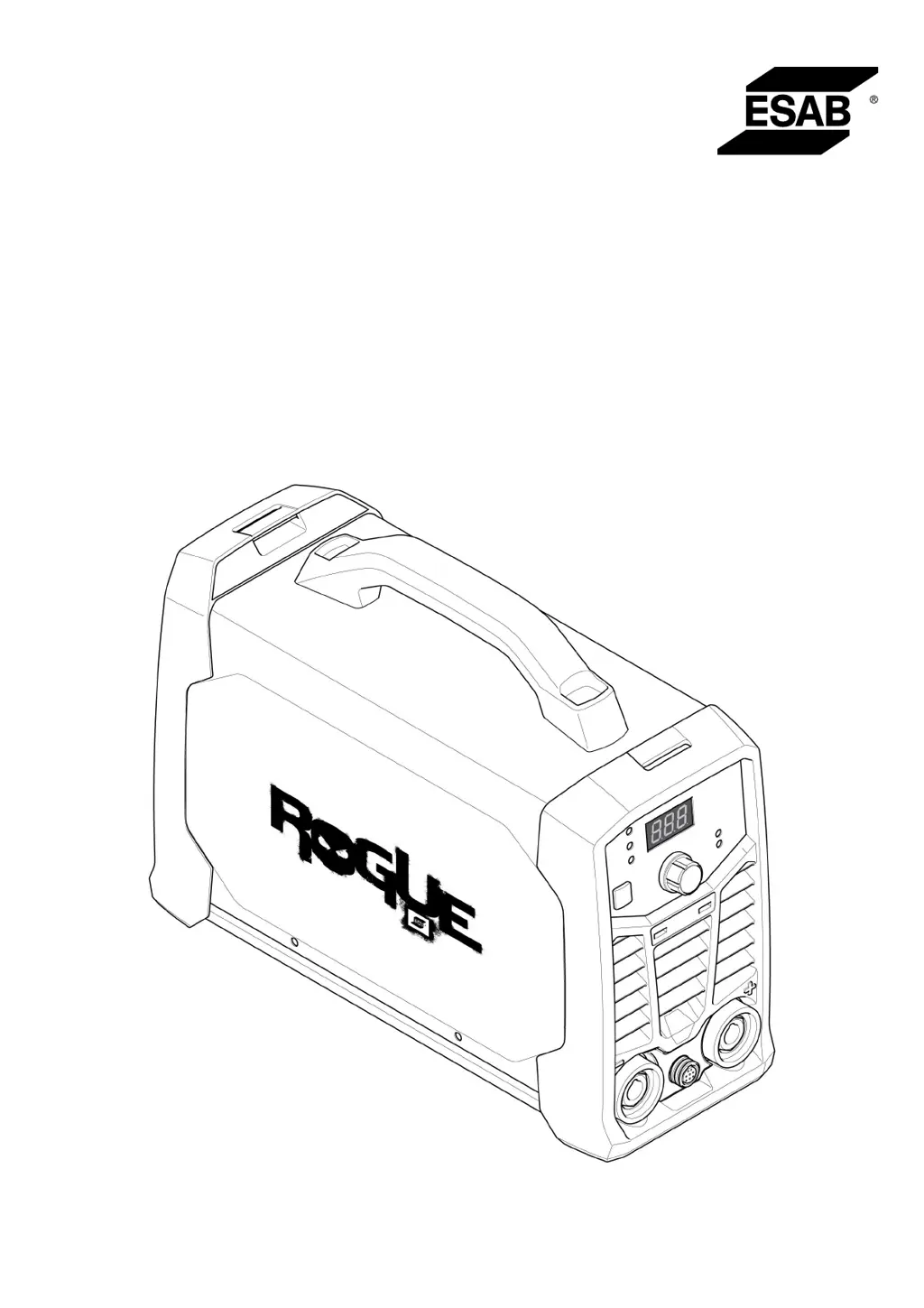
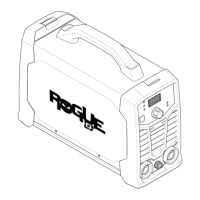
Rogue
Instruction manual
0463 709 101 US 20201116
Valid for: A01-, A02-, A03-, HA19-, HA042-xxxx-xxxx
ES130iPRO, ES180iPRO

Other manuals for ESAB Rogue ES 130i PRO

Questions and Answers

  • J
    John SparksAug 8, 2025
    How to troubleshoot MMA welding problems with my ESAB Rogue ES 130i PRO?
    • A
      Aaron HoustonAug 9, 2025
      If you're experiencing issues with MMA welding on your ESAB Welding System, make sure that the welding process is set for MMA. Also, verify that the welding and return cables are correctly connected to the power source. Ensure the return clamp has good contact with the workpiece. Check that you're using the correct electrodes and polarity (refer to the electrode packaging for polarity). Confirm the correct welding current (A) is set, and adjust Arc Force and Hot start as needed.
  • A
    Allison YoungAug 12, 2025
    How to fix TIG welding problems on my ESAB Rogue ES 130i PRO?
    • N
      Nicholas ThompsonAug 12, 2025
      If you're having TIG welding problems with your ESAB Welding System, ensure the welding process is set for Live TIG as necessary. Confirm that the TIG torch and return cables are correctly connected to the power source. Ensure the return clamp has good contact with the workpiece and that the TIG torch lead is connected to the negative welding terminal. Also, be sure you're using the correct shielding gas, gas flow, welding current, filler rod placement, electrode diameter, and welding mode on the power source. Finally, check that the gas valve on the TIG torch is ON.
  • J
    Jamie SosaAug 17, 2025
    What to do if my ESAB Rogue ES 130i PRO has no arc?
    • D
      Danielle FowlerAug 17, 2025
      If your ESAB Welding System has no arc, start by checking that the electrical power supply switch is turned on and that the display is on, verifying the power source has power. Also, check that the setting panel displays correct values. Ensure the welding and return cables are correctly connected and inspect the electrical power supply fuses.
  • J
    Joseph WolfeAug 21, 2025
    How to troubleshoot Live TIG (GTAW) welding problems with my ESAB Rogue ES 130i PRO Welding System?
    • S
      Scott PrattAug 21, 2025
      If you're experiencing issues with Live TIG (GTAW) welding on your ESAB Welding System, ensure the welding process is correctly set for Live TIG. Verify that both the TIG torch and return cables are properly connected to the power source, and the return clamp has good contact with the workpiece. Confirm the TIG torch lead is connected to the negative welding terminal. Check that you are using the correct shielding gas, gas flow, welding current, filler rod placement, electrode diameter, and welding mode on the power source. Finally, ensure the gas valve on the TIG torch is turned ON.
  • H
    Hayley MitchellAug 25, 2025
    How to solve Stick (SMAW) welding problems on my ESAB Rogue ES 130i PRO Welding System?
    • I
      Ian SextonAug 26, 2025
      To troubleshoot Stick (SMAW) welding issues on your ESAB Welding System, first, check that the welding process is set for Stick (SMAW). Then, confirm that the welding and return cables are correctly connected to the power source and that the return clamp has good contact with the workpiece. Verify that you are using the correct electrodes and polarity (check the electrode packaging for polarity). Ensure that the correct welding current is set. Adjust the Arc Force and Hot start settings as needed.
  • X
    xhansenAug 30, 2025
    Why does the thermal protection trip frequently on my ESAB Welding System?
    • T
      Tracie WeaverAug 30, 2025
      If the thermal protection on your ESAB Welding System trips frequently, ensure that you have not exceeded the recommended duty cycle for the weld current, referring to the "Duty cycle" section in "TECHNICAL DATA". Also, verify that the air inlets or outlets are not clogged. Clean the inside of the machine using routine maintenance methods.
  • W
    warnercynthiaSep 3, 2025
    What to do if welding current is interrupted during welding with my ESAB Welding System?
    • N
      njenkinsSep 3, 2025
      If the welding current is interrupted during welding with your ESAB Welding System, check whether the Over Temperature LED (Thermal Protection) on the setting panel is illuminated. Then, continue troubleshooting as if there is "No Arc."

ESAB Rogue ES 130i PRO Specifications

General IconGeneral
BrandESAB
ModelRogue ES 130i PRO
CategoryWelding System
LanguageEnglish

Related product manuals