EasyManua.ls Logo

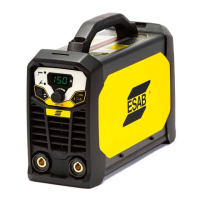
ESAB Rogue ES 200i Pro - User Manual

ESAB Rogue ES 200i Pro
22 pages
Print Icon
To Next Page IconTo Next Page
Loading...
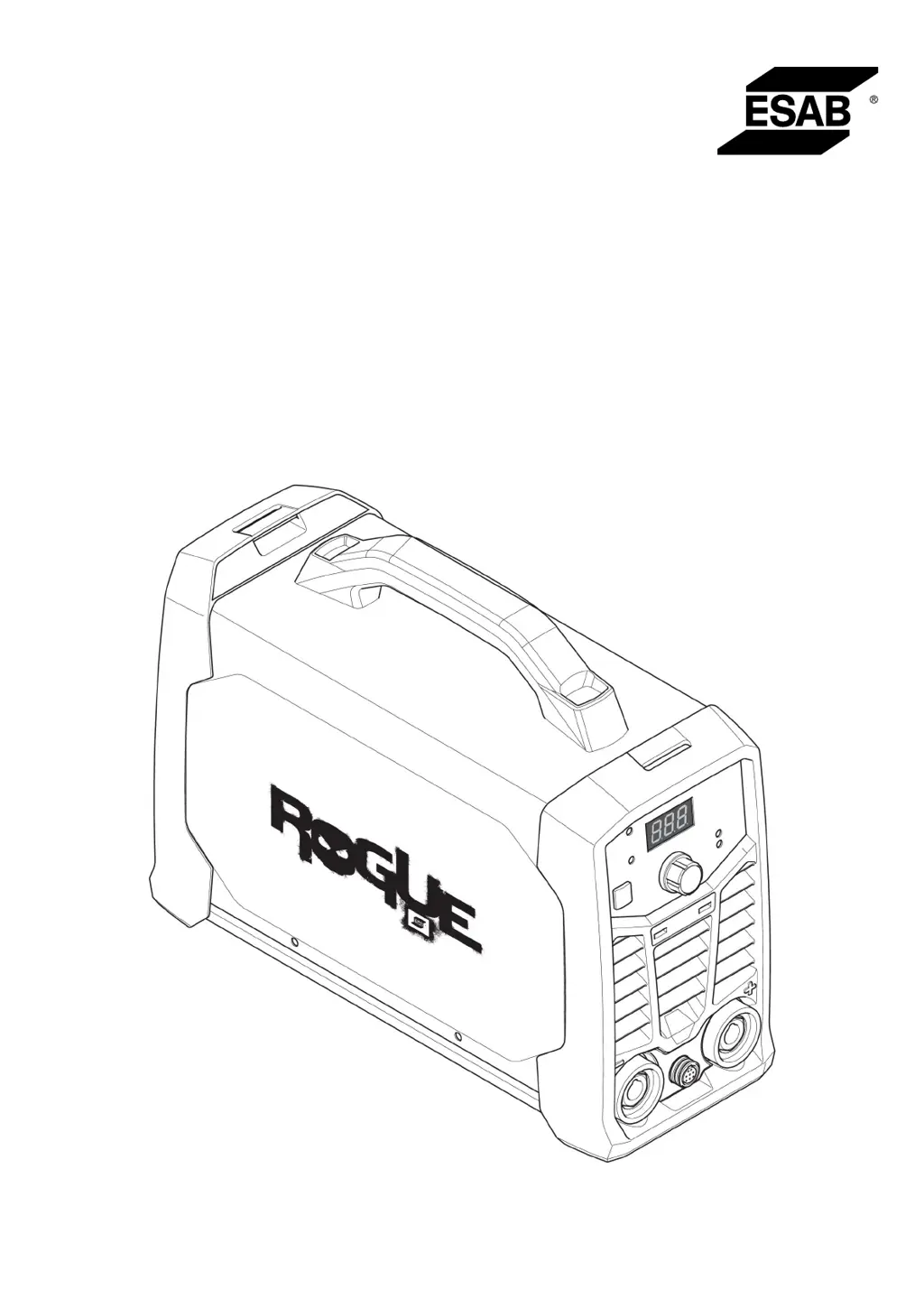
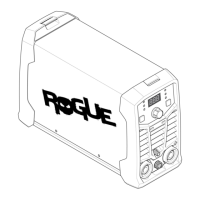
Rogue
Instruction manual
0463 710 001 GB 20200323
Valid for: A01-xxx-xxxx
ES 180iPro, ES 200iPro

Other manuals for ESAB Rogue ES 200i Pro

Questions and Answers

  • G
    Gary WalkerAug 9, 2025
    How to troubleshoot MMA welding problems with my ESAB Rogue ES 200i Pro?
    • G
      Gerald ColeAug 9, 2025
      If you're experiencing issues with MMA welding on your ESAB Welding System, make sure that the welding process is set for MMA. Also, verify that the welding and return cables are correctly connected to the power source. Ensure the return clamp has good contact with the workpiece. Check that you're using the correct electrodes and polarity (refer to the electrode packaging for polarity). Confirm the correct welding current (A) is set, and adjust Arc Force and Hot start as needed.
  • A
    Angela BerryAug 20, 2025
    How to fix TIG welding problems on my ESAB Rogue ES 200i Pro Welding System?
    • K
      Katherine LynchAug 20, 2025
      If you're having TIG welding problems with your ESAB Welding System, ensure the welding process is set for Live TIG as necessary. Confirm that the TIG torch and return cables are correctly connected to the power source. Ensure the return clamp has good contact with the workpiece and that the TIG torch lead is connected to the negative welding terminal. Also, be sure you're using the correct shielding gas, gas flow, welding current, filler rod placement, electrode diameter, and welding mode on the power source. Finally, check that the gas valve on the TIG torch is ON.
  • A
    Allen OrtizAug 29, 2025
    What to do if my ESAB Rogue ES 200i Pro has no arc?
    • B
      bowmanjessicaAug 29, 2025
      If your ESAB Welding System has no arc, start by checking that the electrical power supply switch is turned on and that the display is on, verifying the power source has power. Also, check that the setting panel displays correct values. Ensure the welding and return cables are correctly connected and inspect the electrical power supply fuses.

Summary

SAFETY

Meaning of Symbols

Explains the meaning of danger, warning, and caution symbols used in the manual.

General Safety Precautions

Details general safety rules, operator responsibilities, and workplace requirements for safe operation.

Electric Shock and EMF Hazards

Warns about electric shock, EMF risks, and provides preventative measures and health considerations.

Arc Rays, Noise, and Moving Parts Hazards

Details risks from arc rays, noise, and moving parts, along with necessary safety precautions.

Fire, Hot Surface, and Malfunction Warnings

Covers fire hazards, hot surfaces, and instructions for handling malfunctions.

TECHNICAL DATA

INSTALLATION

Mains Supply Connection

Explains compliance with IEC standards and the importance of correct fuse rating and grounding.

Fuse Sizes and Cable Area

Lists recommended fuse sizes and minimum cable areas for 230 VAC and 115 VAC supply.

MAINTENANCE

TROUBLESHOOTING

MMA Welding Problems

Lists common MMA welding problems and their corrective actions.

TIG Welding Problems

Lists common TIG welding problems and their corrective actions.

No Arc and Current Interruption Issues

Addresses issues where no arc is produced or welding current is interrupted, with corrective actions.

Thermal Protection Trips

Explains why the thermal protection might trip frequently and how to resolve it.

ESAB Rogue ES 200i Pro Specifications

General IconGeneral
Duty Cycle60% at 200 A
Dimensions403 x 153 x 264 mm
Input Current32 A
Protection ClassIP23S
Input Frequency50/60 Hz
Power Factor0.99
Efficiency85%
Process TypesMMA, TIG
Input Phase1 phase
Welding ProcessesStick (MMA), TIG

Related product manuals