EasyManua.ls Logo

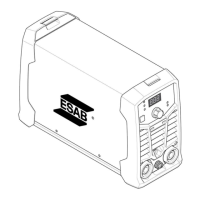
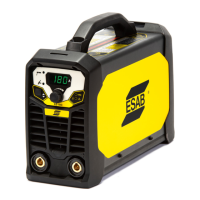
ESAB ES 200i Pro - User Manual

ESAB ES 200i Pro
28 pages
Print Icon
To Next Page IconTo Next Page
Loading...
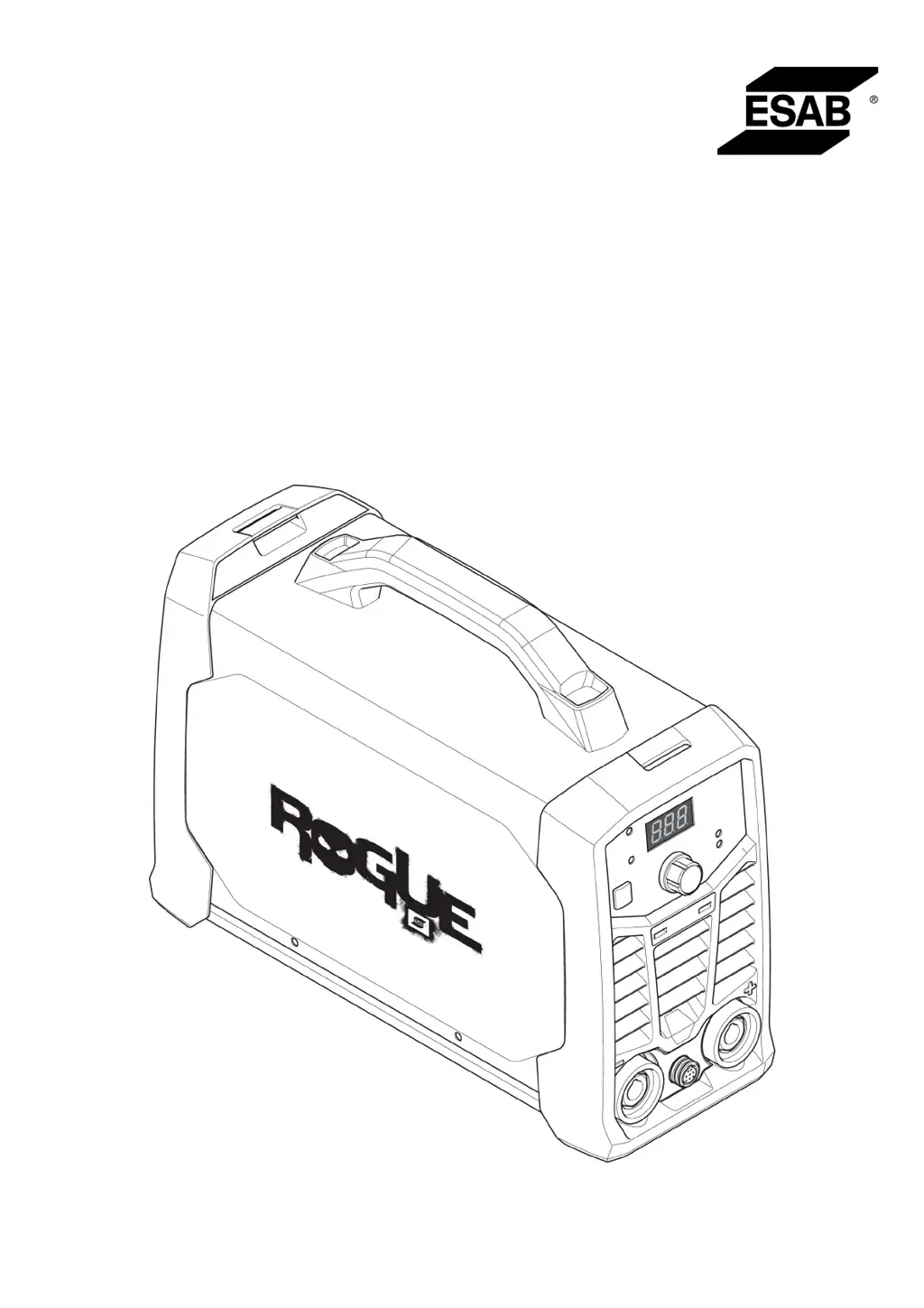
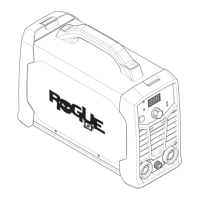
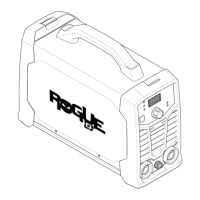
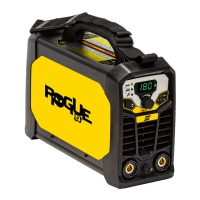
Rogue
Instruction manual
0463 710 101 GB 20220318
Valid for: HA019-, HA020-xxxx-xxxx
ES 180iPRO, ES 200iPRO

Other manuals for ESAB ES 200i Pro

Questions and Answers

  • S
    Samantha WaltersAug 6, 2025
    What to do if there is no arc when using ESAB ES 200i Pro?
    • A
      Adam ThorntonAug 6, 2025
      If you're experiencing a no arc situation with your ESAB Welding System, verify that the electrical power supply switch is turned on and the display is on, showing correct values. Ensure that the welding and return cables are correctly connected. Also, check the electrical power supply fuses.
  • W
    Wendy RodriguezAug 10, 2025
    How to troubleshoot TIG welding problems with ESAB ES 200i Pro?
    • D
      David McmahonAug 10, 2025
      To troubleshoot TIG welding problems with your ESAB Welding System, ensure the welding process is set for Live TIG as necessary. Check that the TIG torch and return cables are correctly connected to the power source, and the return clamp has good contact with the workpiece. Make sure that the TIG torch lead is connected to the negative welding terminal and that you're using the correct shielding gas, gas flow, welding current, filler rod placement, electrode diameter, and welding mode on the power source. Also, verify that the gas valve on the TIG torch is ON.
  • J
    John SchmidtAug 14, 2025
    How to troubleshoot MMA welding problems with ESAB ES 200i Pro?
    • R
      rpinedaAug 14, 2025
      To troubleshoot MMA welding problems with your ESAB Welding System, check that the welding process is set for MMA. Ensure that the welding and return cables are correctly connected to the power source and that the return clamp has good contact with the workpiece. Verify that the correct electrodes and polarity are being used, referring to the electrode packaging for polarity. Also, check that the correct Welding current (A) is set, and adjust Arc Force and Hot start.
  • C
    Cheryl SullivanAug 18, 2025
    What to do if the thermal protection trips frequently on my ESAB ES 200i Pro?
    • D
      Denise CoxAug 19, 2025
      If the thermal protection trips frequently on your ESAB Welding System, make sure that the recommended duty cycle for the weld current has not been exceeded. Also, ensure that the air inlets or outlets are not clogged. Clean the inside of the machine using routine maintenance methods.
  • W
    Whitney DavisAug 23, 2025
    What to do if my ESAB Welding System has no arc?
    • P
      Paul TrevinoAug 23, 2025
      If your ESAB Welding System is not producing an arc, verify that the electrical power supply switch is turned on and the display is on. Also, ensure that the setting panel is displaying correct values, the welding and return cables are correctly connected, and the electrical power supply fuses are intact.
  • F
    Francis Mack Jr.Aug 27, 2025
    How to troubleshoot MMA welding problems with my ESAB ES 200i Pro?
    • C
      Charlotte FergusonAug 28, 2025
      To troubleshoot MMA welding issues with your ESAB Welding System, first ensure the welding process is set for MMA. Then, check that the welding and return cables are correctly connected to the power source and that the return clamp has good contact with the workpiece. Verify that the correct electrodes and polarity are being used, and that the welding current is appropriately set. Finally, adjust Arc Force and Hot start as needed.
  • Y
    Yvonne GonzalezAug 31, 2025
    What to do if I'm experiencing TIG welding problems with my ESAB Welding System?
    • J
      jessicasmithSep 1, 2025
      If you're having TIG welding problems with your ESAB Welding System, check that the welding process is set for Lift TIG as necessary and that the TIG torch and return cables are correctly connected to the power source. Ensure the return clamp has good contact with the workpiece and the TIG torch lead is connected to the negative welding terminal. Verify the correct shielding gas, gas flow, welding current, filler rod placement, electrode diameter, and welding mode are being used. Also, make sure the gas valve on the TIG torch is ON.

Summary

Safety

General Safety Precautions

Outlines essential safety measures and operator responsibilities for safe equipment use.

Electrical, Field, and Gas Hazards

Covers dangers of electric shock, electromagnetic fields, and hazardous fumes/gases.

Technical Data

Installation

General Installation Requirements

States that installation must be performed by a professional and notes potential radio interference.

Mains Supply and Fuse Recommendations

Details mains supply compliance, Sscmin, and recommends fuse sizes and cable areas.

Operation

Operational Overview and Safety

Introduces operational safety regulations and notes on handling the equipment.

Connections and Control Panel

Identifies and describes connection terminals and control devices on the power source.

Connecting Welding and Return Cables

Explains how to connect welding and return cables to the power source and workpiece.

Thermal Protection and Welding Modes

Describes thermal protection, MMA welding, and the Arc Force function.

Hot Start, TIG Welding, and VRD

Explains Hot Start, TIG welding process, and the Voltage Reduction Device (VRD).

Setting Panel and Remote Control

Identifies setting panel components and explains remote control connection and activation.

Maintenance

General Maintenance Precautions

Highlights safety warnings for power disconnection and cautions for authorized personnel and warranty.

Routine Maintenance Schedule

Outlines a schedule for routine maintenance tasks like cleaning labels, terminals, and cables.

Troubleshooting

Troubleshooting MMA Welding Issues

Provides corrective actions for common problems encountered during MMA welding.

Troubleshooting TIG Welding Issues

Offers solutions for typical problems occurring during TIG welding.

Troubleshooting No Arc and Intermittent Welding

Guides on diagnosing and resolving situations where no arc is generated or welding is interrupted.

Troubleshooting Thermal Protection Trips

Explains why thermal protection might trip frequently and how to prevent it.

Ordering Spare Parts

Ordering Numbers

ESAB ES 200i Pro Specifications

General IconGeneral
BrandESAB
ModelES 200i Pro
CategoryWelding System
LanguageEnglish

Related product manuals