EasyManua.ls Logo

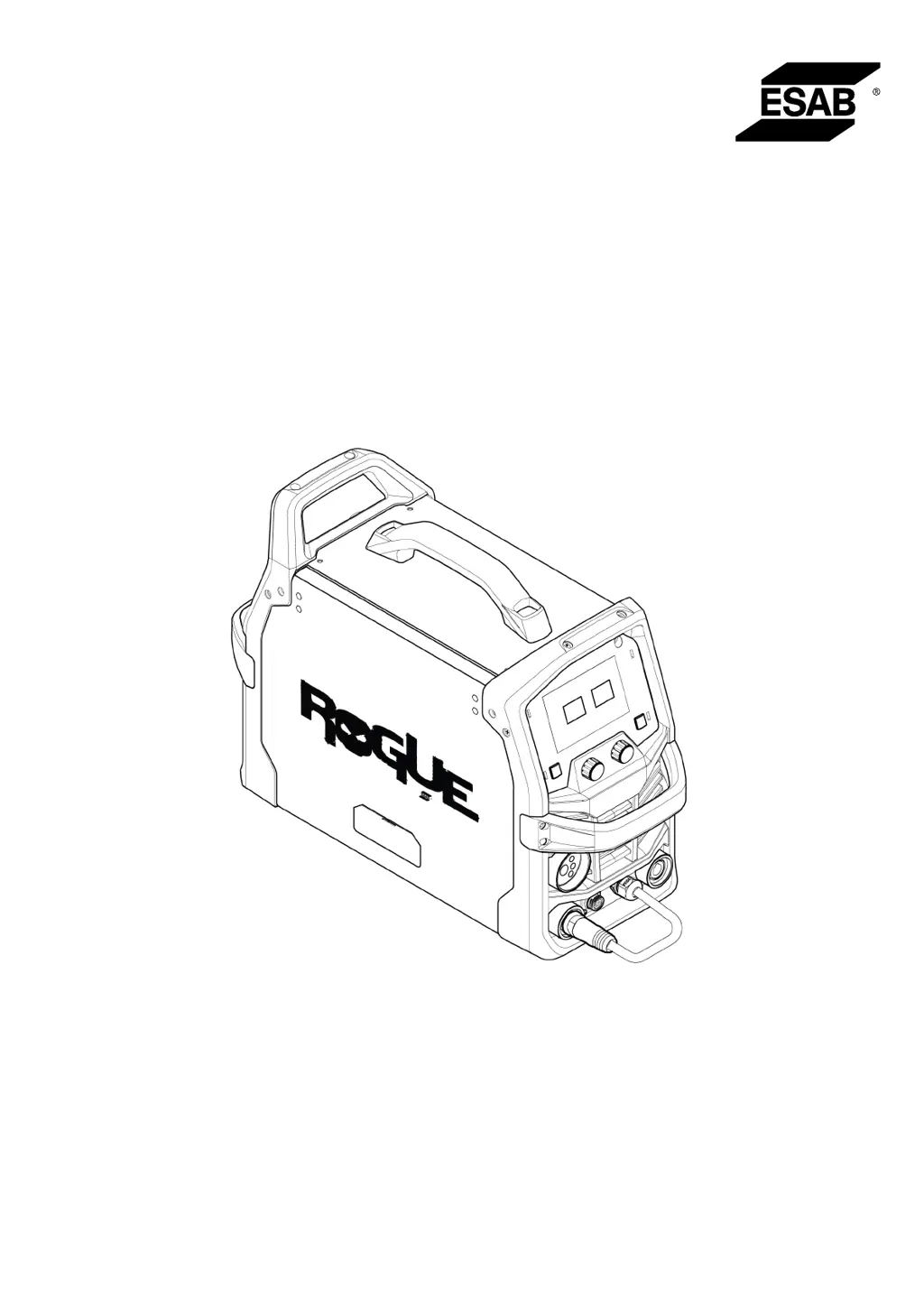
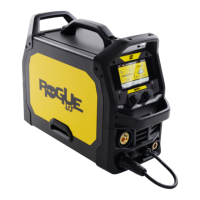
ESAB Rogue EM 180 - User Manual

ESAB Rogue EM 180
38 pages
Print Icon
To Next Page IconTo Next Page
Loading...
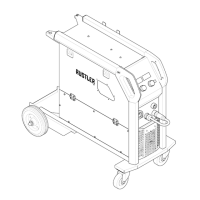
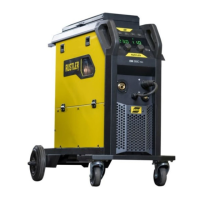
Rogue EM 180
Instruction manual
0447 979 001 GB 20231102
Valid for: HA324YY-XXXXXX

Questions and Answers

  • E
    Emily ContrerasAug 7, 2025
    What to do if my ESAB Welding System has no power or no arc?
    • S
      Susan WaltersAug 7, 2025
      If your ESAB Welding System shows no power or arc, verify that the main switch is turned on. Also, check the display for a temperature fault, and see if the system breaker has tripped. Ensure that the input power, welding, and return cables are correctly connected, and that the correct current value is set. Finally, inspect the input power supply fuses.
  • R
    robert32Aug 13, 2025
    How to fix porosity within the weld metal in my ESAB Rogue EM 180 Welding System?
    • D
      David JacksonAug 14, 2025
      To address porosity in the weld metal when using your ESAB Welding System, begin by checking that the gas bottle is not empty and the gas regulator is not closed. Inspect the gas inlet hose for any leaks or blockages. Ensure the correct gas is connected and the appropriate gas flow is being used. Keep the distance between the GMAW torch nozzle and the workpiece to a minimum. Avoid working in drafty areas that could disperse the shielding gas. Before welding, ensure the workpiece is clean and free of oil or grease.
  • D
    dereklinAug 19, 2025
    Why am I having GMAW (MIG) welding problems with my ESAB Rogue EM 180 Welding System?
    • T
      Timothy HillSep 12, 2025
      If you're experiencing GMAW (MIG) welding problems with your ESAB Welding System, ensure the torch is connected to the correct polarity. Replace the contact tip if it has arc marks causing excessive drag on the wire. Verify that you are using the correct shielding gas, gas flow, voltage, welding current, travel speed, and torch angle. Also, make sure the work lead has proper contact with the workpiece.
  • M
    Megan NicholsonAug 26, 2025
    How to troubleshoot wire feeding problems in my ESAB Rogue EM 180?
    • M
      mistywattsAug 26, 2025
      If your ESAB Welding System is experiencing wire feeding problems, make sure the wire spool brake is adjusted correctly. Also, check that the feed roller is the correct size and not worn. Ensure the correct pressure is set on the feed rollers. Verify the correct contact tip is used and is not worn. Ensure the liner is the right size and type for the wire and that the liner is not bent, causing friction between it and the wire.
  • S
    Sue PayneAug 31, 2025
    Why does the overheating protection trip frequently on my ESAB Rogue EM 180 Welding System?
    • C
      Charlene WrightAug 31, 2025
      If the overheating protection trips frequently on your ESAB Welding System, ensure that you are not exceeding the recommended duty cycle for the weld current you are using. Also, make sure that the air inlets or outlets are not clogged.

Summary

SAFETY

Meaning of symbols

Explains the meaning of DANGER, WARNING, and CAUTION symbols used in the manual.

Safety precautions

Outlines essential safety precautions for users and the workplace.

INTRODUCTION

Equipment

Lists the items included with the Rogue EM 180 PRO welding system.

TECHNICAL DATA

INSTALLATION

Location

Instructions on positioning the power source for proper cooling and ventilation.

Lifting instructions

Guidance on how to safely lift and move the welding power source.

Mains supply

Details on connecting the welding power source to the appropriate mains supply.

Recommended fuse and cable sizes

Specifies recommended fuse ratings and cable sizes for safe electrical connection.

OPERATION

Connections

Details on connecting the welding torch, return cable, and polarity changeover cable.

Cable connection - Weld, return and polarity change over

Explains how to correctly connect weld, return, and polarity cables for operation.

Drive system diagram

Illustrates the drive system components for wire feeding.

Attaching MXL 201 with central adapter

Step-by-step instructions for attaching the MXL 201 wire feeder with a central adapter.

Inserting and replacing wire

Guide on how to insert and replace welding wire in the machine.

Welding with aluminium wire

Specific notes and recommendations for welding with aluminum wire.

Installing 12.5 lb spool (8 in. diameter)

Instructions for installing a 12.5 lb wire spool onto the machine.

Installing 2 lb spool (4 in. diameter)

Instructions for installing a 2 lb wire spool onto the machine.

Setting the wire feed pressure

How to adjust and check the wire feed pressure for optimal performance.

Changing the feed;pressure rollers

Steps for changing the wire feed rollers to match different wire types.

Shielding gas

Information on selecting the appropriate shielding gas for different welding materials.

Duty cycle

Explanation of the machine's duty cycle and how it affects operation.

USER INTERFACE

External control panel

Overview and identification of controls and displays on the external control panel.

Weld Variables

How to access and adjust welding parameters like pre-flow, burnback, and post-flow.

Arc Dynamics and Trigger Selection

Guide to adjusting arc dynamics and selecting trigger modes (2-stroke/4-stroke).

Synergic control panel

Explanation of the synergic control panel for material, wire diameter, and gas selection.

Wire inching and gas purge button

Details on using the wire inch and gas purge functions.

Icon reference guide

A guide to understanding the various icons used on the control panel.

MAINTENANCE

Routine maintenance

Schedule and steps for regular visual checks and cleaning of the equipment.

Power source and wire feeder maintenance

Procedures for cleaning the power source and wire feeder components.

Torch and liner maintenance

Steps for cleaning and maintaining the welding torch and liner.

ERROR CODES

Error code descriptions

Explains common error codes, their descriptions, and recommended actions.

TROUBLESHOOTING

ORDERING SPARE PARTS

APPENDIX

Wiring Diagram

Electrical wiring diagram for the welding power source and its components.

Ordering Numbers

Lists ordering numbers for the power source and instruction manual.

Wear Parts

Catalog of wear parts for the welding equipment with their specifications.

Accessories

Lists available accessories for the Rogue EM 180 welding machine.

ESAB Rogue EM 180 Specifications

General IconGeneral
Input Voltage230 V
Input Frequency50/60 Hz
Wire Diameter Range0.6 - 1.0 mm
Protection ClassIP23
Input PhaseSingle phase
Duty Cycle60%
ProcessMIG/MAG
Wire Feed Speed Range2 - 12 m/min

Related product manuals