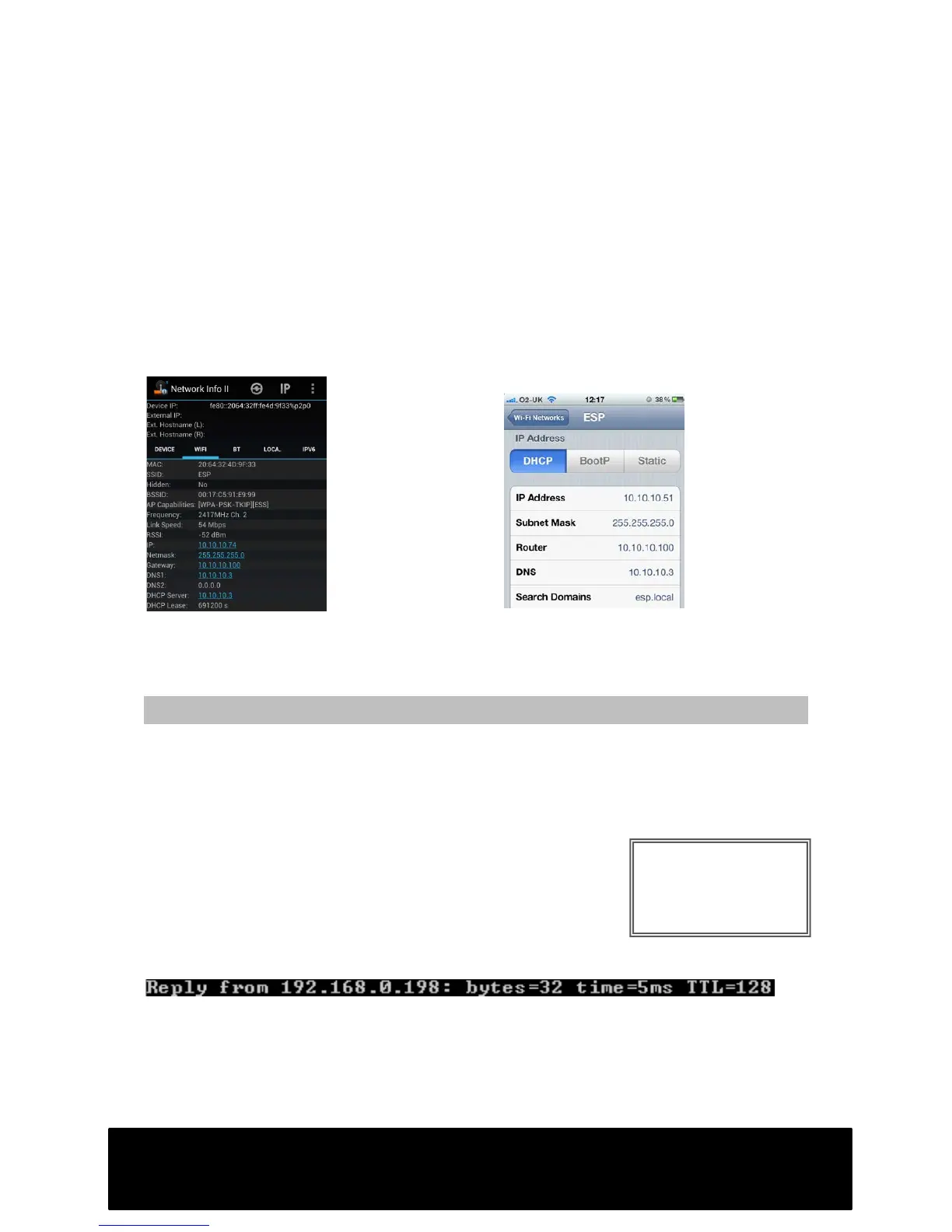
Copy down the following info:
• IP Address (IPv4 Address)
• Subnet Mask
• Default Gateway
• DNS Server(s)
Proceed to step 3.
Retrieving settings from iPhone
Proceed to step 3.
STEP 3 – Choosing an IP address for your DVR
The IP address allocated to your DVR must be unique within your network. Use an
address similar to the other devices on your network. On each device, the first three
numbers must be the same. Only change the fourth numbers. Be aware that devices
with identical IP addresses will malfunction.
1. Open the Command Prompt (see previous step)
2. Type “ping 192.168.X.XXX” (replace X with desired IP
address)
If a device is already using this address, you will see a reply
from that address which will look similar to this:
If this address is not being used, you will see either “Destination host unreachable” or
“Request timed out”. If either message is displayed, you may allocate this IP address
to your DVR.
Proceed to step 4.



 To Next Page