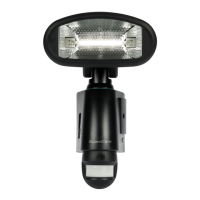
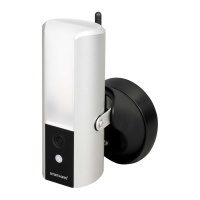
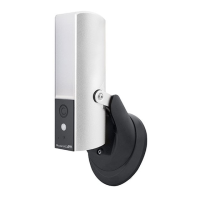
Need help?
Do you have a question about the ESP GuardCam LED and is the answer not in the manual?
Instructions on how to format the SD card using a PC or laptop for optimal operation.
Steps to follow for safely formatting the SD card, including saving required images first.
Guidance on how to properly insert and remove the SD card from the GuardCam unit.
Important safety precautions and procedures for installing the GuardCam LED unit correctly.
Detailed instructions on how to mount the GuardCam LED unit, including wiring connections.
How to adjust time control, sensitivity, and select working modes for the GuardCam LED.
Procedure for setting the date, time, and choosing between video or photo capture modes.
Instructions on how to view captured video footage using a computer and USB card reader.
 General
| Brand | ESP |
|---|---|
| Model | GuardCam LED |
| Category | Security Camera |
| Language | English |


 To Next Page