Chapter 3 Commands
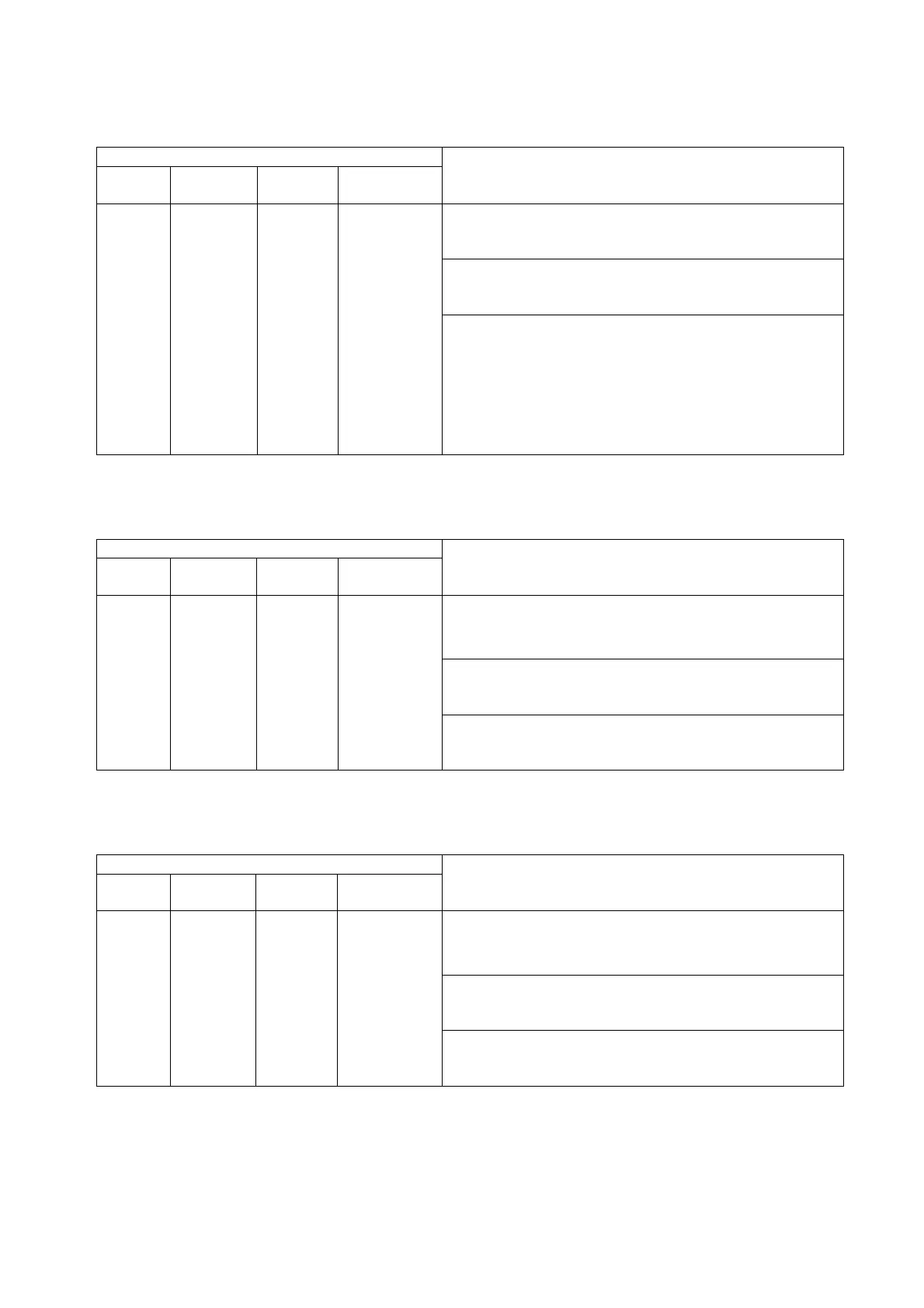
■To Set the Control Mode
Table 3.
29
Control mode setting command
Setting command
Address
Main
command
Optional
parameter
Setting data
Description/Setting data format/Example command
<
Description
>
Sets the control mode.
<
Setting data format
>
“control mode code”
1 to 16 AMODE
−
Control
mode
<
Example command
>
“1,AMODE,1”
The control mode is described as follows.
1: Unsaturated
2: Saturated
3: Dry/Wet-bulb
(
Can be set only with M-type
chambers.
)
■To Set Constant Mode Pattern No.
Table 3.30
Constant
mode pattern No. setting command
Setting command
Address
Main
command
Optional
parameter
Setting data
Description/Setting data format/Example command
<
Description
>
Sets a pattern No. for constant mode operation. Specify
a number from 0 to 9.
<
Setting data format
>
“pattern No.”
1 to 16 CPAT
−
Pattern No.
<
Example command
>
“1.CPAT,3”
■To Set Constant Mode Parameters
Table 3.31
Constant
mode parameters setting command
Setting command
Address
Main
command
Optional
parameter
Setting data
Description/Setting data format/Example command
<
Description
>
Sets temperature, humidity and time for constant mode
operation.
<
Setting data format
>
“temperature,humidity,time”
1 to 16 SET
−
Parameter
settings
<
Example command
>
“1.SET,120.0,85,100.0”
* The time setting can be omitted. When omitted, the previous set time is used.
34



 To Next Page