P-300 Web Controller Configuration and Troubleshooting Manual 1
1.1 P-300 Communication Settings
1.2 Connecting to the Chamber for Debugging
Purposes
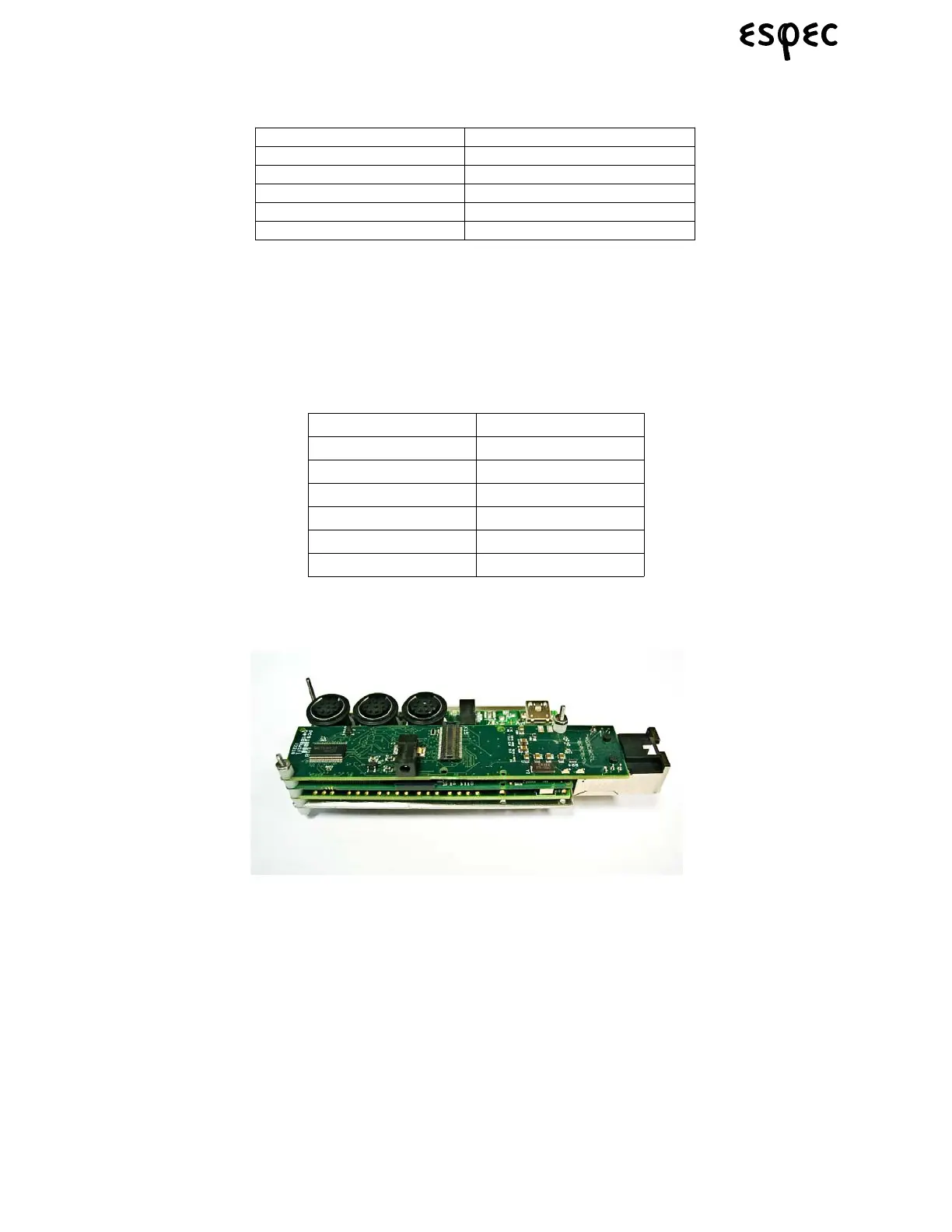
Debugging information is accessed through the center serial port (mini Din8 connector) of the gumstix
board. Connecting a PC to this port allows you to monitor any debugging information printed by the polling
service. To connect to the serial port, use the following settings:
To connect to the web server serially, you will need to use a null modem cable and connect to the middle
port on the gumstix board, as shown in the image below. Connect the DB9 end of the cable to the serial
(COM1) port of your PC.
For further explanation of the steps to follow to connect and communicate serially, follow steps 1-10 of the
“Web Controller Firmware Download Procedure” document.
Speed 115200
Data Bits 8
Stop Bits 1 bit
Parity None
Flow Control None
Stop Bits 1 bit
Protocol STND
Delimiter CR and LF
Transmission 9600 bps
Parity None
Data Bits 8bit
Stop Bits 1bit
Protocol STND



 To Next Page