P-300 Web Controller Configuration and Troubleshooting Manual 9
2.1 Web Controller Configuration
2.1.1 Introduction
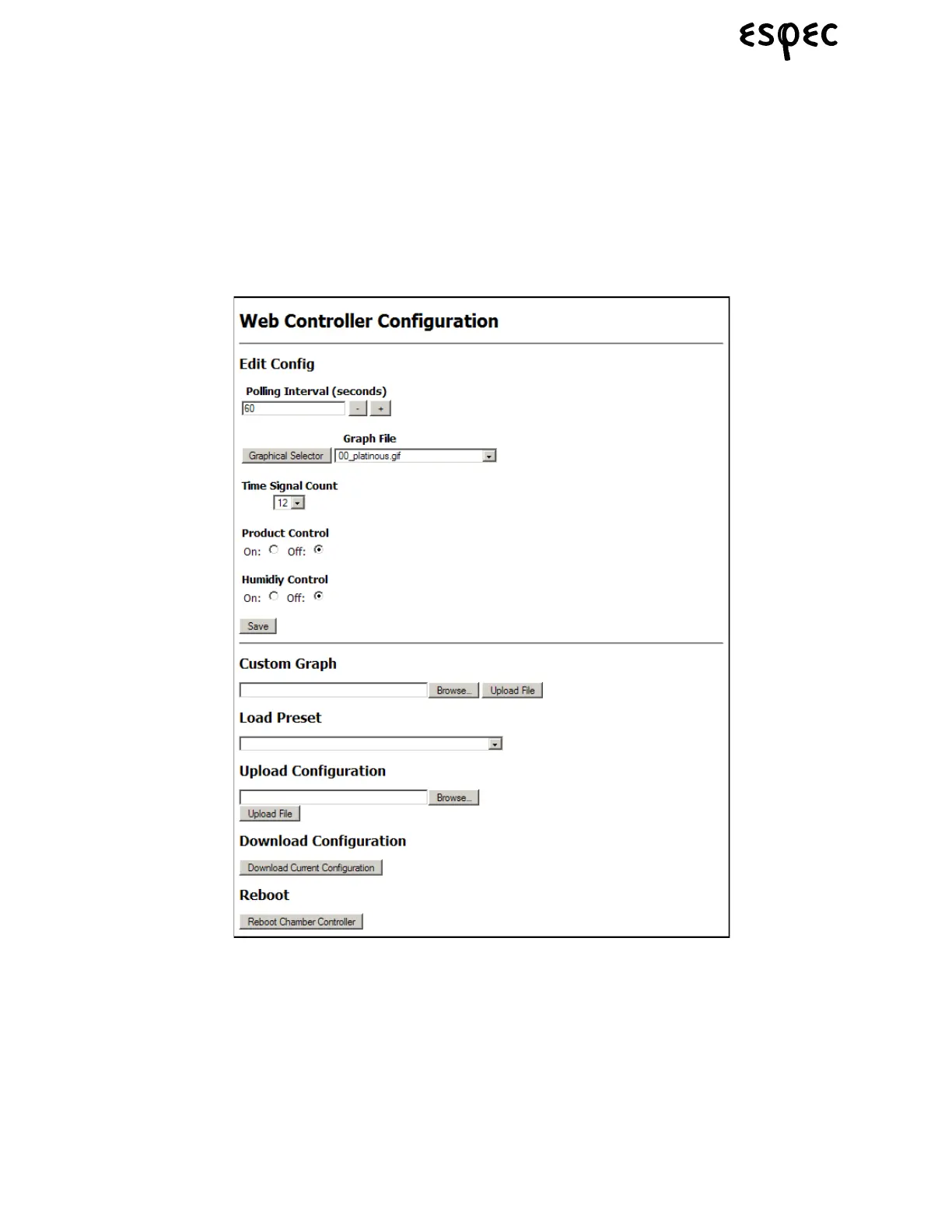
The web controller configuration screen is split into two main sections, as shown below. The top section of
the screen is used for manually entering the individual configurations, while the bottom section of the
screen can be used for loading standard preset configurations and other various functions. You have the
option of manually selecting the individual configurations that you need, or you can select a standard
preset; which will automatically load standard parameters that are used by many ENA standard test
chamber models. In order to use a preset, skip the instructions in section 2.1.1, and go directly to the Load
Preset Instructions in the “Web Controller Configuration Procedure” on page 11.



 To Next Page