26
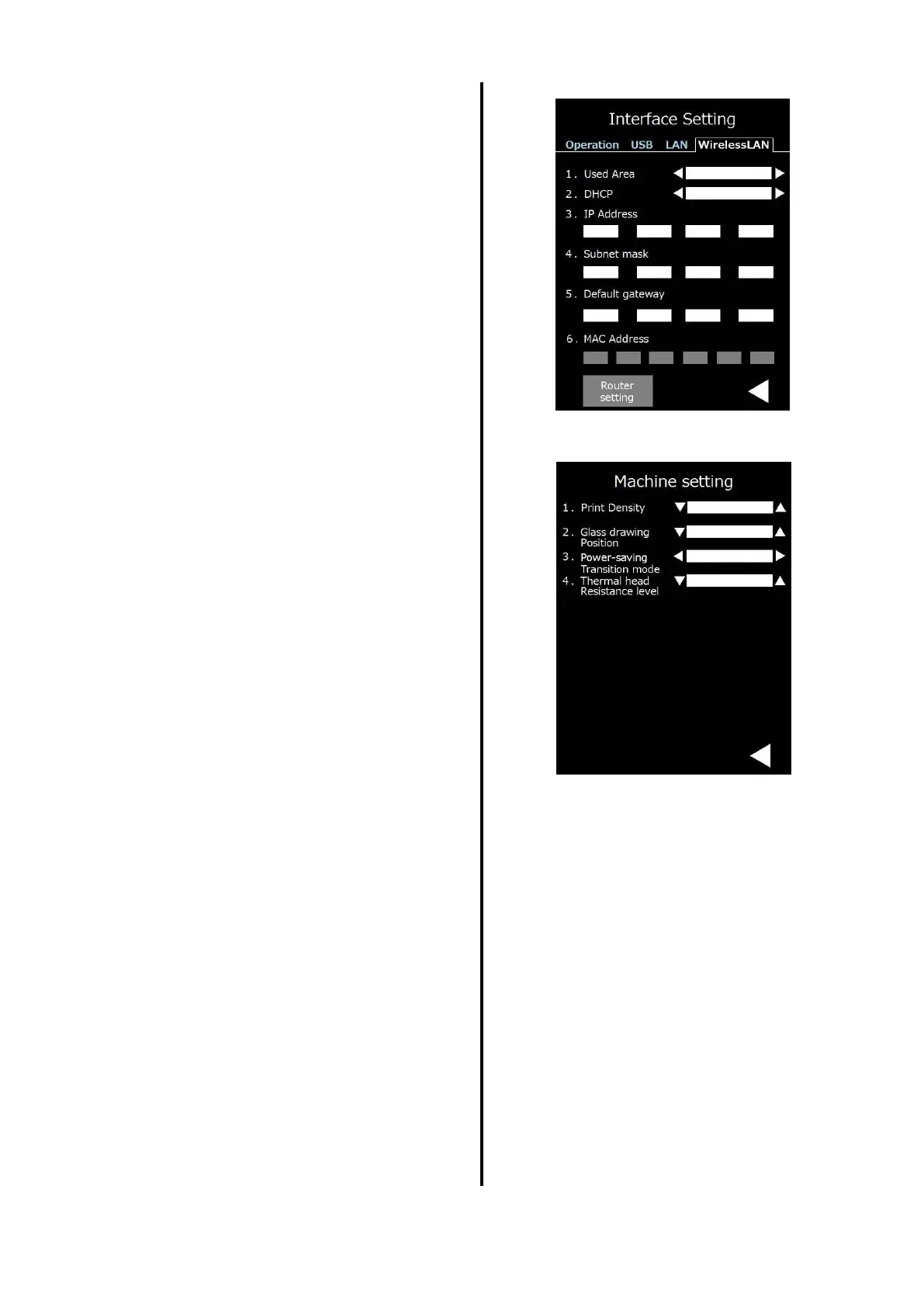
Change of wireless LAN mode
1. Used area
2. DHCP
3. IP address
4. Subnet mask
5. Default gateway router setting
Carry out each setting.
6. Show MAC address.
2. Machine setting
Various settings of printer can be
implemented.
1.Print density
The print density can be corrected.
2. Glass drawing position
It is possible to set the glass discharge
amount in the single discharge mode.
3. Power-saving Transition mode
If the system enters energy-saving
standby status,
the Ribbon rewind mode (rewind)
will be selected.
4. Thermal head Resistance level
Set the correction of head resistance
value.


 To Next Page