Frame Styling
15
Frame Selection
1 Select the Frame Tab at the top of the screen.
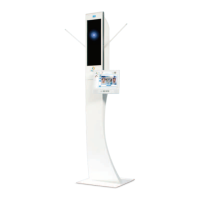
2 Position the patient wearing their selected frame in front
of the Visioffice mirror.
3 Raise or lower the Visioffice camera to align your
patient’s face in view.
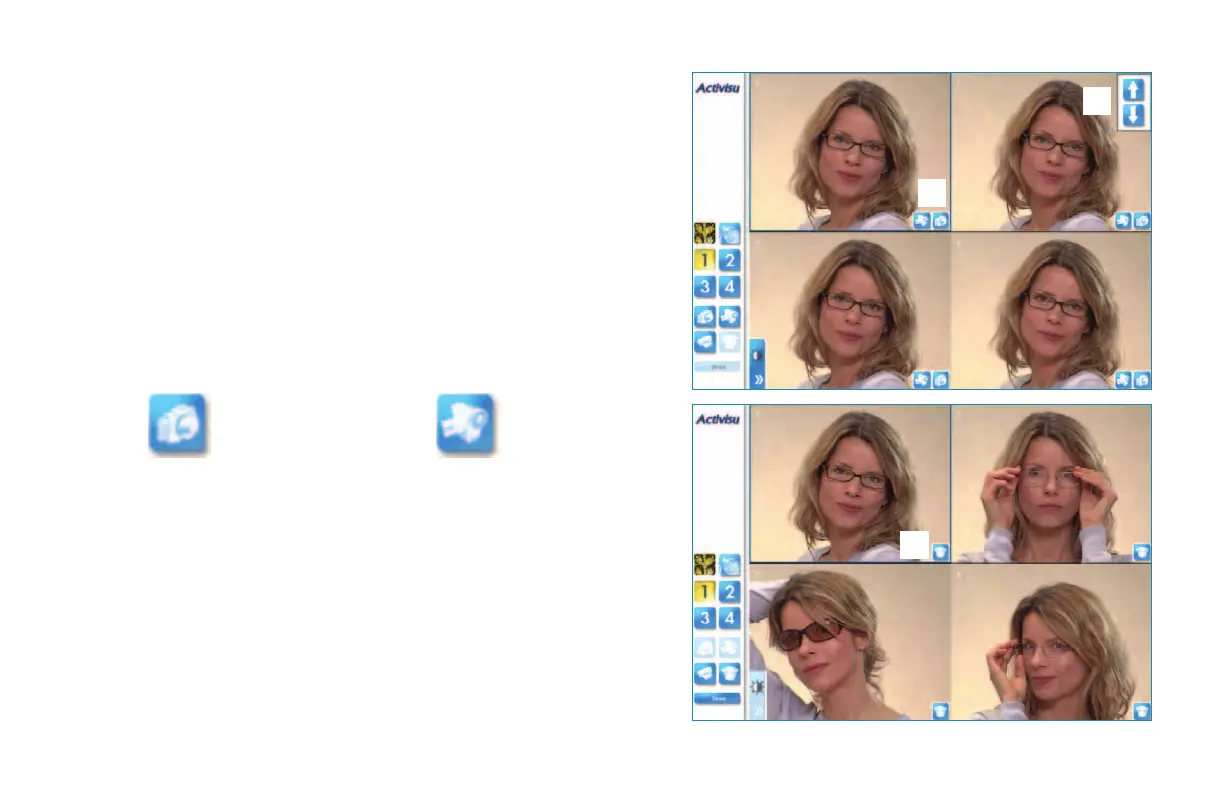
4 Press the Digital Camera icon to capture a still image, or
press the Video Camera button to record a short video clip.
5 Once the images are captured, you may display full screen
or split view by using the numbered buttons on the left
of the screen.
6 Press the Trash Can button to delete and retake and
image or video.
7 Press the Print Button to print a copy of the images.
When displayed split screen, all four images will print
on one copy. When displayed full screen, only the
selected image will print.
Still
Video
7
5
6
3
4


 To Next Page