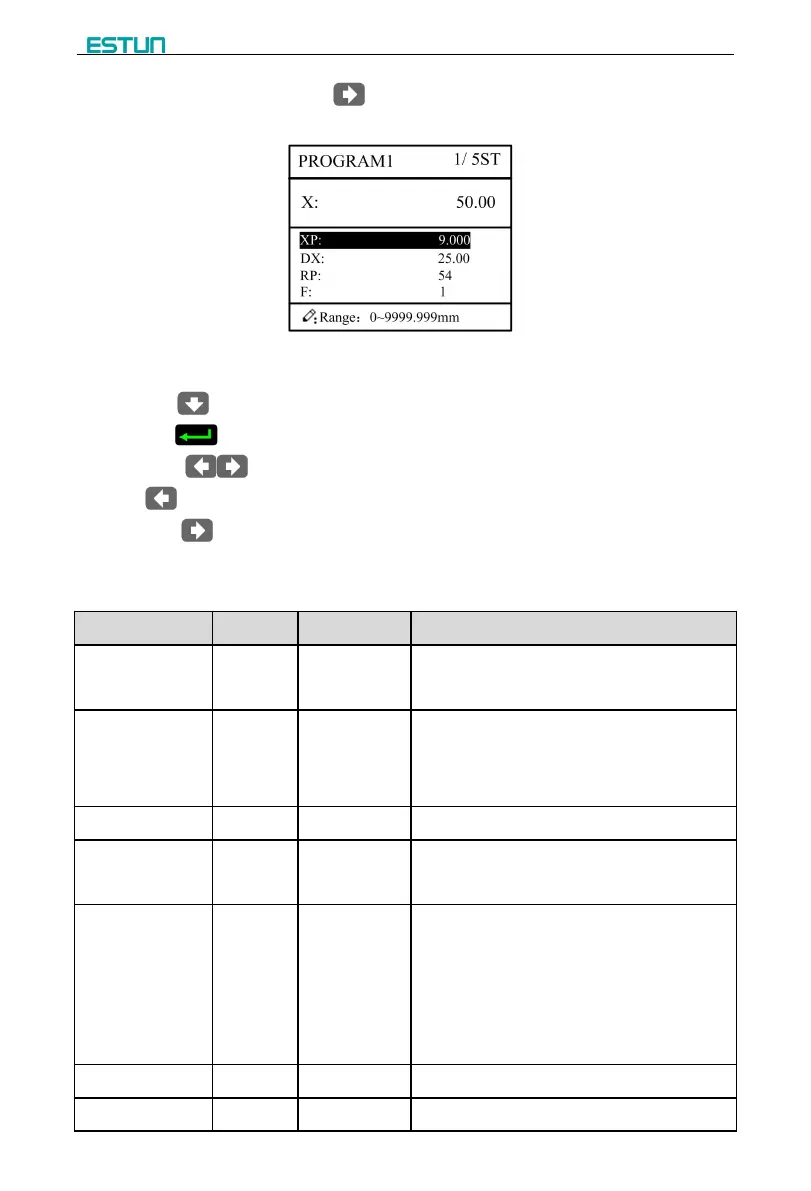
Step 6 In completion of set up, click , enter step parameter set page, as shown in Figure
Figure 2-6 Step parameter set page
Step 7 Click , select step parameter that needs to be set up, input program value,
click , and the setup takes effect.
Step 8 Click to switch over between steps. If the current step is the first step, click
to enter the last page of step parameter setting; if the current step is the last one,
click to enter the first page of step parameter setting.
Multi-step parameter setting range is shown in Table 2-3.
Table 2-3 Multi-step parameter setting range
Set up total processing step number of this
program
Number of work piece to be processed,
decreasing piece when more than zero;
negative increasing count.
Number of finished work piece
Time between retract signal and concession
execution.
There is a delay time for the cutter goes to the
next work-step, after it leaves the top dead
center.
[Note] Only the parameter CutDelay En. is
set to 1, displaying this parameter.
Current position of X axis, can’t be modified.
Program position of X axis.


 To Next Page