The device can detect internal or external abnormity automatically and send out alarm
prompt. Alarm message is available on alarm list.
Step 1 On programming management page, click to enter programming constant page.
Step 2 On programming constant page, click to enter “Alarm history” page to view all
alarm history.
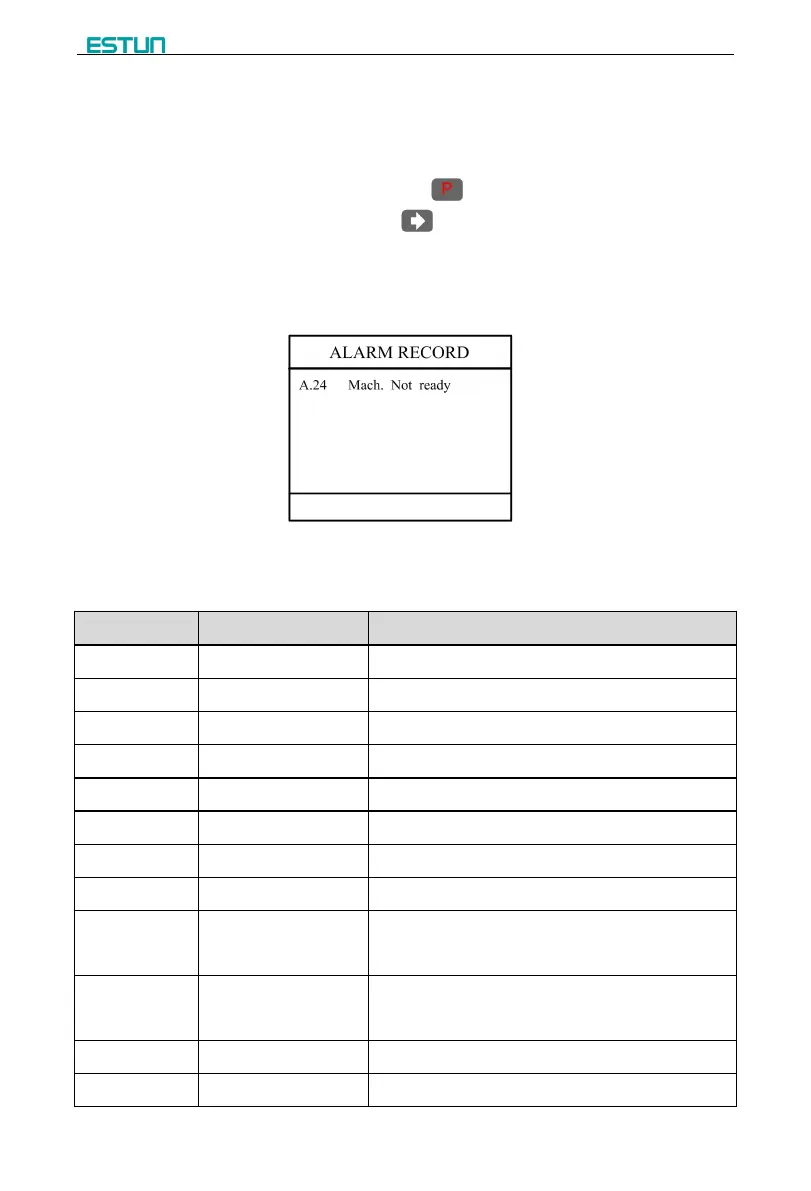
As shown in Figure 3-1, the latest 6 alarms, alarm number and causes can be viewed
on this page.
Figure 3-1 Alarm history page
Alarm history and message is shown in Table 3-1.
Table 3-1 Alarm number and alarm message
Count reaches preset value
Move X-axis forwards in Manual Movement.
Move X-axis forwards in Manual Movement.
The current position of X-axis exceeds the soft limit
A-axis current position beyond the maximum limit
A-axis current position beyond the minimum limit
G-axis current position beyond the maximum limit
G-axis current position beyond the minimum limit
Rerun, the alarm is cleared automatically.
Beam is not on upper
dead point
Step on the Foot Up Switch, moving the slider to the
TDC, and the alarm will be cleared automatically.
Check whether the encoder wiring is normal.


 To Next Page