EN - 58
EN
Compatibility:
Smart device operational system - Android 6.0 and higher
- IOS 11.0 and higher
WIfI network - 2,4 Ghz
- WPA1 and WPA2 security (recommended WPA2)
NOTICE
The device cannot be operated on IEEE 802.1X-secured Wi networks (usually
corporate Wi networks).
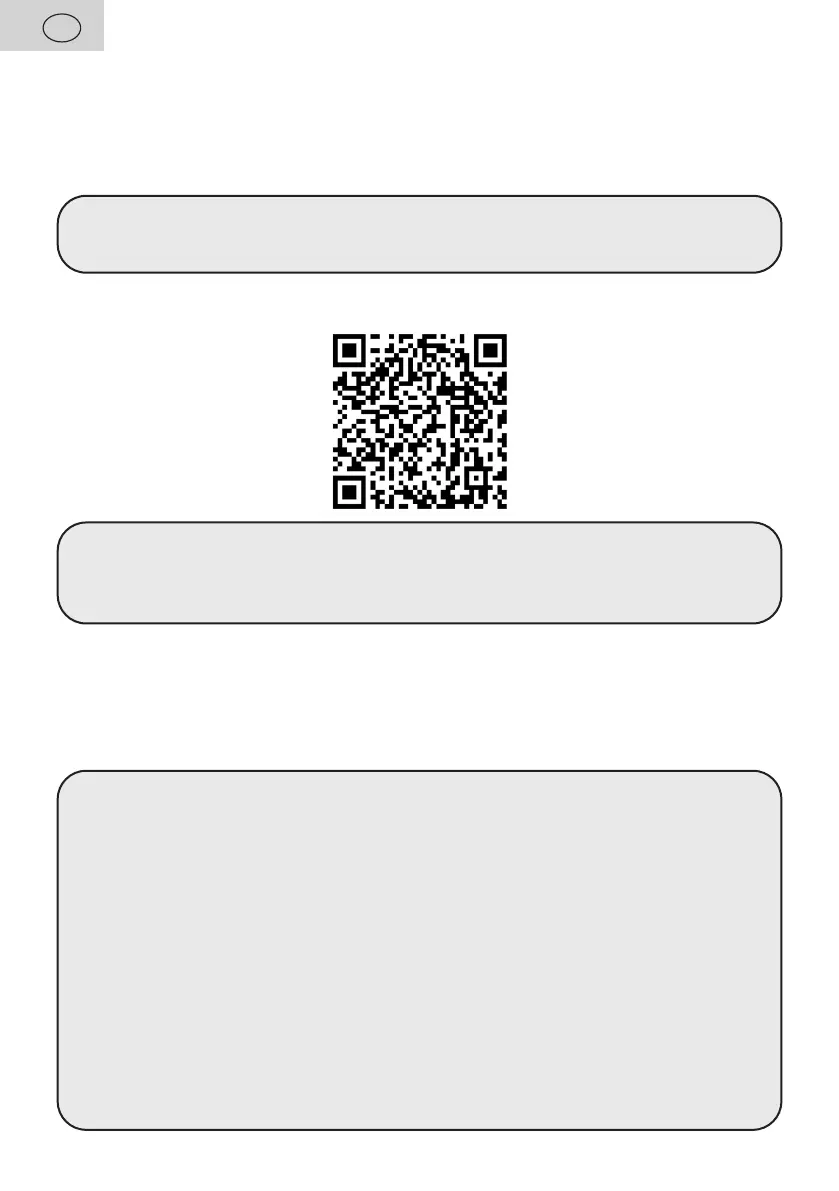
Download the free app called "ETA SMART" to your Smart Device. You can nd it in the
Apple Store or Google Play database, or you can use the following QR code to speed it up:
Remarks
– If the QR code is not active, search for the application manually by name.
– To download the English version of the application, you must have the English
language set as the system language on your smart device.
"ETA SMART" application allows comfortable and intuitive control of your vacuum cleaner
from your smart device. When pairing the device and also during follow-up use of the vacuum
cleaner, please follow the instructions directly in the application. The vacuum cleaner has an
indicator of the connection to the Wi-Fi network A12. If A12 indicator lights green, the vacuum
cleaner is connected to Wi-Fi. If it ashes slowly it is not connected. When the vacuum
cleaner is paired with the Wi-Fi network, the A12 indicator ashes quickly.
Remarks
– If you have trouble pairing, rst:
• Verify that the Wi network settings and the operating system of the smart
device meet the specied requirements
• Restart the vacuum cleaner and smart device and repeat the process;
• If possible, try restarting the Wi router itself;
• Verify that the vacuum cleaner is within the range of the Wi signal;
• Check whether the vacuum cleaner has been charged.
– The WiFi network name and password for connection must contain only alphabetic
characters (a-z, lower case or capitals) and numbers (0-9).
–
Some pairing problems can be caused by the saturation of Wi networks and set-
up channels (especially in housing estates), causing collisions and outages. If such
failures occur, it usually helps to restart the vacuum cleaner itself or the Wi router.
At the same time, for stable operation, your Wi signal needs to be strong enough to
cover the entire area of the intended use of the vacuum cleaner.
– If your smart device is running Android 6.0 and above, you need to have location
detection turned on.



 To Next Page